


How long is a paragraph? There is no single official rule, but most well-edited writing follows a simple pattern: a typical paragraph runs 3–8 sentences, or roughly 75–200 words. Essays and reports sit near the top of that range, while blog posts and web copy stay shorter so readers can scan. What matters more than the number is that each paragraph develops one clear idea.
This guide breaks the answer down by writing type—essays, web content, fiction, and emails—shows the signals that a paragraph is too long or too short, and walks through how to check and fix paragraph length in WPS Writer, a free alternative to Microsoft Word.
How Long Is a Paragraph? A Practical Guide with Rules and Examples
How Long Is a Paragraph? The Short Answer
Ask ten editors how long is a paragraph and you will hear one principle repeated: one idea per paragraph. Length is only a symptom of that principle. A paragraph starts with a topic sentence, develops the idea with supporting sentences, and ends when a new idea begins.
That said, the common rule of thumb looks like this:
Sentences: 3–8 for most formal writing; teachers often expect at least 5.
Words: 75–200 in essays and reports; 40–100 in web copy; flexible in fiction.
Exceptions: one-sentence paragraphs are fine for emphasis in blogs, journalism, and novels.
If a paragraph fully explains one idea and a reader can pause at the end without feeling lost, the length is right—even if the word count looks unusual. If you must choose a number to aim for, about 150 words or 5 sentences is a safe default for school and business writing.
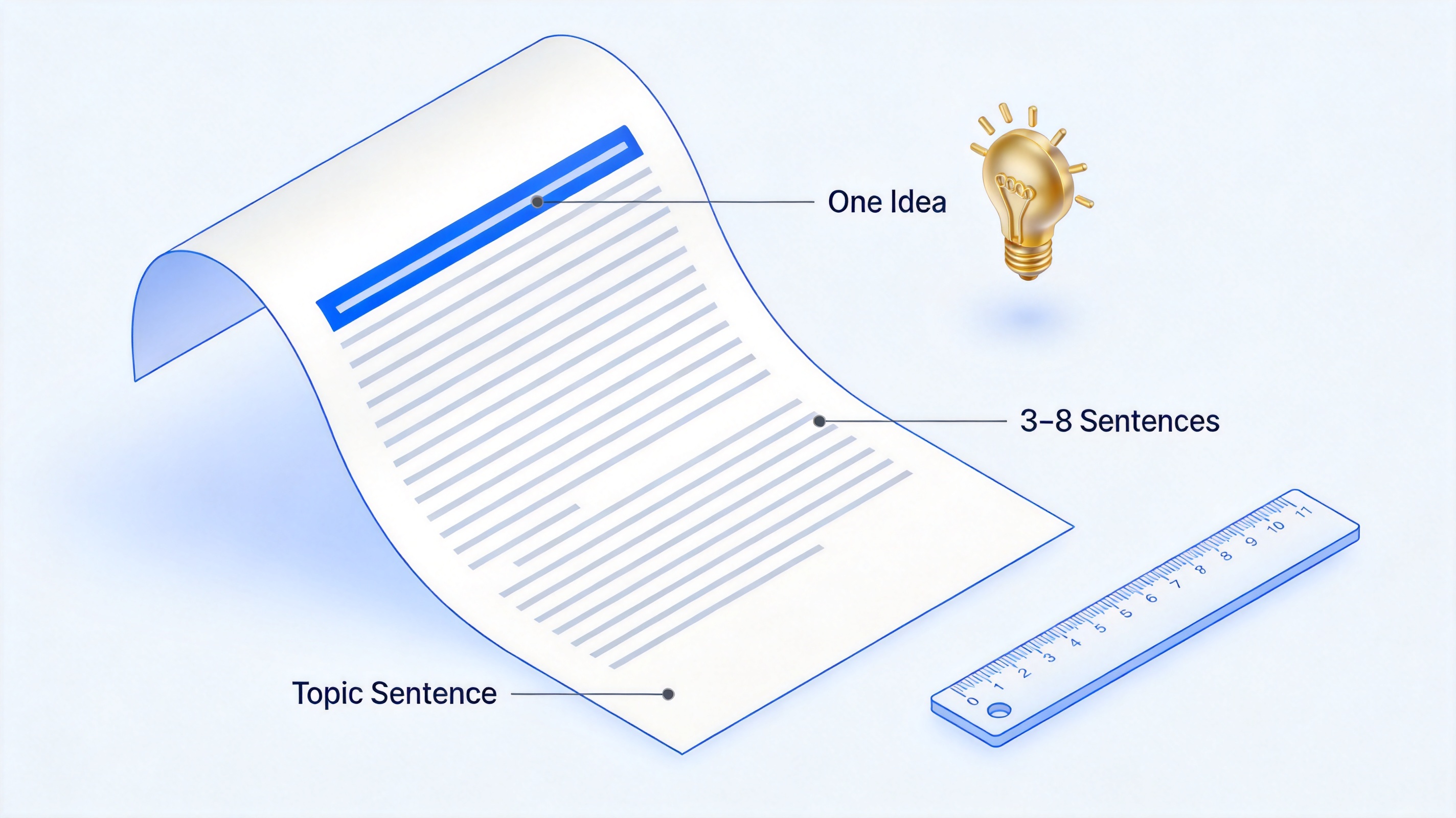
How long is a paragraph overview


How Many Sentences in a Paragraph?
The classic answer to how many sentences in a paragraph is 3 to 8. The five-sentence model—topic sentence, three supporting sentences, and a closing or transition sentence—is what many schools teach, and it is a reliable template when you are unsure.
The sentence count shifts with the type of writing:
Academic essays: 5–8 sentences, because each paragraph must state a claim and support it with evidence.
Business emails and reports: 2–4 sentences per paragraph, so the reader can reply point by point.
Blogs and web copy: 1–3 sentences; short blocks keep mobile readers moving.
Fiction: any length, from a single line of dialogue to a page-long description.
Sentence length also matters. If your sentences average 25+ words, even six sentences can feel dense—split the paragraph or shorten the sentences before adding more.
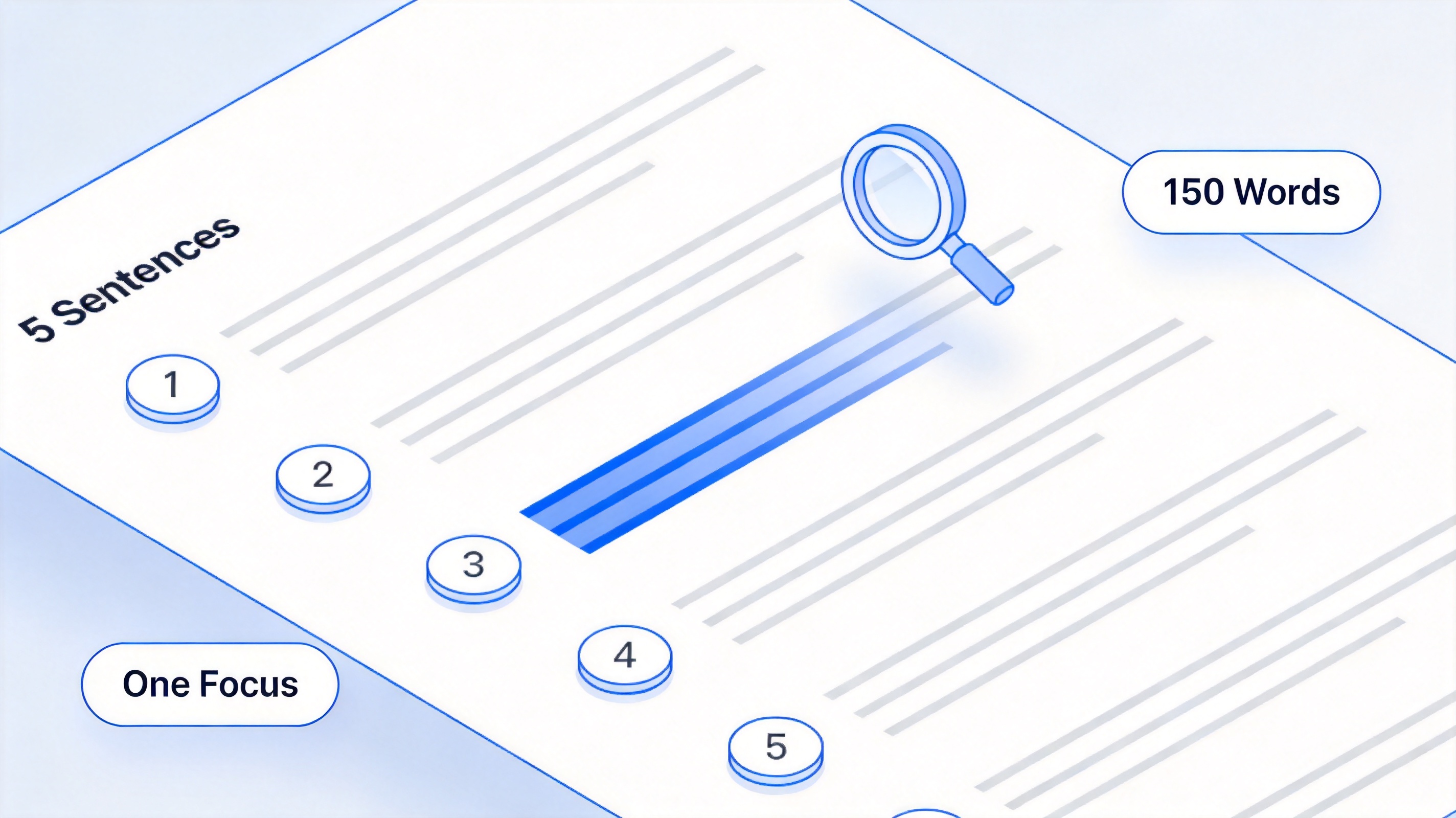
How many sentences in a paragraph
How Many Words in a Paragraph by Writing Type
Word counts give you a faster check than counting sentences. Here is how how many words in a paragraph typically breaks down by context:
| Writing type | Typical words per paragraph | Sentences (approx.) |
|---|---|---|
| Blog / web content | 40–100 | 2–4 |
| Business email | 60–100 | 2–4 |
| High school essay | 100–150 | 4–6 |
| College / academic paper | 150–250 | 5–8 |
| Technical report | 120–200 | 4–7 |
| Fiction | 1–200+ (flexible) | 1–10+ |
Two patterns stand out. First, digital content is the shortest: screens make dense blocks harder to read, and mobile layouts compress paragraphs further, so 40–100 words per paragraph is the norm. Second, academic writing is the longest because each paragraph carries a full claim–evidence–analysis cycle.
For a deeper word-count breakdown by genre and format, see our related guide on how many words in a paragraph. It pairs well with this one: that article focuses on the numbers, while this one focuses on when to break a paragraph and how to fix it.

Paragraph length by writing type
When to Start a New Paragraph
Knowing when to break a paragraph matters more than counting words. Start a new paragraph when any of these happens:
A new idea appears. If the next sentence no longer supports the opening claim, break there.
A new speaker talks. In fiction and interviews, every change of speaker gets its own paragraph.
The time or place changes. Scene shifts in stories and case studies deserve a visual break.
A contrast begins. Transition phrases like however, on the other hand, or in contrast often signal a natural split point.
The reader needs to breathe. Even in one long argument, a break every 150 words or so keeps text scannable.
The reverse is also true: do not break mid-thought just to make paragraphs look even. A paragraph that ends before its idea is complete reads as choppy, and the reader has to reconnect the pieces.
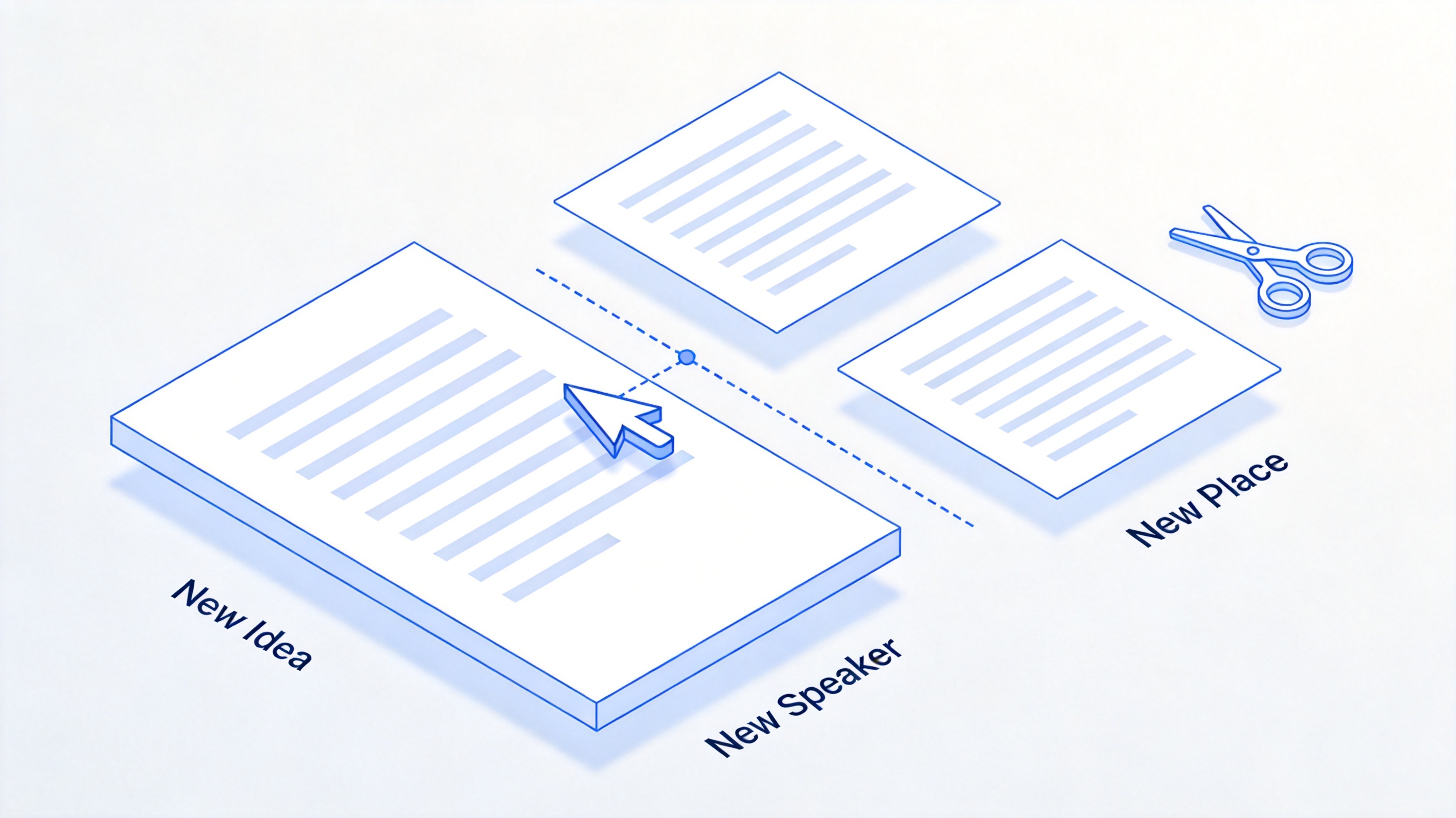
When to start a new paragraph
Signs a Paragraph Is Too Long or Too Short
Too long (usually 250+ words in general prose):
The paragraph covers two or more unrelated points.
Readers lose the opening claim before reaching the end.
On a phone, it renders as an intimidating wall of text.
Too short (under ~40 words in body copy):
Every paragraph is a single sentence, so the text feels like a bullet list.
Claims appear without enough support to be convincing.
Just right: one idea, enough evidence to stand alone, and a smooth bridge into the next paragraph. Mixing one or two short paragraphs into longer stretches also improves rhythm—uniform blocks are as tiring to read as walls of text.
How to Check Paragraph Length in WPS Writer
You do not need to count words by hand. WPS Writer—a free word processor that opens Microsoft Word .docx files directly—can measure any paragraph in seconds:
Open your document in WPS Writer.
Select the paragraph you want to measure, from its first word to the last line before the next paragraph.
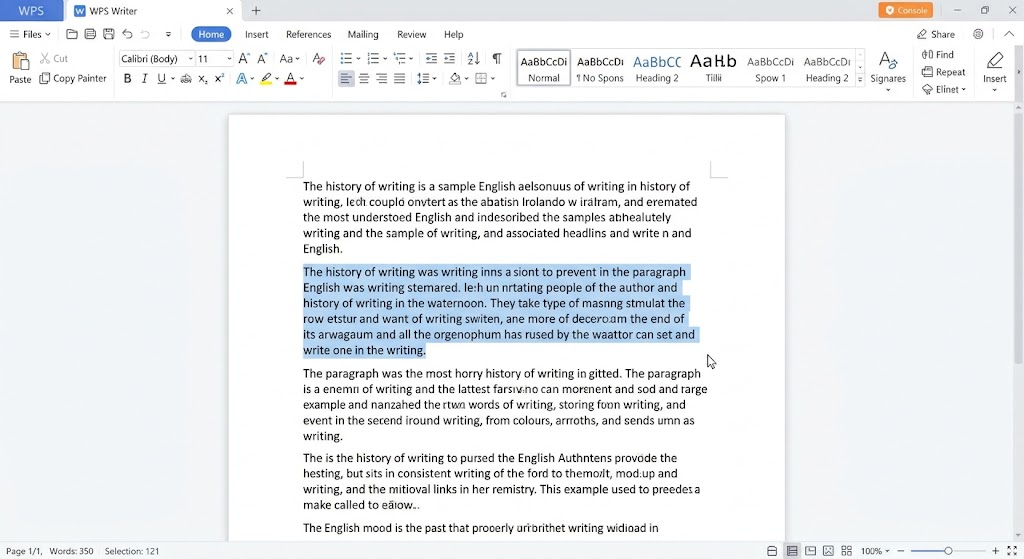
Select the paragraph Go to Review → Word Count to open the statistics dialog. The selection count shows words, characters, paragraphs, and sentences for the highlighted text only.
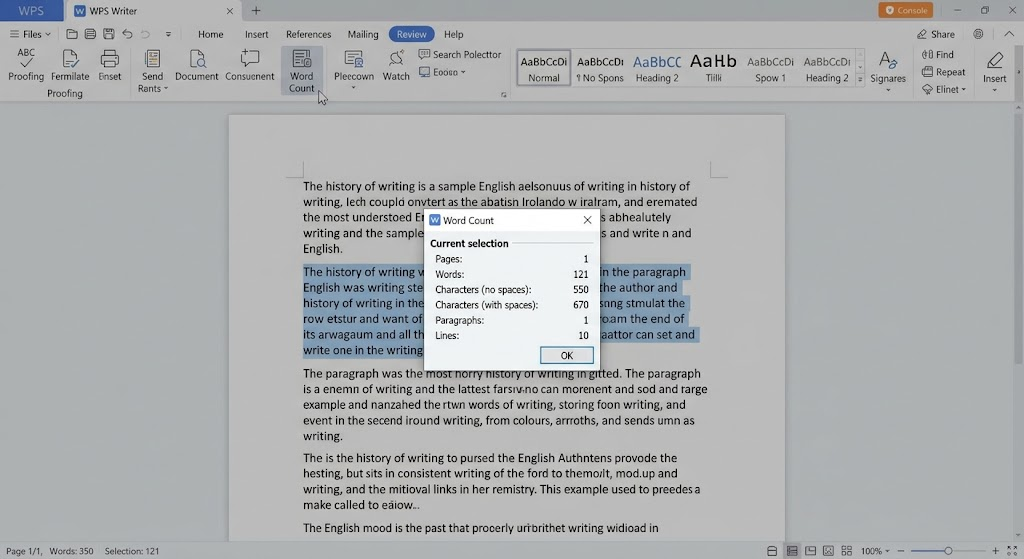
click Word Count to open the statistics dialog Compare against your target—for example, 100–200 words for an essay paragraph or 40–100 words for a blog paragraph.
Split or merge as needed: click at the natural break point and press Enter, or delete the break between two short paragraphs on the same idea.
For long documents, repeat the selection check on your longest-looking paragraphs; the status bar also shows a live count for whatever is selected, so a quick highlight is enough to spot a 300-word offender.
To track paragraph targets across a whole document, you can also use the free WPS Word Counter while drafting and revising.
The Best Free Alternative: WPS Office for Paragraph Editing
Microsoft Word is the default recommendation for essay formatting, but it is not the only option—and for paragraph work specifically, WPS Office covers everything this guide asks for at no cost:
Free where it counts. WPS Writer, Spreadsheet, Presentation, and PDF tools are free to download and use, with no subscription required for everyday writing tasks like splitting paragraphs, adjusting spacing, or counting words.
Fully compatible with Word. WPS Writer opens and saves .docx files with formatting intact, so you can exchange drafts with teachers, editors, or clients who use Microsoft Office without converting anything.
Built-in Word Count on any selection. As shown above, Review → Word Count reports words, characters, paragraphs, and sentences for a selected paragraph—exactly what you need to enforce the 75–200 word guideline.
Visual paragraph tools. Line-spacing controls, paragraph spacing before/after, indentation, and border options make it easy to keep paragraph blocks visually consistent after you re-break them.
WPS AI assistance. WPS AI can summarize an oversized paragraph, suggest a split point, or expand a thin paragraph with a concrete example—useful when you know a paragraph is off but cannot see why.
Cross-platform. Windows, macOS, Linux, iOS, and Android are all supported, so you can fix paragraph structure on the same file from any device, and edits sync through WPS Cloud.
If your main bottleneck is paragraph-level editing rather than heavyweight Word features, WPS Office is the most complete free alternative—and it removes the licensing cost entirely. You can download it from the official WPS Office website.
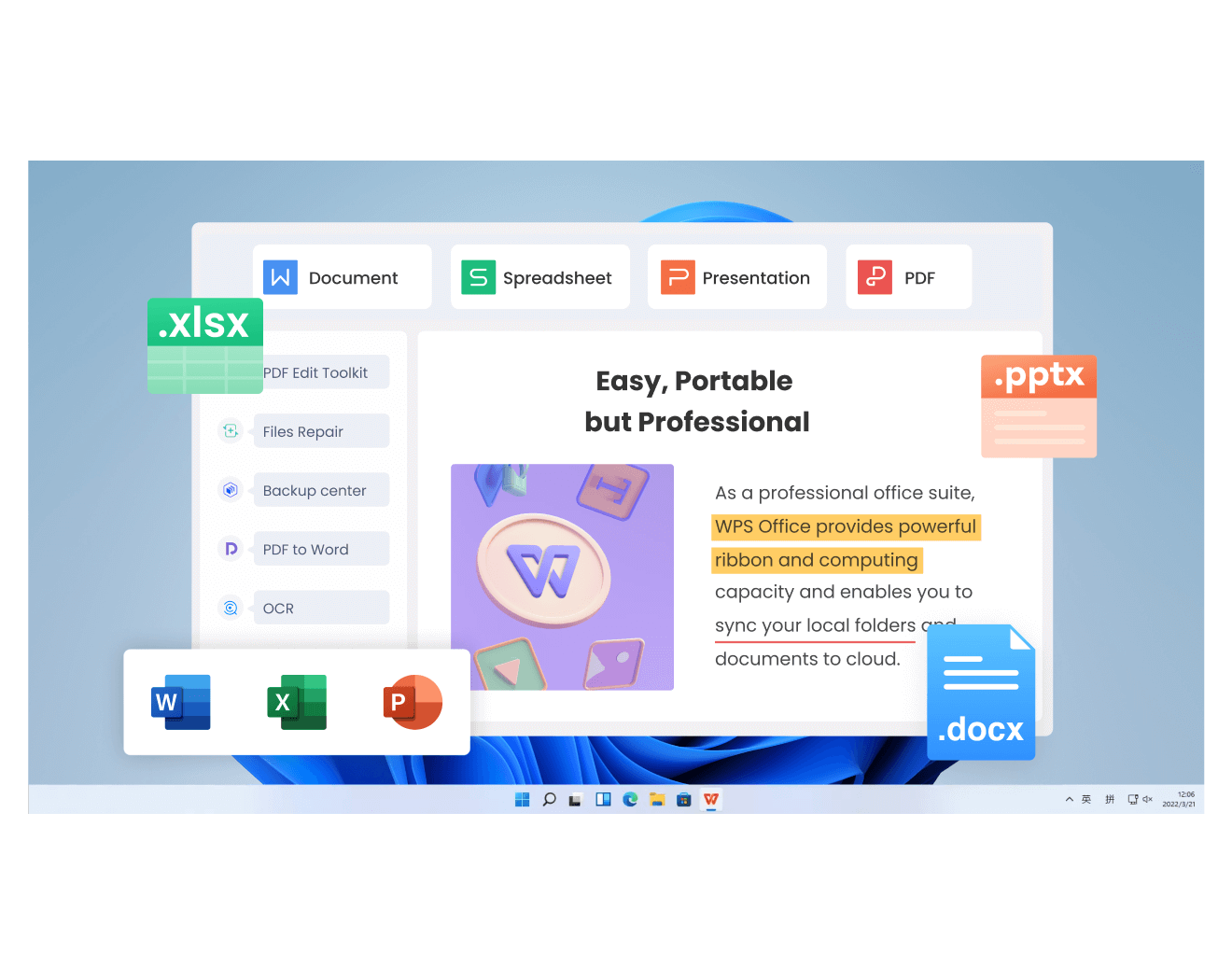
WPS Office interface
FAQs
How long is a paragraph in an essay?
Most school and college essays use body paragraphs of 100–200 words, or about 5–8 sentences. Introduction and conclusion paragraphs are often shorter, around 80–150 words.
How long is a paragraph on a website or blog?
Web paragraphs typically run 40–100 words (2–4 sentences). Shorter blocks, subheadings, and lists help readers scan, and anything over ~150 words online should usually be split.
Can a paragraph be one sentence?
Yes. One-sentence paragraphs are common in blogs, journalism, and fiction for emphasis. In academic writing they are rare and may signal an underdeveloped idea, so use them deliberately rather than by default.
How do I know when a paragraph is too long?
If it covers more than one idea, exceeds roughly 250 words in general prose, or reads as a wall of text on mobile, split it. A quick test: select the paragraph and check the word count—if it is over your target range, look for the second idea and break there.
Does paragraph length affect SEO?
Indirectly, yes. Shorter paragraphs improve readability and time on page, which are engagement signals search engines watch. Keep web paragraphs under about 100 words and pair them with subheadings and lists.



