



'%3e%3cpath%20fill-rule='evenodd'%20clip-rule='evenodd'%20d='M21.4999%2010.9993C21.4999%205.20009%2016.7986%200.498901%2010.9993%200.498901C5.19994%200.498901%200.498657%205.20009%200.498657%2010.9993C0.498657%2016.2404%204.33858%2020.5844%209.35855%2021.3722V14.0346H6.69238V10.9993H9.35855V8.68594C9.35855%206.05427%2010.9262%204.60062%2013.3248%204.60062C14.4736%204.60062%2015.6753%204.80571%2015.6753%204.80571V7.38979H14.3512C13.0468%207.38979%2012.64%208.19921%2012.64%209.0296V10.9993H15.5523L15.0867%2014.0346H12.64V21.3722C17.66%2020.5844%2021.4999%2016.2404%2021.4999%2010.9993Z'%20fill='%231568EA'/%3e%3c/g%3e%3c/svg%3e)


'%3e%3cpath%20d='M2.42045%2022.1876H6.31818V12.7217L0.75%208.54553V20.5171C0.75%2021.4414%201.49892%2022.1876%202.42045%2022.1876Z'%20fill='%234285F4'/%3e%3cpath%20d='M19.682%2022.1876H23.5797C24.5041%2022.1876%2025.2502%2021.4387%2025.2502%2020.5171V8.54553L19.682%2012.7217'%20fill='%2334A853'/%3e%3cpath%20d='M19.682%205.48293V12.7216L25.2502%208.54543V6.31816C25.2502%204.25236%2022.8921%203.07469%2021.2411%204.31361'%20fill='%23FBBC04'/%3e%3cpath%20d='M6.31824%2012.7217V5.48303L13.0001%2010.4944L19.6819%205.48303V12.7217L13.0001%2017.733'%20fill='%23EA4335'/%3e%3cpath%20d='M0.75%206.31816V8.54543L6.31818%2012.7216V5.48293L4.75909%204.31361C3.10534%203.07469%200.75%204.25236%200.75%206.31816Z'%20fill='%23C5221F'/%3e%3c/g%3e%3cdefs%3e%3cclipPath%20id='clip0_2954_7305'%3e%3crect%20width='24.5'%20height='18.375'%20fill='white'%20transform='translate(0.75%203.8125)'/%3e%3c/clipPath%3e%3c/defs%3e%3c/svg%3e)


PDF/A is the archival standard your Mac documents may need one day. When a client, an archive, or a government office asks for a file that stays readable for decades, a regular PDF is not always enough. This guide shows you how to convert PDF to PDF/A on Mac quickly, with free tools and clear steps, so your files stay compliant and future-proof.
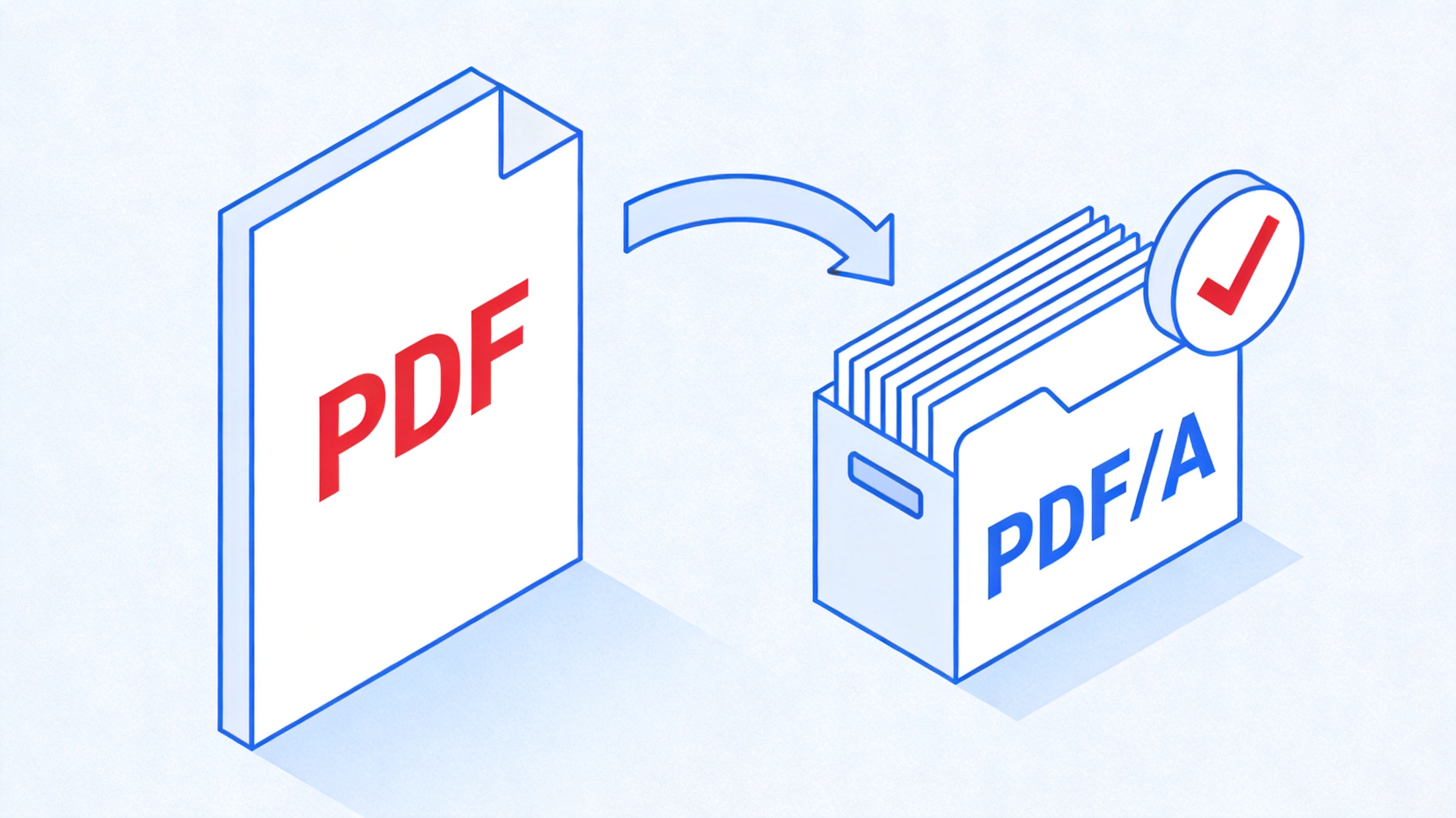
How to Convert PDF to PDF/A on Mac
What Is PDF/A and Why Convert PDF to PDF/A on Mac?
PDF/A is a special version of PDF defined by the ISO 19005 standard. It is built for long-term archiving: every font is embedded, colors are fixed, and encryption, JavaScript, and audio or video are not allowed. As a result, a PDF/A file opens the same way today, tomorrow, and ten years from now.
Archives, universities, publishers, and government bodies often require PDF/A for submissions and records. If you deal with such documents on a Mac, knowing how to convert PDF to PDF/A on Mac helps you avoid last-minute format errors and keeps your work safe.
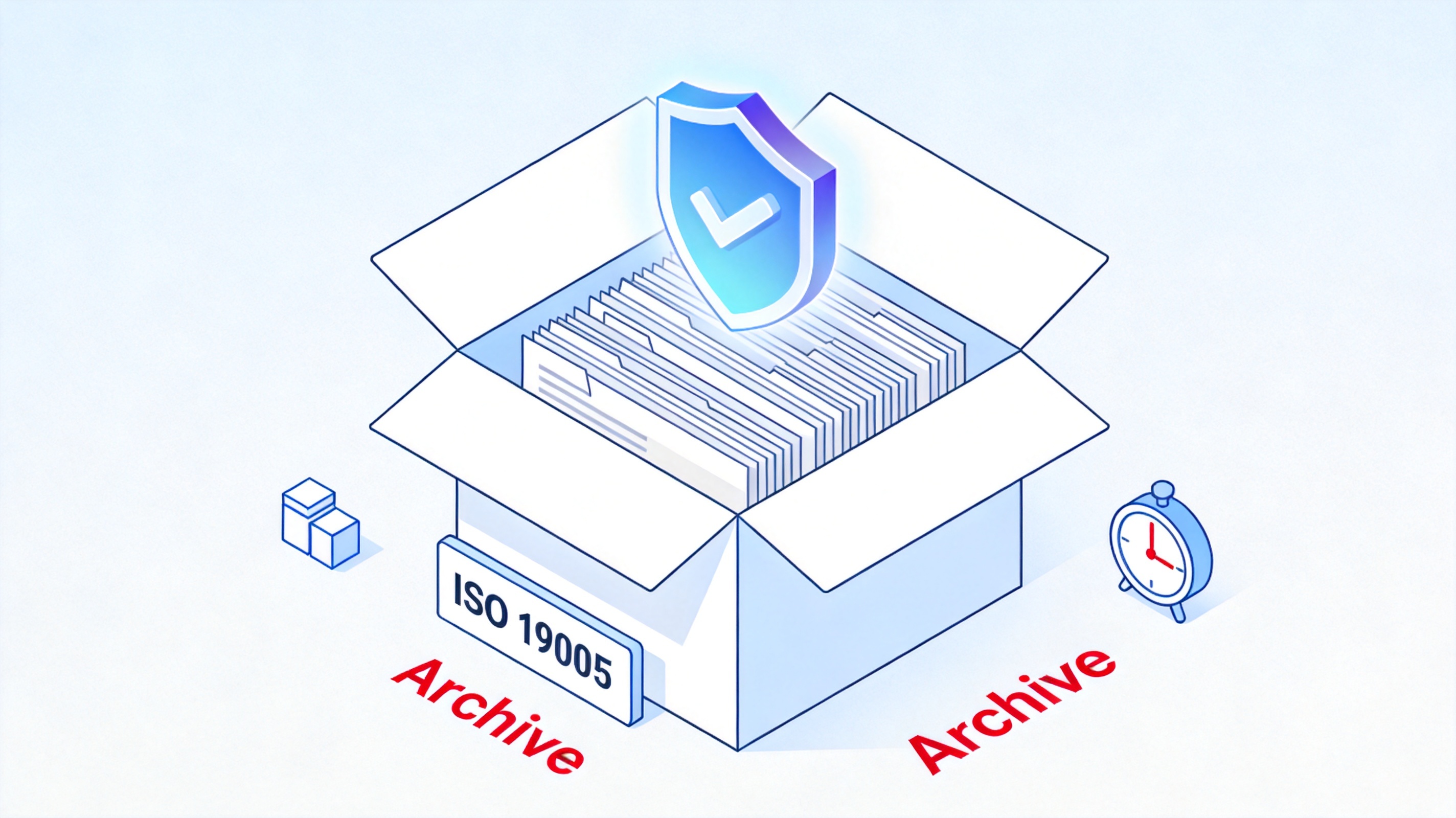
PDF/A ISO 19005 archival format concept


What You Need to Convert PDF to PDF/A on Mac
Converting to PDF/A on a Mac does not take special hardware or expensive software. You only need two things: the source file and a tool that can export the archival format.
WPS Office for Mac, which is free to download and includes a full PDF toolkit.
Your source document, whether it is a Word, Excel, PPT file, or an existing PDF.
A few seconds of your time to pick the right export option.
You can grab WPS Office from the official WPS website before you start.
WPS Office PDF export tools ready
How to Convert PDF to PDF/A on Mac with WPS Office
The fastest route to an ISO 19005 file is to use WPS Office for Mac, because it builds the PDF/A export right into your everyday workflow.
Open your document in WPS Office on your Mac. This works in Writer, Spreadsheets, and Presentation.
Click File in the top menu, then choose Export as PDF.
In the dialog that opens, set PDF Standard (or Compatibility) to PDF/A (ISO 19005).
Optional: turn on Embed fonts and Create bookmarks to keep the file readable and easy to navigate.
Choose where to save the file and click Start Export.
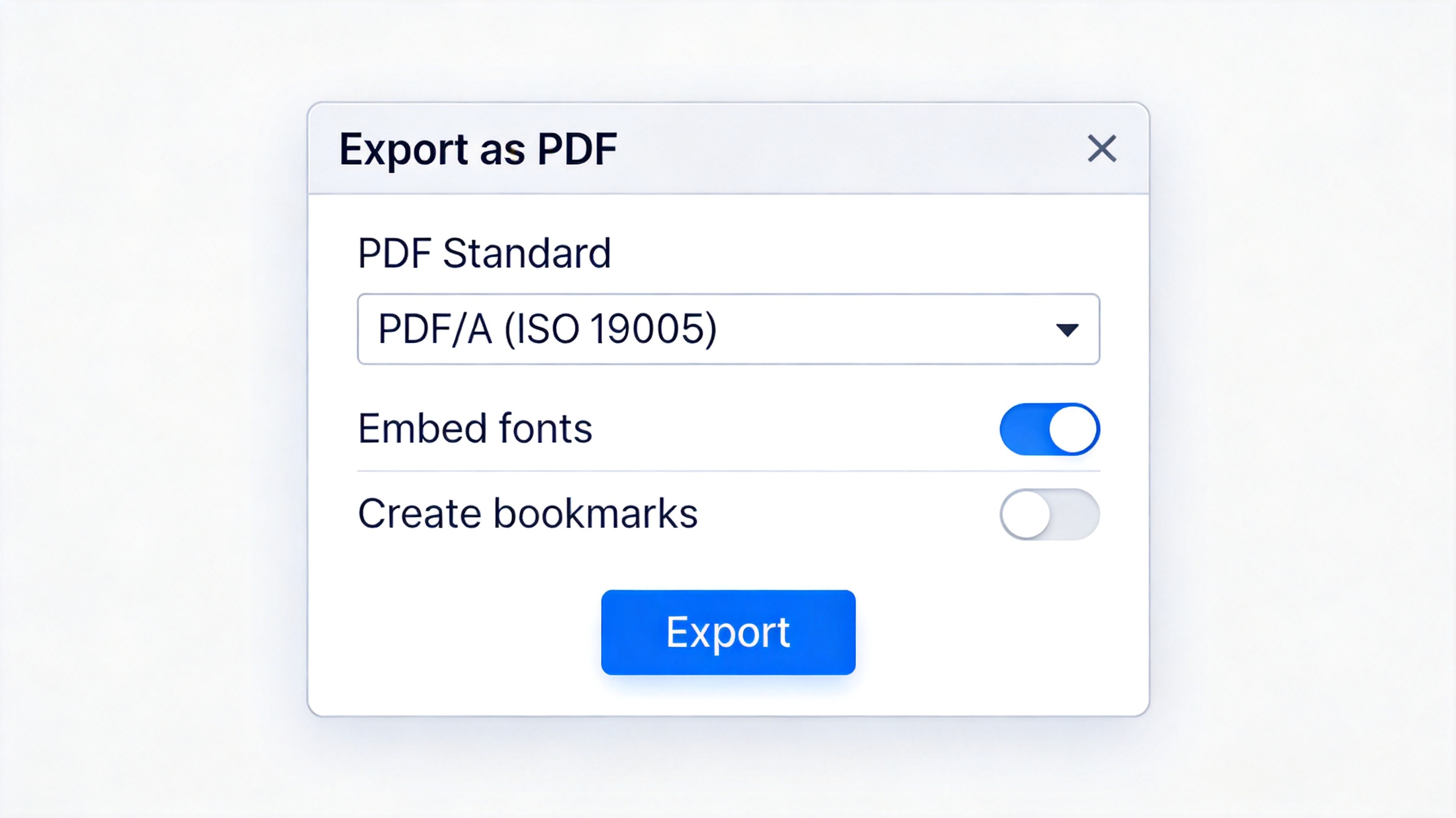
WPS Office export PDF dialog PDF/A option
WPS generates an archival-grade PDF/A file in seconds. The export dialog keeps fonts, layout, and links intact, so your document looks professional on any device.
Other Ways to Convert PDF to PDF/A on Mac
If you already have a PDF and you do not want to open it in an office app, your Mac already has a built-in option that produces a PDF/A file.
Open the PDF in Preview.
Go to File > Export.
Tick the Create PDF/A box.
Click Save.
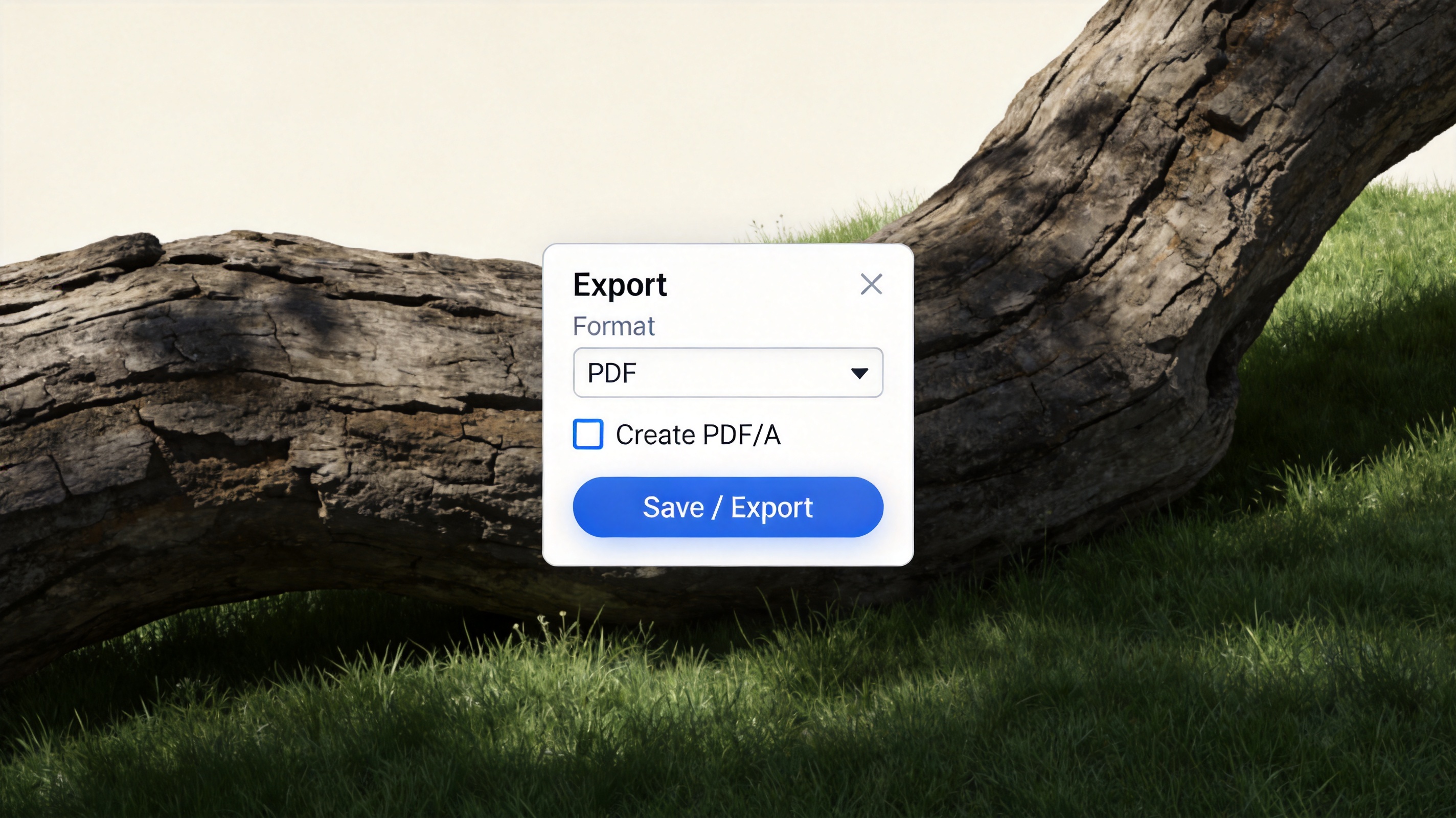
macOS Preview export dialog Create PDF/A
LibreOffice and Adobe Acrobat Pro also export PDF/A. In LibreOffice, choose File > Export as PDF and tick the PDF/A option. In Acrobat Pro, open All tools > Apply PDF standards and choose Save as PDF/A. For a richer PDF toolkit on your Mac, see how WPS PDF helps you edit and convert PDFs beyond Preview.
The Best Free Alternative: WPS Office
Between one-off online converters and expensive editors, WPS Office sits in a sweet spot. It is free, it runs natively on macOS, and it handles Word, Excel, PPT, and PDF in a single app.
WPS PDF tools let you convert, edit, compress, merge, and sign PDFs without jumping between several programs. You get a real desktop workflow, no uploads to random servers, and a familiar Microsoft-style interface that is easy to learn.
Compared with paid suites, WPS keeps PDF/A export, PDF editing, and basic PDF conversion free, with an option to unlock advanced features when you need them. That makes it the easiest way to convert PDF to PDF/A on Mac without spending a cent.
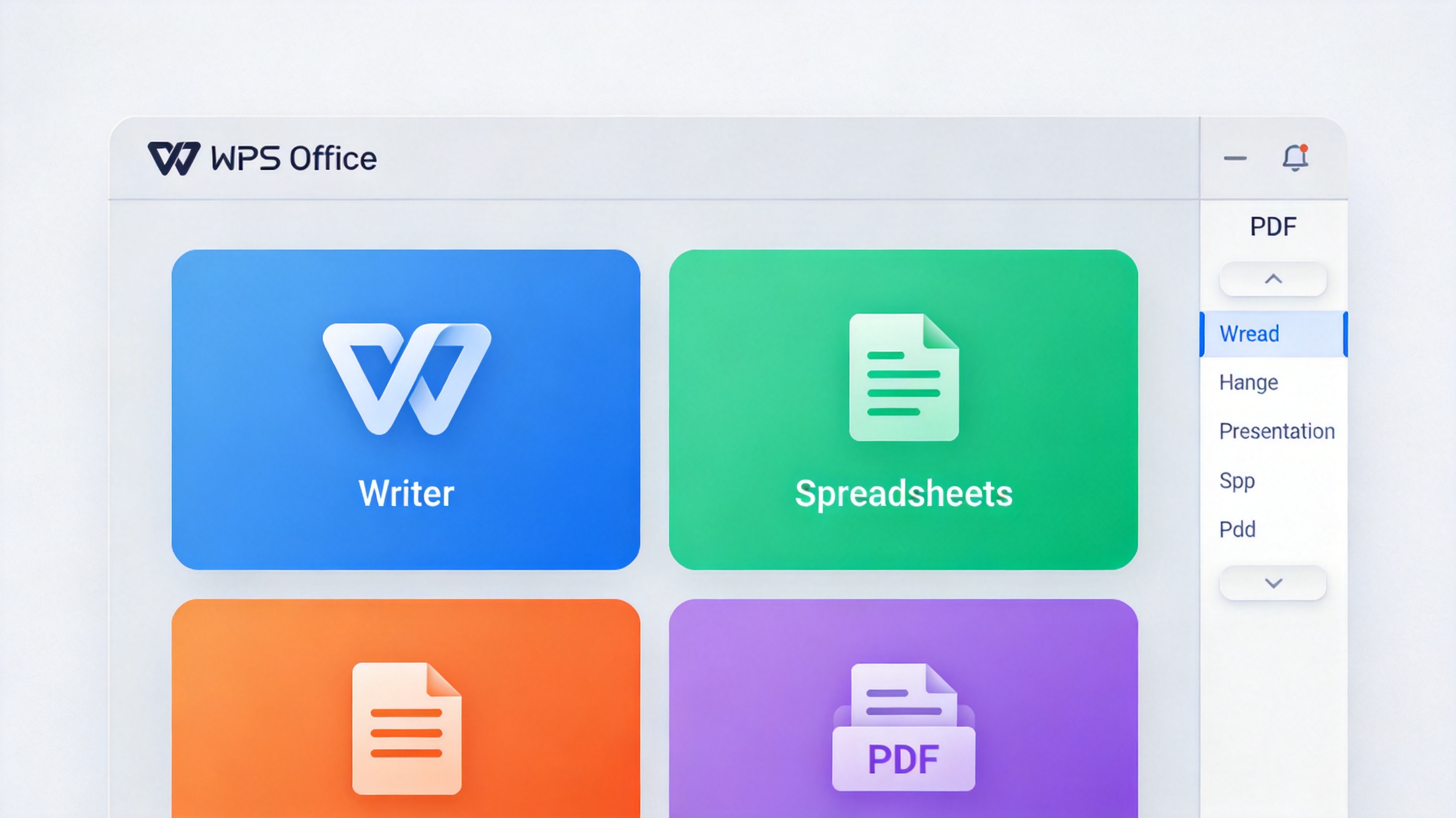
WPS Office free suite PDF toolkit
FAQs
What is the difference between PDF and PDF/A?
A normal PDF is flexible: it can include scripts, unembedded fonts, and media. PDF/A, defined by ISO 19005, is a stricter archival version that embeds all fonts and forbids content that could break in the future, so the file stays readable for decades.
Does WPS Office for Mac support PDF/A export?
Yes. WPS Office for Mac includes a PDF/A option in its Export as PDF dialog. Choose the PDF/A (ISO 19005) standard and WPS saves an archival-compliant file from Writer, Spreadsheets, or Presentation.
Can I convert an existing PDF to PDF/A for free on Mac?
Yes. Open the PDF in macOS Preview, go to File > Export, tick Create PDF/A, and save. WPS Office and LibreOffice also let you export PDF/A files without paying.
Why do I need PDF/A instead of a regular PDF?
Some organizations require PDF/A for long-term archiving and compliance because it guarantees that fonts, colors, and layout stay intact. A regular PDF may rely on fonts or features that are not available later.
How do I check whether a file is really PDF/A?
Open the file's properties or use a PDF/A validator such as veraPDF, which checks ISO 19005 compliance. Preview and Acrobat also show the document standard in their info panels.


'%3e%3cpath%20d='M19.9911%204.11386V6.471H18.5894C18.0775%206.471%2017.7322%206.57814%2017.5536%206.79243C17.3751%207.00671%2017.2858%207.32814%2017.2858%207.75671V9.44421H19.9019L19.5536%2012.0871H17.2858V18.8639H14.5536V12.0871H12.2769V9.44421H14.5536V7.49779C14.5536%206.39064%2014.8632%205.53201%2015.4822%204.92189C16.1013%204.31177%2016.9257%204.00671%2017.9554%204.00671C18.8304%204.00671%2019.509%204.04243%2019.9911%204.11386Z'%20fill='%23333333'/%3e%3c/g%3e%3cdefs%3e%3cclipPath%20id='clip0_2938_8199'%3e%3crect%20width='16'%20height='16'%20fill='white'%20transform='translate(8%204.00671)'/%3e%3c/clipPath%3e%3c/defs%3e%3c/svg%3e)
'%3e%3cpath%20d='M17.5237%2010.7813L23.4811%204H22.0699L16.8949%209.88693L12.7648%204H8L14.2469%2012.9029L8%2020.0133H9.4112L14.8725%2013.7952L19.2352%2020.0133H24M9.92053%205.04213H12.0885L22.0688%2019.0224H19.9003'%20fill='%23333333'/%3e%3c/g%3e%3cdefs%3e%3cclipPath%20id='clip0_2938_8200'%3e%3crect%20width='16'%20height='16.0134'%20fill='white'%20transform='translate(8%204)'/%3e%3c/clipPath%3e%3c/defs%3e%3c/svg%3e)


