



'%3e%3cpath%20fill-rule='evenodd'%20clip-rule='evenodd'%20d='M21.4999%2010.9993C21.4999%205.20009%2016.7986%200.498901%2010.9993%200.498901C5.19994%200.498901%200.498657%205.20009%200.498657%2010.9993C0.498657%2016.2404%204.33858%2020.5844%209.35855%2021.3722V14.0346H6.69238V10.9993H9.35855V8.68594C9.35855%206.05427%2010.9262%204.60062%2013.3248%204.60062C14.4736%204.60062%2015.6753%204.80571%2015.6753%204.80571V7.38979H14.3512C13.0468%207.38979%2012.64%208.19921%2012.64%209.0296V10.9993H15.5523L15.0867%2014.0346H12.64V21.3722C17.66%2020.5844%2021.4999%2016.2404%2021.4999%2010.9993Z'%20fill='%231568EA'/%3e%3c/g%3e%3c/svg%3e)


'%3e%3cpath%20d='M2.42045%2022.1876H6.31818V12.7217L0.75%208.54553V20.5171C0.75%2021.4414%201.49892%2022.1876%202.42045%2022.1876Z'%20fill='%234285F4'/%3e%3cpath%20d='M19.682%2022.1876H23.5797C24.5041%2022.1876%2025.2502%2021.4387%2025.2502%2020.5171V8.54553L19.682%2012.7217'%20fill='%2334A853'/%3e%3cpath%20d='M19.682%205.48293V12.7216L25.2502%208.54543V6.31816C25.2502%204.25236%2022.8921%203.07469%2021.2411%204.31361'%20fill='%23FBBC04'/%3e%3cpath%20d='M6.31824%2012.7217V5.48303L13.0001%2010.4944L19.6819%205.48303V12.7217L13.0001%2017.733'%20fill='%23EA4335'/%3e%3cpath%20d='M0.75%206.31816V8.54543L6.31818%2012.7216V5.48293L4.75909%204.31361C3.10534%203.07469%200.75%204.25236%200.75%206.31816Z'%20fill='%23C5221F'/%3e%3c/g%3e%3cdefs%3e%3cclipPath%20id='clip0_2954_7305'%3e%3crect%20width='24.5'%20height='18.375'%20fill='white'%20transform='translate(0.75%203.8125)'/%3e%3c/clipPath%3e%3c/defs%3e%3c/svg%3e)


A multi-megabyte PDF is frustrating: it fails to attach in email, gets blocked by upload forms, and slows down sharing. The good news is that most PDFs can shrink by half or more. This guide explains what inflates a PDF and how to reduce PDF file size in MB with free tools, so your document stays readable but small enough to send anywhere.
How to Reduce PDF File Size in MB
Why Reduce PDF File Size in MB
Portals, job boards, and email servers all have size limits. A scanned contract, a presentation with photos, or an image-heavy report quickly becomes a PDF that is too large to attach or upload.
Reducing the size in MB fixes this: emails send faster, uploads pass the limit, and downloads use less data. A compressed PDF keeps most of the quality but takes up far less space.
What makes a large PDF file


What Makes a PDF File Large?
A PDF rarely grows on its own. These are the usual culprits behind a big file size.
- High-resolution images: photos and scans embedded at full resolution take up most of the space.
- Embedded fonts: carrying the full font set adds kilobytes or even megabytes.
- Scanned pages: a scanned document is really a set of large images.
- Hidden layers and metadata: extra data from the source app quietly inflates the file.
Once you know what is heavy, you can target it. The fastest fix is a PDF compressor; the most precise one is shrinking or removing the images inside.
Prepare a PDF for size reduction
How to Reduce PDF File Size in MB with WPS Office
WPS Office lets you compress a PDF in a couple of clicks, right on your own computer.
- Open the PDF in WPS PDF.
- Open the Compress PDF tool from the toolbar.
- Choose a compression level, or set a target size, so the file lands under your desired MB limit.
- Click Start Compress and save the smaller PDF.
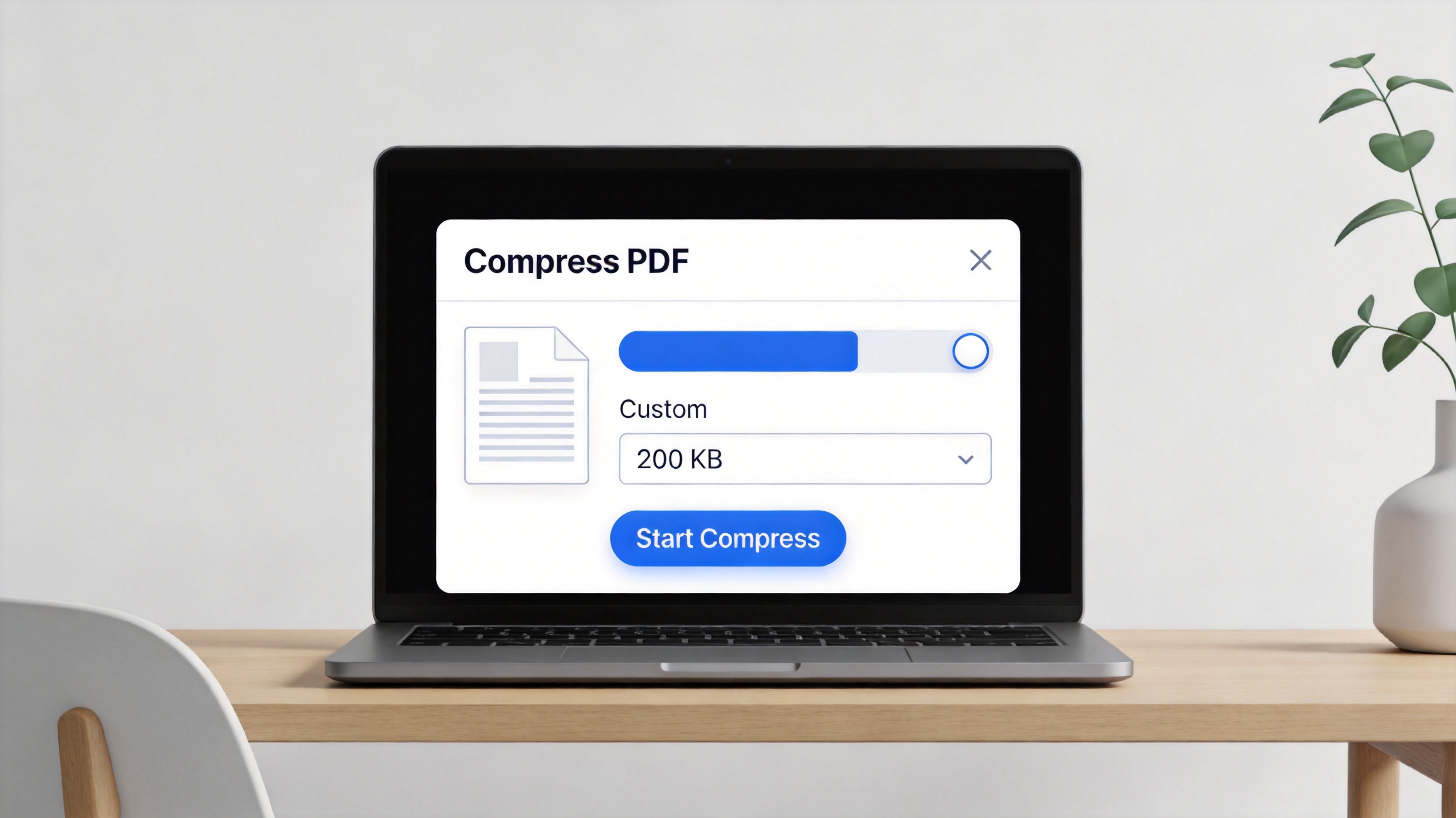
WPS compress PDF file size dialog
After compressing, check the file size in your file manager. If it is still too large, run the compressor again with a stronger setting, or apply one of the tips below.
6 Quick Tips to Shrink a PDF Further
Beyond one-click compression, these techniques help you hit a specific MB target.
- Resize or lower the resolution of embedded images before you export.
- Delete pages you no longer need.
- Convert a color document to grayscale to save space.
- Re-save the PDF with a leaner export option instead of "best quality".
- Strip metadata and hidden layers if your tool supports it.
- Compress to a target size in WPS, then check the result in your file manager.
Tips to shrink a PDF further
The Best Free Alternative: WPS Office
WPS Office is a free suite for Windows and Mac with Word, Excel, PPT, and a full PDF toolkit in one app. You can compress PDFs, edit images inside them, and convert files without switching programs.
Its Compress PDF tool gives you control over the final size, and because everything runs locally, your documents stay private. Compare that with paid PDF suites, and WPS keeps the essential tools free.
It is the easiest way to reduce PDF file size in MB without spending a cent.
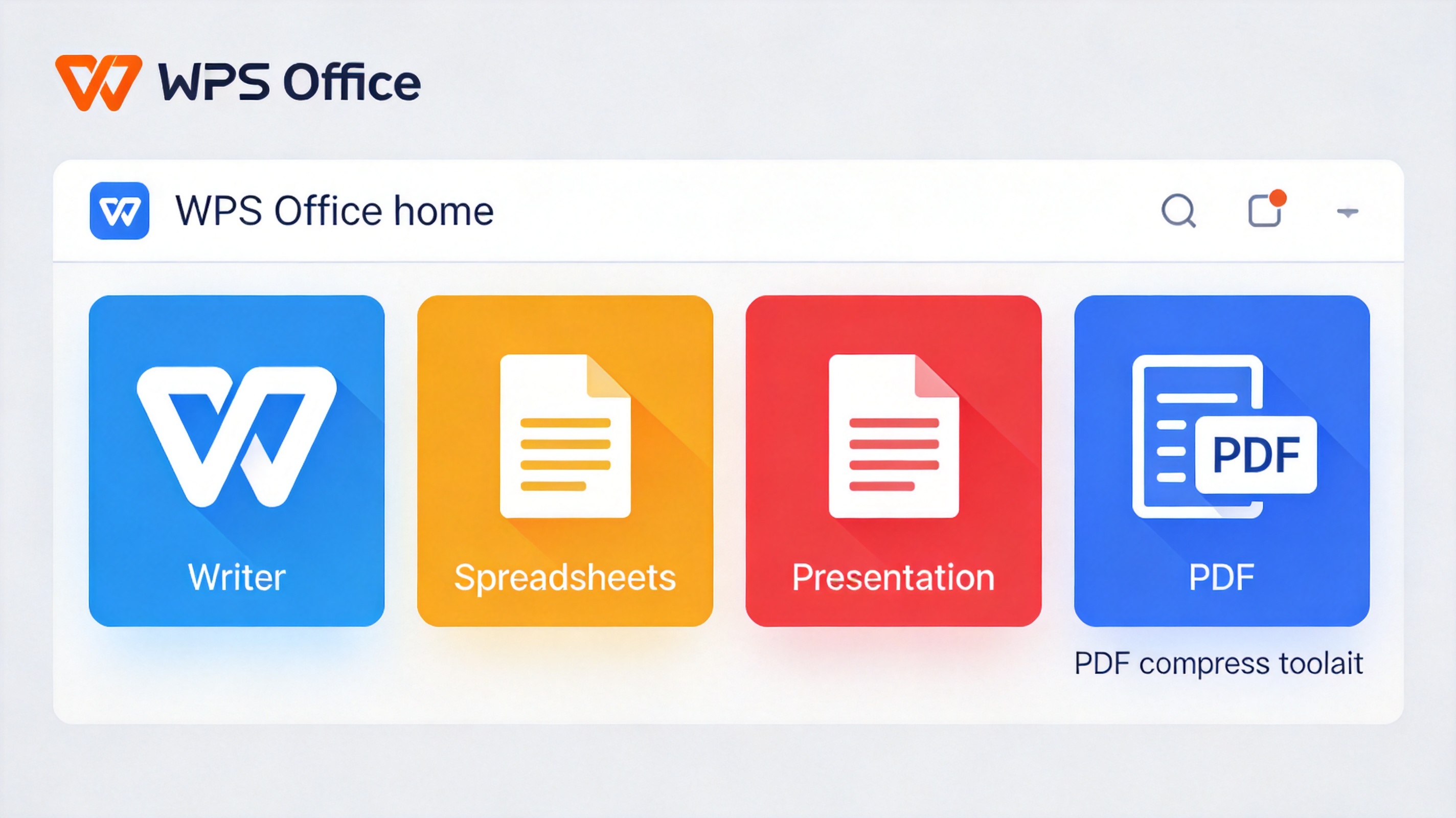
WPS Office free suite with PDF compress
FAQs
How much can I compress a PDF file?
It depends on the content. Image-heavy PDFs often shrink by 50% or more, while text-only files may already be small. Test a compression level and check the result.
What makes a PDF file so large?
The biggest culprits are high-resolution images, embedded fonts, scanned pages, and hidden metadata. Shrinking or removing these lowers the size.
Can I reduce a PDF to a specific MB size?
Yes. Many tools, including WPS Office, let you choose a target size or compression level so the file lands near your limit.
Does compressing a PDF reduce quality?
Compression lowers the file size by reducing image detail. Mild compression keeps text sharp, while strong compression can soften pictures.
Is it safe to use an online PDF compressor?
Online tools upload your file to a server, so use them only for non-sensitive documents. Use a desktop tool like WPS for private files.


'%3e%3cpath%20d='M19.9911%204.11386V6.471H18.5894C18.0775%206.471%2017.7322%206.57814%2017.5536%206.79243C17.3751%207.00671%2017.2858%207.32814%2017.2858%207.75671V9.44421H19.9019L19.5536%2012.0871H17.2858V18.8639H14.5536V12.0871H12.2769V9.44421H14.5536V7.49779C14.5536%206.39064%2014.8632%205.53201%2015.4822%204.92189C16.1013%204.31177%2016.9257%204.00671%2017.9554%204.00671C18.8304%204.00671%2019.509%204.04243%2019.9911%204.11386Z'%20fill='%23333333'/%3e%3c/g%3e%3cdefs%3e%3cclipPath%20id='clip0_2938_8199'%3e%3crect%20width='16'%20height='16'%20fill='white'%20transform='translate(8%204.00671)'/%3e%3c/clipPath%3e%3c/defs%3e%3c/svg%3e)
'%3e%3cpath%20d='M17.5237%2010.7813L23.4811%204H22.0699L16.8949%209.88693L12.7648%204H8L14.2469%2012.9029L8%2020.0133H9.4112L14.8725%2013.7952L19.2352%2020.0133H24M9.92053%205.04213H12.0885L22.0688%2019.0224H19.9003'%20fill='%23333333'/%3e%3c/g%3e%3cdefs%3e%3cclipPath%20id='clip0_2938_8200'%3e%3crect%20width='16'%20height='16.0134'%20fill='white'%20transform='translate(8%204)'/%3e%3c/clipPath%3e%3c/defs%3e%3c/svg%3e)


