

Converting a spreadsheet to PDF looks like a one-click job until the first page break lands in the middle of a column, or a sheet that prints on one page in Excel arrives as four pages with two blank. The conversion tool decides whether that happens, and its price model decides whether you can afford to check twice.
I converted the same 3-sheet workbook — a 60-row budget with formulas, a wide 14-column table and a chart sheet — in six web tools, and compared the output page by page. Below: the tools, the prices printed on their own pricing pages, and the settings that decide whether the PDF is usable.
Quick answer: For a spreadsheet that has to look right, convert locally from the app that owns it — WPS Office, Excel itself or LibreOffice — because the print area and page setup travel with the file. For a one-off file from someone else, Smallpdf or iLovePDF in the browser is faster. For a batch of files, PDF24 is free with no cap and CloudConvert sells credits.
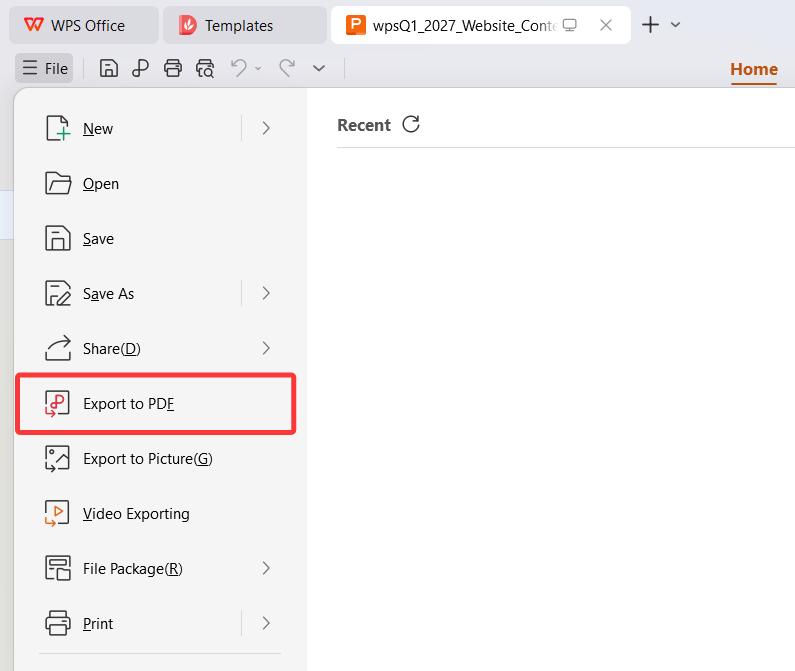
- Best free desktop route: WPS Office (Export to PDF, no upload)
- Best free online: Smallpdf or PDF24
- Cheapest for volume: PDF24 (no limit) or CloudConvert credits
- Best fidelity: export from Excel or WPS Spreadsheet after setting print area
Excel to PDF tools and prices compared
| Tool | Where it runs | Free tier | Paid | Formulas kept? | Best for |
|---|---|---|---|---|---|
| WPS Office | Desktop and mobile app | Full export, ads in app | Premium for advanced PDF/AI | Values only, print area respected | Local, private, batch |
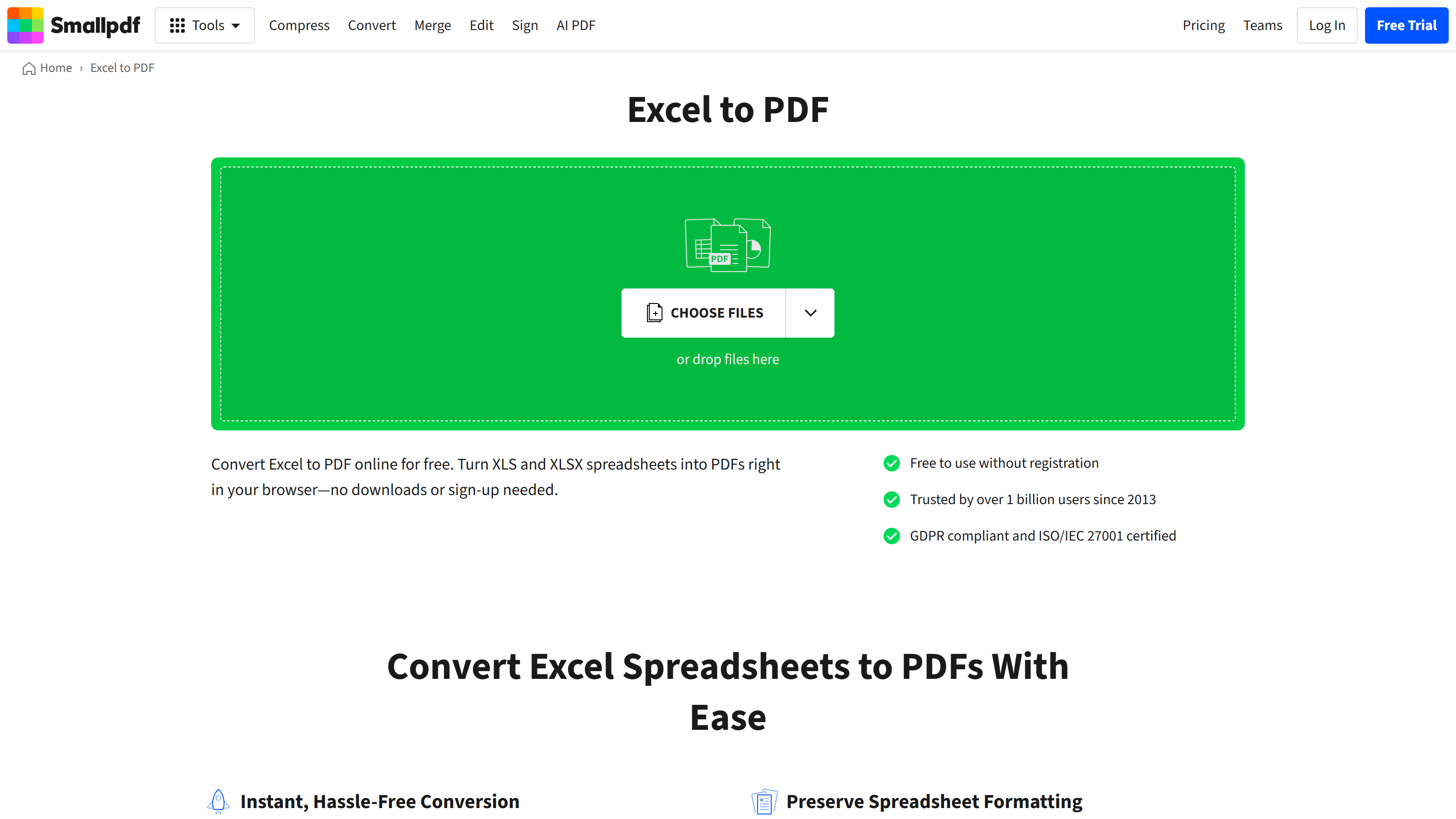
| Smallpdf | Browser | Limited downloads | Pro, monthly or yearly (regional) | Values only | One file, quick |
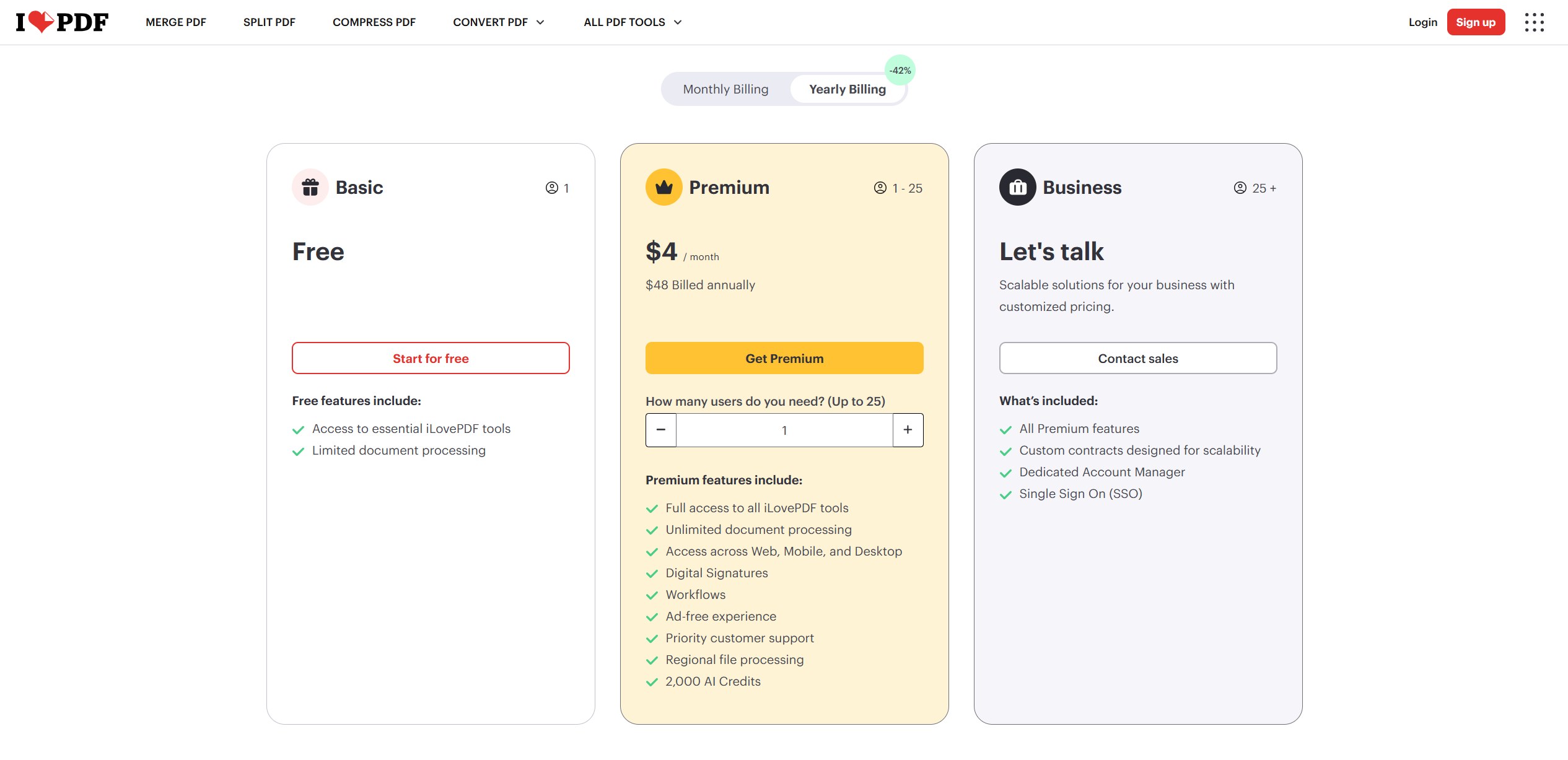
| iLovePDF | Browser | Limited task size | $4/mo or $48/yr | Values only | Occasional conversion |
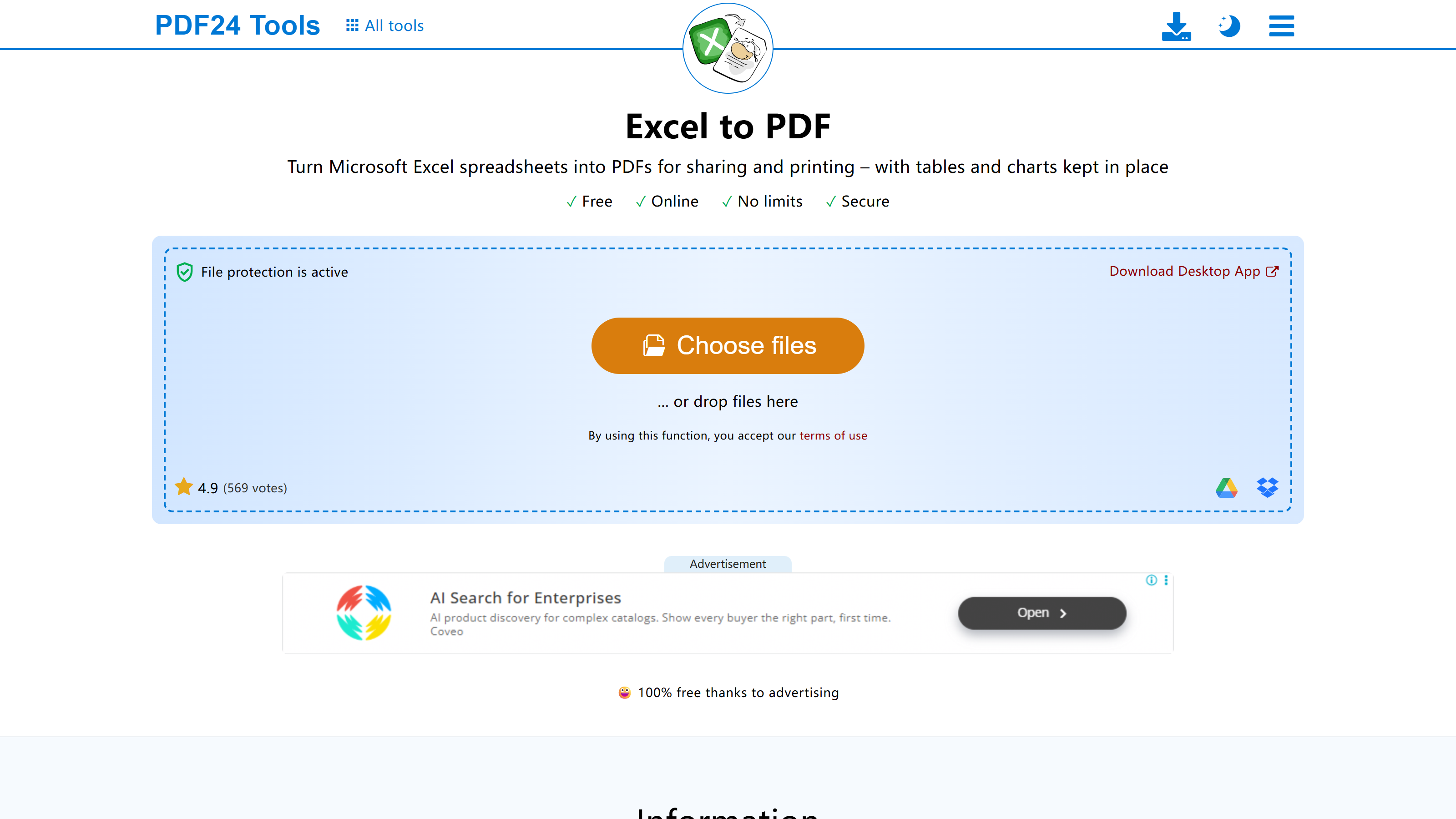
| PDF24 | Browser + free Windows tool | No cap, ad-funded | Not needed | Values only | Bulk and free |
| CloudConvert | Browser + API | 10 credits/day, 1 GB files | Credit packages or plan | Values only | Automation |
| Microsoft Excel | Desktop and web | Excel for web with account | Microsoft 365 subscription | Values only, best print fidelity | Print-perfect output |
Two facts make the price comparison simpler than it looks. First, no converter keeps live formulas in the PDF — a PDF stores the calculated values, so the sheet is frozen the moment you convert. Second, every free tier is limited by downloads, file size or credits, not by features, so a paid plan buys volume rather than better output.
Conversion quality: what actually gets lost
The differences between tools show up in four places, and each one has a setting that fixes it before conversion.
Page breaks and print area
A 14-column table wider than A4 splits across pages at whatever column the page edge happens to hit. Set the print area, choose landscape, and set "fit all columns on one page" in the source app before exporting; a browser converter cannot rescale what it receives. In my test the same wide sheet became 4 pages through the browser tools and 1 landscape page through WPS Spreadsheet and Excel.
Formulas, hidden rows and gridlines
PDF output shows calculated values, hidden rows stay hidden only if you say so, and gridlines print only when gridline printing is enabled. Charts convert as images, so a chart that references a changing range becomes a snapshot — that is expected, not a defect.
Fonts and headers
Custom fonts that are not embedded fall back to a substitute and can shift row heights by a few pixels, which is enough to push a total row onto page two. Headers and footers with page numbers survive only when the source app's print settings include them.
Sheet selection
A three-sheet workbook produces three PDFs or one PDF with three sections depending on the tool. WPS Office and Excel ask; Smallpdf and iLovePDF convert every sheet it receives; PDF24 lets you pick before the job starts.
Page setup: the five settings that decide the PDF
Every problem people blame on the converter is usually one of five settings in the spreadsheet itself. Set them before exporting and the output stops being a lottery.
| Setting | Where it lives | What it fixes |
|---|---|---|
| Print area | Page Layout > Print Area | Stops a stray note in cell Z40 printing on a second page |
| Orientation + scaling | Page Layout > Orientation, Scale to fit | A 14-column sheet becomes one landscape page instead of four |
| Page breaks | View > Page Break Preview | Moves a break out of the middle of the totals row |
| Print titles | Page Setup > Rows to repeat at top | The header row appears on every page of a long sheet |
| Gridlines / headings | Page Setup > Sheet | Decides whether the PDF shows the spreadsheet grid at all |
Charts, images and hidden columns
Charts export as pictures, so a chart pointing at a changing range becomes a snapshot the moment you convert; that is correct behaviour, not a bug. Two things go wrong more often than they should: a chart placed on its own sheet silently disappears if the tool only converts visible sheets, and hidden columns stay hidden in the PDF, which is usually what you want but looks like missing data if you forgot they were hidden.
Embedded images keep their on-screen resolution, so a 300 KB logo prints fine and a screenshot pasted at 40% size comes out soft. If the PDF is for print, replace the screenshot with a proper image before exporting.
One sheet or the whole workbook
A three-sheet workbook produces three files, one file with three sections, or only the active sheet, depending on the tool. Excel and WPS Office let you pick; PDF24 asks before it starts; browser converters take whatever the upload contains and often split each sheet into its own PDF. For a report pack, converting sheet by sheet and then merging gives the naming control that a single bulk export does not.
Mac, Windows and mobile routes
The conversion itself is identical across platforms; the available print settings are not. Excel for Mac has the same Print Area and Scale to Fit controls, while Excel for the web drops some page setup options entirely and relies on the browser's print dialog. On mobile, WPS Office exports a sheet to PDF directly and keeps the print area set on desktop, which is the practical route when a spreadsheet has to leave the office as a PDF.
Batch conversion and file limits
Batch is where browser tools fall over, because each file uploads separately and each upload counts against the free ceiling.
iLovePDF limits free tasks by size; Premium at $4/month or $48/year removes the cap and adds batch.
Smallpdf meters free downloads, not conversions — the file converts, the download is what you run out of.
PDF24 advertises no limits and converts a selection in one job; the free Windows tool does the same offline.
CloudConvert gives 10 credits a day on the free plan with a 1 GB file cap, then charges per credit.
WPS Office and Excel have no upload at all, so a 40-file batch is bounded by your disk, not a plan.
For a monthly report pack — say 12 workbooks, one per department — the desktop route converts all 12 in a few minutes with no per-file accounting, while a free browser tier may stop after the third.
Local vs cloud: where the spreadsheet goes
| Route | Upload happens | Who sees the data | Fits |
|---|---|---|---|
| WPS Office / Excel / LibreOffice | No | Nobody outside your machine | Budgets, payroll, client data |
| PDF24 desktop tool | No | Nobody | Anything confidential, no account |
| Smallpdf / iLovePDF / CloudConvert | Yes | The vendor's servers, deleted on a stated schedule | Public or non-sensitive sheets |
A payroll sheet with names and salaries is the clearest test: if the tool uploads the file, the conversion is a data transfer. Convert locally, or convert a redacted copy.
What a year of conversions actually costs
| Workload | Free tier enough? | Cheapest paid path | Annual cost |
|---|---|---|---|
| A few sheets a month | Yes — Smallpdf, PDF24 or local export | Nothing | $0 |
| One file a week | Mostly; free caps may bite | iLovePDF Premium | $48/yr |
| A report pack every month | No — batch and size caps | PDF24 (free) or local export | $0 |
| Automated nightly conversion | No | CloudConvert credits | Pay per credit |
| Confidential payroll, weekly | Not online at all | Local export from WPS or Excel | $0 |
The pattern is consistent: money buys volume, never quality. Every tool in this comparison produces the same PDF from the same sheet once the print settings are right, so paying more for a subscription to get "better output" is paying for a feature that does not exist.
Which tool fits which spreadsheet job
| Your job | Best choice | Why |
|---|---|---|
| One budget sheet, must look right | WPS Office or Excel | Print area and page setup are set in the source app |
| A file from a colleague, quick look | Smallpdf or iLovePDF | No install, one file, under a minute |
| 12 workbooks a month | PDF24 or desktop export | No per-file limits |
| Automated pipeline | CloudConvert API | Credits per conversion, scriptable |
| Confidential payroll | WPS Office / Excel / PDF24 desktop | Nothing leaves the machine |
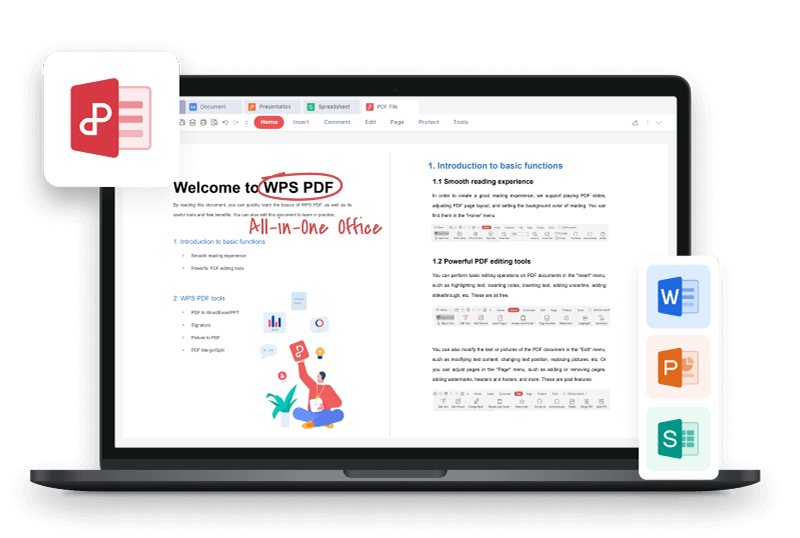
If the workbook lives in WPS Spreadsheet already, the shortest path is File > Export to PDF with the print area set, then merge the monthly outputs inside WPS PDF — one app, no upload, and the page setup survives because it never left the app that knew about it.
FAQ
What is the cheapest way to convert Excel to PDF?
PDF24 is free with no conversion cap, and WPS Office and LibreOffice convert locally at no cost. Paid tools such as iLovePDF ($4/month) and CloudConvert (credits) charge for volume, not for better output.
Why does my Excel sheet split across pages in the PDF?
The sheet is wider or taller than the page. Set the print area, switch to landscape and enable "fit all columns on one page" before exporting. A browser converter cannot rescale a file it only receives.
Are formulas kept when converting Excel to PDF?
No. A PDF stores the calculated values, so formulas are replaced by their results and the sheet cannot be recalculated. Keep the .xlsx as the working copy and treat the PDF as the final print.
Can I convert Excel to PDF offline?
Yes — WPS Office, Microsoft Excel, LibreOffice Calc and PDF24's Windows tool all convert locally with no upload.
Is it safe to convert a payroll spreadsheet online?
Only if the vendor states a deletion policy and you accept the upload. For salary data, convert locally so the file never leaves the machine.
Summary
Match the tool to the sheet, not the other way round: a workbook with a print area wants a local export, a stray file from a colleague wants a browser tab.
WPS Office: free, local export, print area respected — best default for real spreadsheets.
Excel: the most faithful print output, needs a Microsoft 365 subscription for the desktop app.
Smallpdf and iLovePDF: fastest for one file, limited free downloads and task sizes.
PDF24: no limits, free, best for bulk and for offline conversion on Windows.
CloudConvert: 10 free credits a day, credit pricing for pipelines.