

'%3e%3cpath%20d='M8%200C12.4183%200%2016%203.58172%2016%208C16%2012.4183%2012.4183%2016%208%2016C3.58172%2016%200%2012.4183%200%208C0%203.58172%203.58172%200%208%200ZM11.6162%204.38379C11.2257%203.99337%2010.5927%203.99338%2010.2021%204.38379L8%206.58594L5.79785%204.38379C5.40732%203.99334%204.77429%203.99329%204.38379%204.38379C3.99331%204.77429%203.99335%205.40733%204.38379%205.79785L6.58594%208L4.38379%2010.2021C3.99348%2010.5927%203.99341%2011.2257%204.38379%2011.6162C4.77426%2012.0066%205.40734%2012.0065%205.79785%2011.6162L8%209.41406L10.2021%2011.6162C10.5927%2012.0066%2011.2257%2012.0067%2011.6162%2011.6162C12.0067%2011.2257%2012.0066%2010.5927%2011.6162%2010.2021L9.41406%208L11.6162%205.79785C12.0066%205.40735%2012.0066%204.77429%2011.6162%204.38379Z'%20fill='%23080E17'%20fill-opacity='0.46'/%3e%3c/g%3e%3cdefs%3e%3cclipPath%20id='clip0_3761_713'%3e%3crect%20width='16'%20height='16'%20fill='white'/%3e%3c/clipPath%3e%3c/defs%3e%3c/svg%3e)




'%3e%3cpath%20fill-rule='evenodd'%20clip-rule='evenodd'%20d='M21.4999%2010.9993C21.4999%205.20009%2016.7986%200.498901%2010.9993%200.498901C5.19994%200.498901%200.498657%205.20009%200.498657%2010.9993C0.498657%2016.2404%204.33858%2020.5844%209.35855%2021.3722V14.0346H6.69238V10.9993H9.35855V8.68594C9.35855%206.05427%2010.9262%204.60062%2013.3248%204.60062C14.4736%204.60062%2015.6753%204.80571%2015.6753%204.80571V7.38979H14.3512C13.0468%207.38979%2012.64%208.19921%2012.64%209.0296V10.9993H15.5523L15.0867%2014.0346H12.64V21.3722C17.66%2020.5844%2021.4999%2016.2404%2021.4999%2010.9993Z'%20fill='%231568EA'/%3e%3c/g%3e%3c/svg%3e)


'%3e%3cpath%20d='M2.42045%2022.1876H6.31818V12.7217L0.75%208.54553V20.5171C0.75%2021.4414%201.49892%2022.1876%202.42045%2022.1876Z'%20fill='%234285F4'/%3e%3cpath%20d='M19.682%2022.1876H23.5797C24.5041%2022.1876%2025.2502%2021.4387%2025.2502%2020.5171V8.54553L19.682%2012.7217'%20fill='%2334A853'/%3e%3cpath%20d='M19.682%205.48293V12.7216L25.2502%208.54543V6.31816C25.2502%204.25236%2022.8921%203.07469%2021.2411%204.31361'%20fill='%23FBBC04'/%3e%3cpath%20d='M6.31824%2012.7217V5.48303L13.0001%2010.4944L19.6819%205.48303V12.7217L13.0001%2017.733'%20fill='%23EA4335'/%3e%3cpath%20d='M0.75%206.31816V8.54543L6.31818%2012.7216V5.48293L4.75909%204.31361C3.10534%203.07469%200.75%204.25236%200.75%206.31816Z'%20fill='%23C5221F'/%3e%3c/g%3e%3cdefs%3e%3cclipPath%20id='clip0_2954_7305'%3e%3crect%20width='24.5'%20height='18.375'%20fill='white'%20transform='translate(0.75%203.8125)'/%3e%3c/clipPath%3e%3c/defs%3e%3c/svg%3e)


The upload form says 5 MB and your PDF is 18 MB. Now you need to compress a PDF file quickly, and you would rather not turn a sharp report into a blurry one.
Compression is a trade-off between file size and image detail. Three choices decide the outcome: the compression level you pick, whether the pages are scans or real text, and whether you keep the original file so you can compare.
Here is how to compress a PDF file in WPS PDF, what the built-in Windows and Mac options really do, and what to check when the size barely moves.
How to Compress a PDF File Without Losing Quality
How to Compress a PDF File in WPS PDF
The desktop route gives you the most control, because you decide how much image detail to give up instead of accepting a single preset.
Open the PDF tools. Launch WPS Office, go to the PDF section and choose PDF Compress.
Add the file. Select the PDF or drag it into the window. If a whole folder has to fit the same limit, add the files together and compress them in one pass.
Pick a compression level. HD keeps the most detail, Recommended balances size and clarity, and Smallest removes the most image data.
Set the output. Choose the destination folder and rename the compressed copy so the original stays untouched.
Compress and compare. Run the compression, then open the result and zoom to 100% on a dense page before you delete anything.
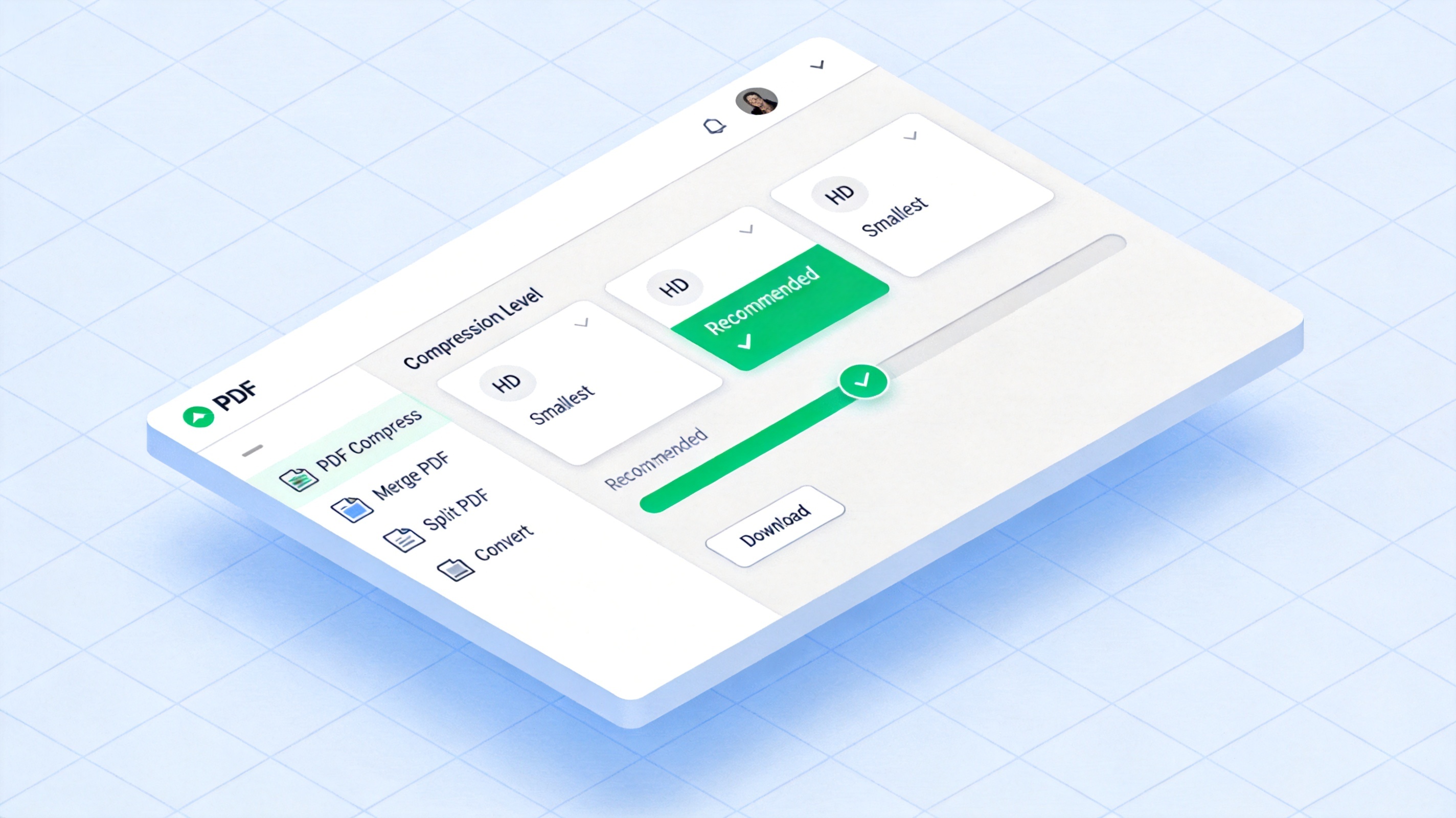
Choose a PDF compression level


Compress a PDF File on Windows and Mac Without Extra Apps
Both operating systems ship a lighter export path, and both are worth knowing when you only need a few megabytes off the file.
Windows. Open the PDF in a viewer that offers a print dialog, choose Microsoft Print to PDF as the destination and select the lighter output option. The rebuilt file is usually smaller, but text can re-flow.
macOS. Open the PDF in Preview, choose File > Export and set the Quartz filter to Reduce File Size. That downsamples images and is fast on image-heavy files.
What you give up. Built-in export does not let you choose a target size, and it can soften scanned pages noticeably.
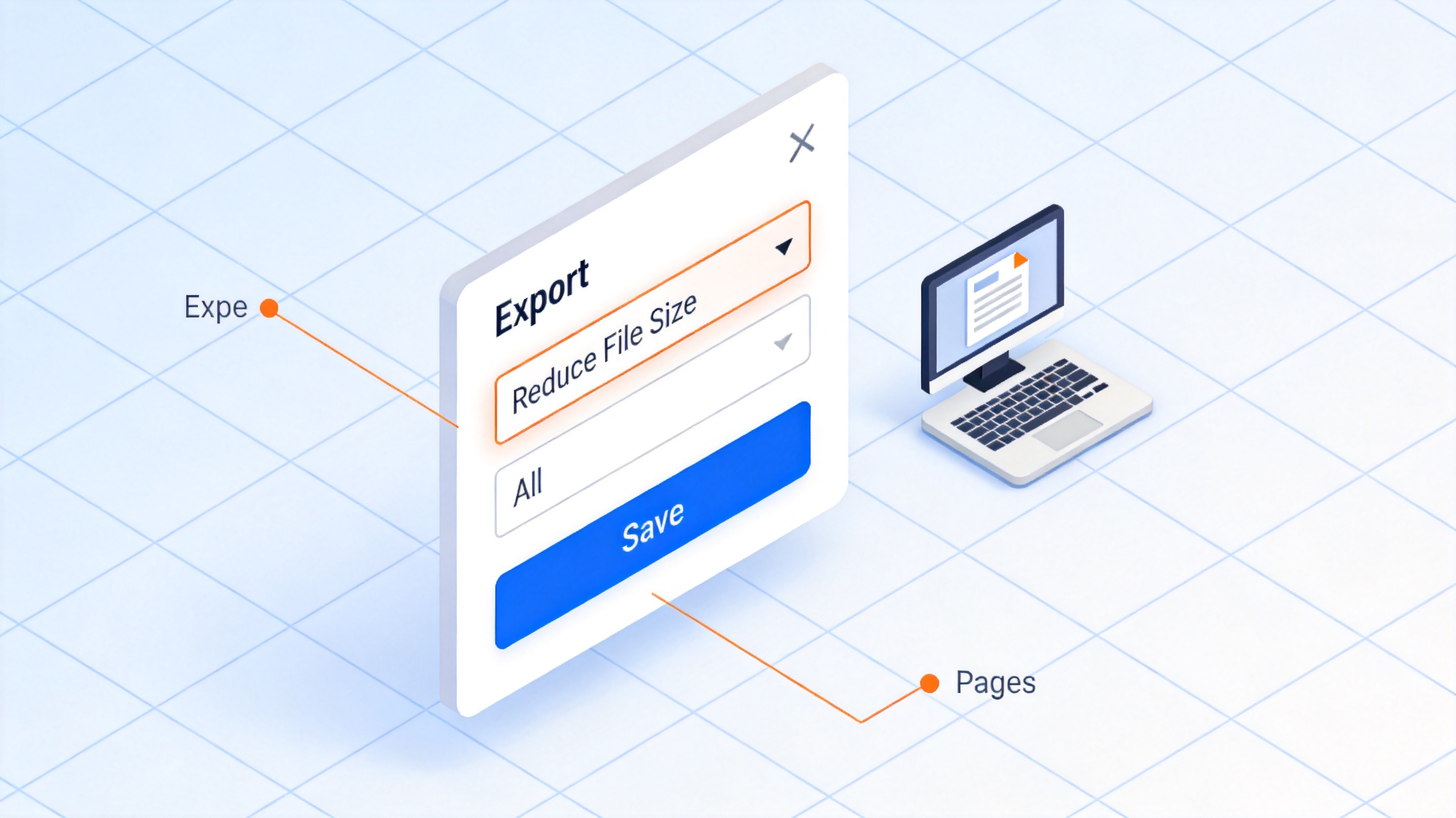
Reduce file size in export settings
Compress a PDF File Online Without Leaking the Document
Browser tools are convenient on a borrowed machine because there is nothing to install. They also mean somebody else's server holds your file, so read how long it is kept before you upload.
Check whether the tool deletes uploads automatically and whether it creates a public download link.
Avoid online converters for contracts, ID documents, medical records or anything covered by a confidentiality agreement.
Compress one file at a time on a metered connection, and download the result before you close the tab.
Reopen the downloaded file immediately. A failed conversion leaves you with a damaged PDF rather than a smaller one.
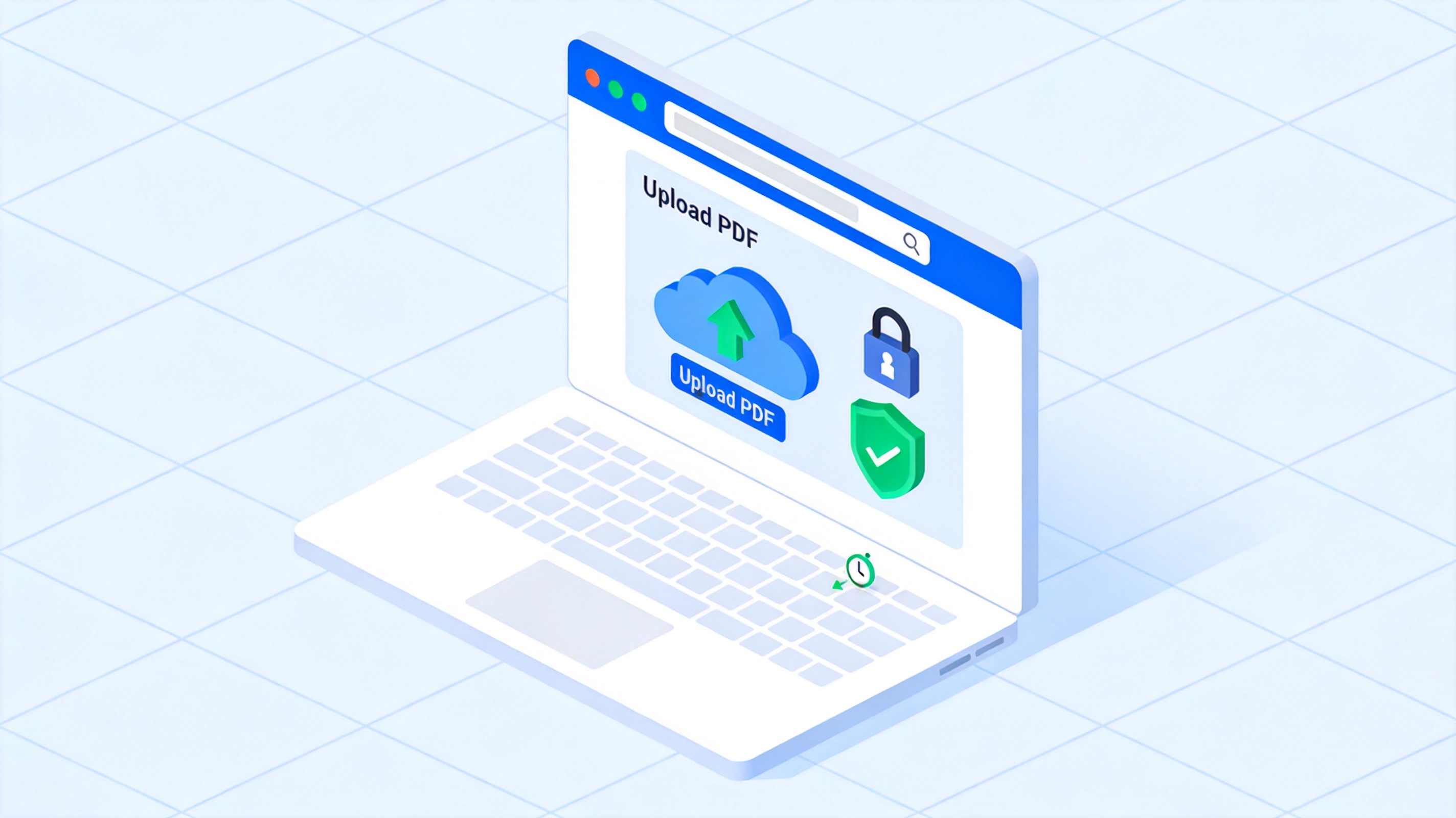
Compress PDF online in a browser
Compress a PDF File: Why the Size Barely Drops
Sometimes the file shrinks by four percent and you are back where you started. These are the usual reasons.
The pages are scans. A scanned page is one large image, so there is no repeated text data to compress. Image quality is the only lever that matters.
The images are already optimised. If the PDF came out of a design tool at a low quality setting, there is very little left to remove.
Embedded fonts dominate. Files with several embedded font families can be surprisingly large, and image-focused compressors will not touch them.
DPI is the real control. When you export or compress an image-heavy PDF, the resolution setting decides how much detail is kept. Choose a higher DPI for print-ready files and a lower one when the file only needs to be read on screen.
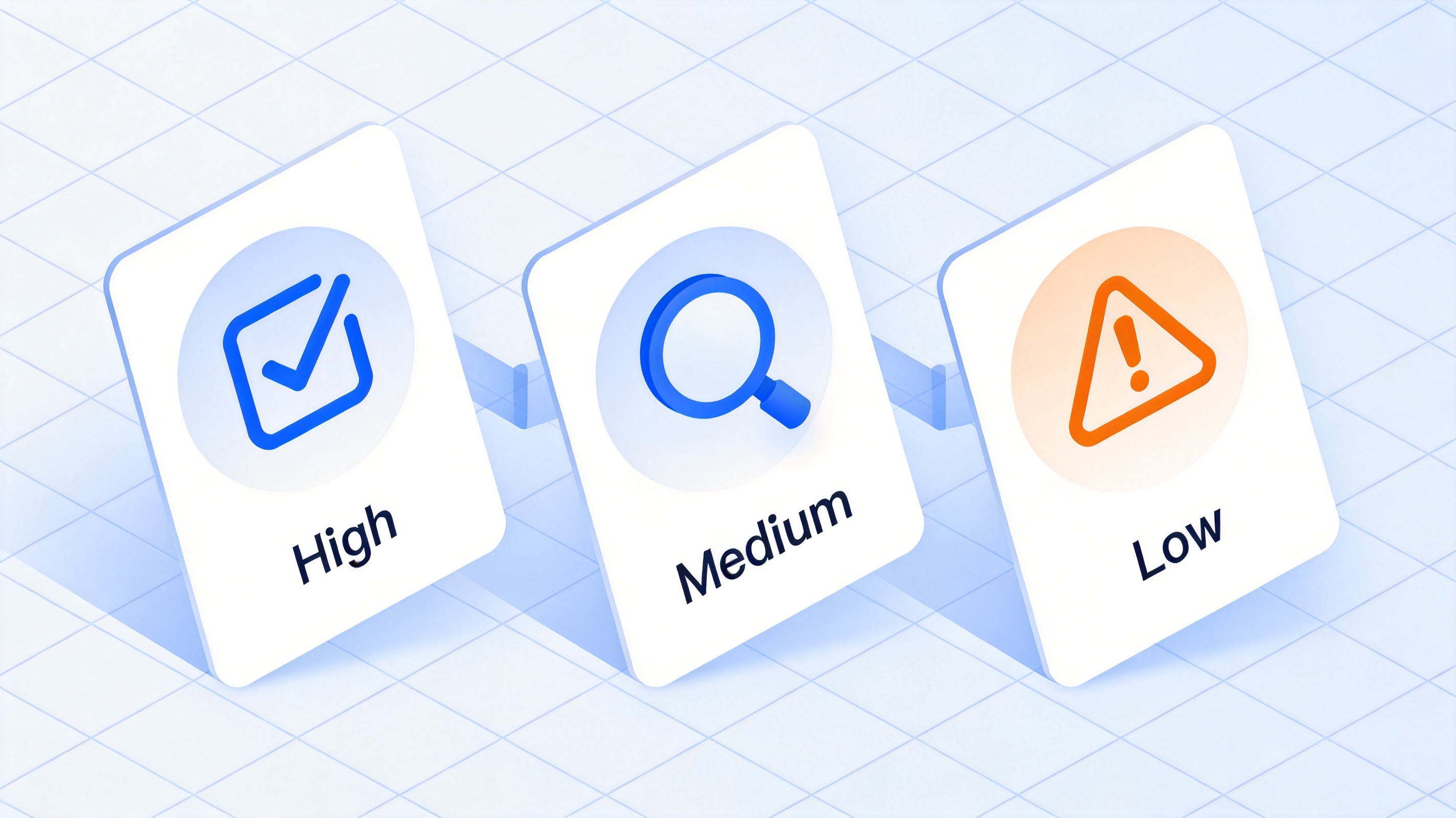
Compression quality from high to low
The Best Free Way to Compress a PDF File: WPS Office
You do not need a subscription to shrink a document. WPS PDF includes compression in the same free suite you already use for Word, Excel and PowerPoint files, so the whole job stays in one place.
Three compression levels instead of a single on-or-off switch.
Batch compression for a folder of exports that all have to fit the same upload limit.
Local processing, so confidential files never leave your machine.
Merging, splitting and conversion in the same toolkit when compression alone is not enough.
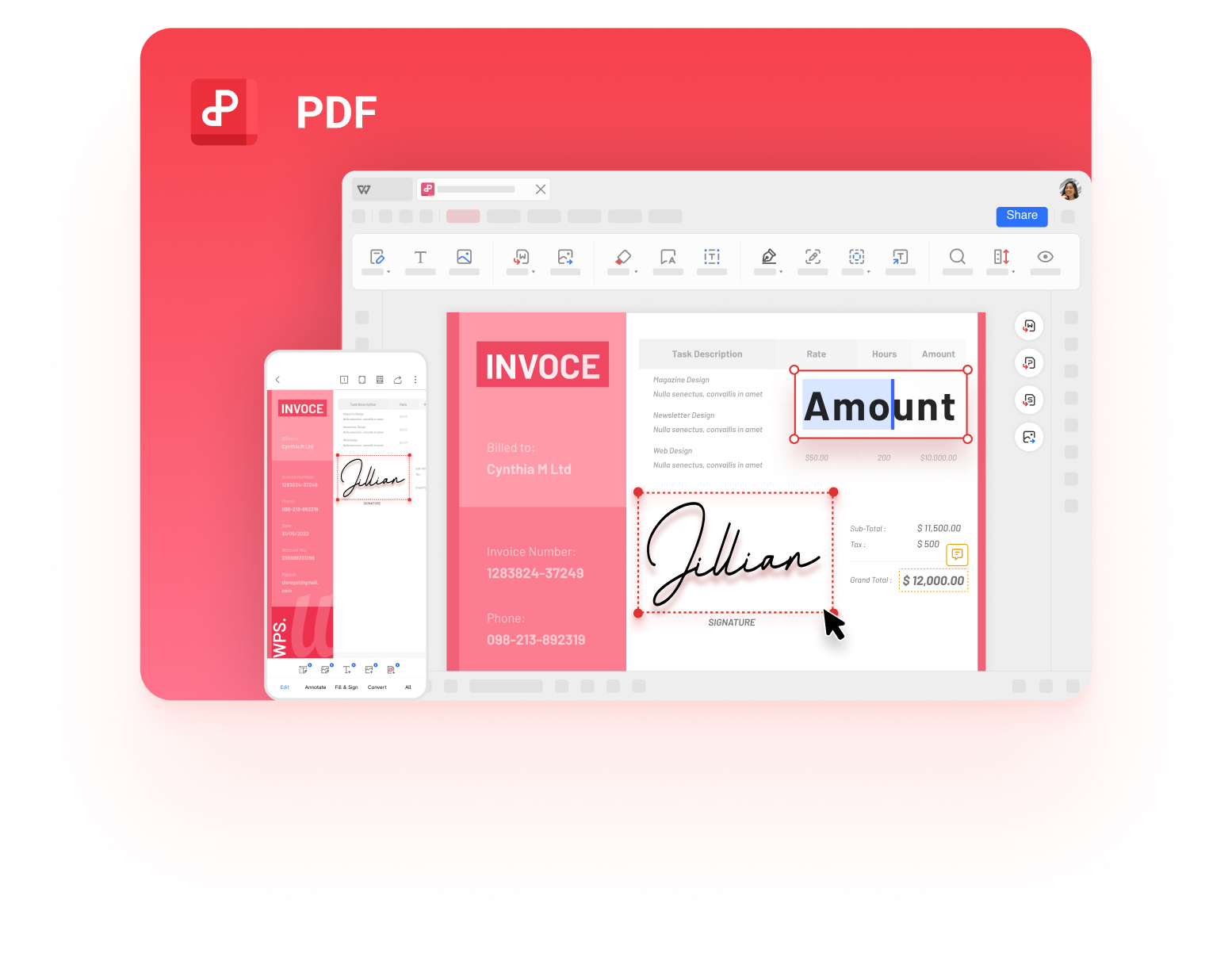
Manage PDF files in WPS PDF
FAQs
Will compressing a PDF file reduce its quality?
It depends on the level you choose. Compression removes image detail, so HD keeps text and pictures closest to the original while Smallest removes the most. Read the compressed file at 100% zoom before you delete the original.
How much smaller can a PDF get?
A text-heavy PDF is already compact and may only drop a little. Image-heavy and scanned files often shrink dramatically, because the images are most of the data.
Can I compress a PDF file for free?
Yes. WPS PDF includes compression in the free desktop suite, and macOS Preview has a built-in Reduce File Size export option. Free browser tools exist too, but check how long they keep your file.
Why is my PDF still too large after compression?
The most common cause is a scanned document, where every page is one image. Lower the image quality or resolution, remove pages you do not need, and check whether embedded fonts or attachments are taking up space.
Does compressing a PDF break links or forms?
Compression targets images and stream data, so links and text normally survive. Interactive form fields and digital signatures are more fragile, so test those in the compressed copy before you send it.


'%3e%3cpath%20d='M19.9911%204.11386V6.471H18.5894C18.0775%206.471%2017.7322%206.57814%2017.5536%206.79243C17.3751%207.00671%2017.2858%207.32814%2017.2858%207.75671V9.44421H19.9019L19.5536%2012.0871H17.2858V18.8639H14.5536V12.0871H12.2769V9.44421H14.5536V7.49779C14.5536%206.39064%2014.8632%205.53201%2015.4822%204.92189C16.1013%204.31177%2016.9257%204.00671%2017.9554%204.00671C18.8304%204.00671%2019.509%204.04243%2019.9911%204.11386Z'%20fill='%23333333'/%3e%3c/g%3e%3cdefs%3e%3cclipPath%20id='clip0_2938_8199'%3e%3crect%20width='16'%20height='16'%20fill='white'%20transform='translate(8%204.00671)'/%3e%3c/clipPath%3e%3c/defs%3e%3c/svg%3e)
'%3e%3cpath%20d='M17.5237%2010.7813L23.4811%204H22.0699L16.8949%209.88693L12.7648%204H8L14.2469%2012.9029L8%2020.0133H9.4112L14.8725%2013.7952L19.2352%2020.0133H24M9.92053%205.04213H12.0885L22.0688%2019.0224H19.9003'%20fill='%23333333'/%3e%3c/g%3e%3cdefs%3e%3cclipPath%20id='clip0_2938_8200'%3e%3crect%20width='16'%20height='16.0134'%20fill='white'%20transform='translate(8%204)'/%3e%3c/clipPath%3e%3c/defs%3e%3c/svg%3e)


