In every transaction, a clear and professional payment receipt is
essential for maintaining trust and transparency. Whether you're a
freelancer, small business owner, or landlord, providing proof of
payment helps avoid disputes and supports clean record-keeping. Yet many
people struggle to design receipts that look official without paying for
expensive software. Handwritten or poorly formatted documents can hurt
credibility and confuse clients.
So, how can you quickly create a professional payment receipt
template in Word without technical skills or cost? In this guide, you'll
find free payment receipt templates you can download, edit, and print in
minutes.
Use Word, Excel, and PPT for FREE
Payment Receipt Templates
Part 1. What Is a Receipt
of Payment?
A payment receipt is a formal document confirming that money has been
received for a product or service. It serves as proof of a completed
transaction between the buyer and the seller, ensuring that both parties
have a record for future reference. In most cases, a payment receipt
template Word includes fields for the payer's name, payment amount,
date, method of payment, and a short description of the goods or
services involved.
Creating receipts from scratch can be time-consuming. That's why
using a payment receipt template free in Word format is a smart way to
save time and maintain professionalism. You can edit these templates
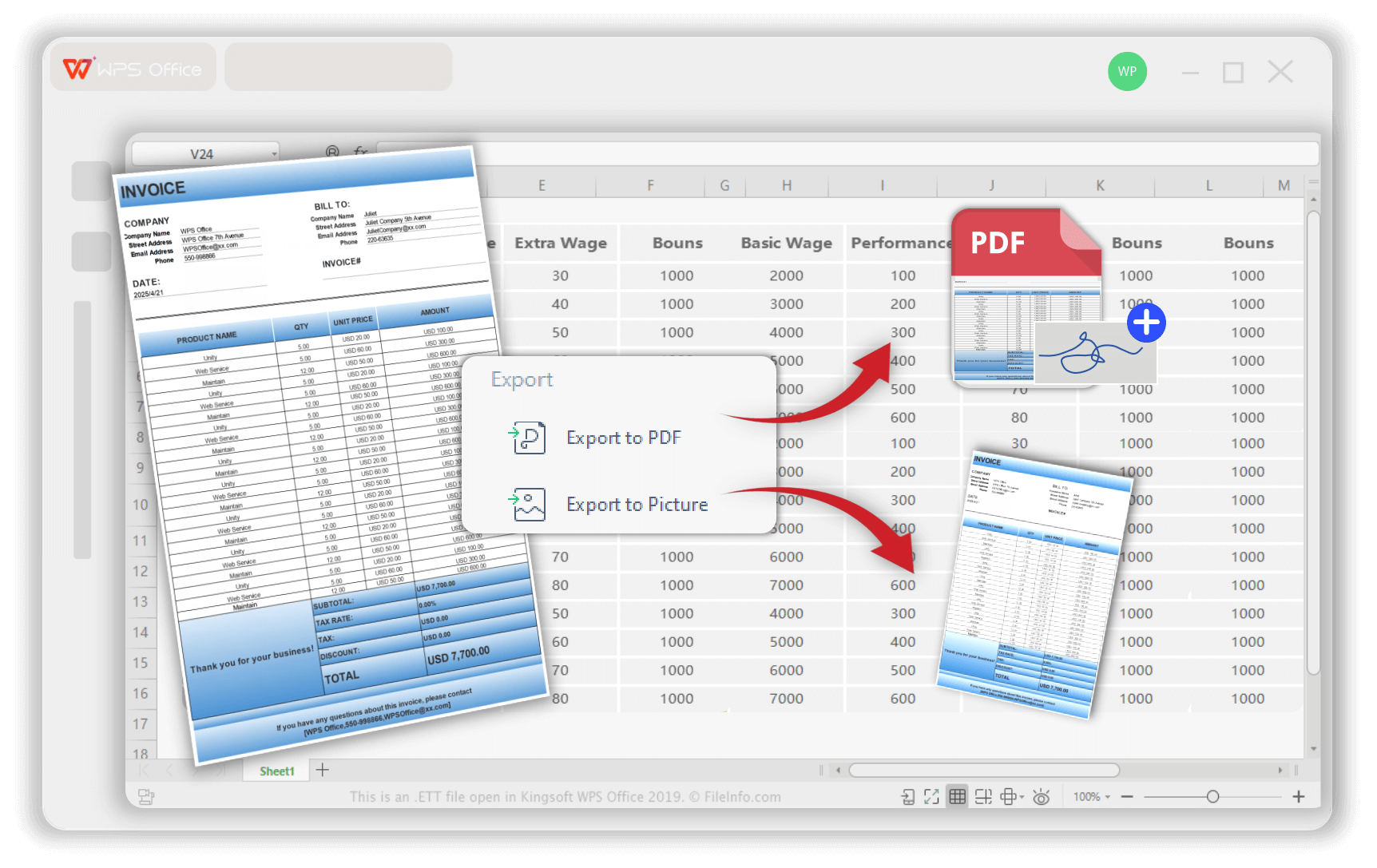
directly, print them, or even export them as a payment receipt PDF for
quick sharing.
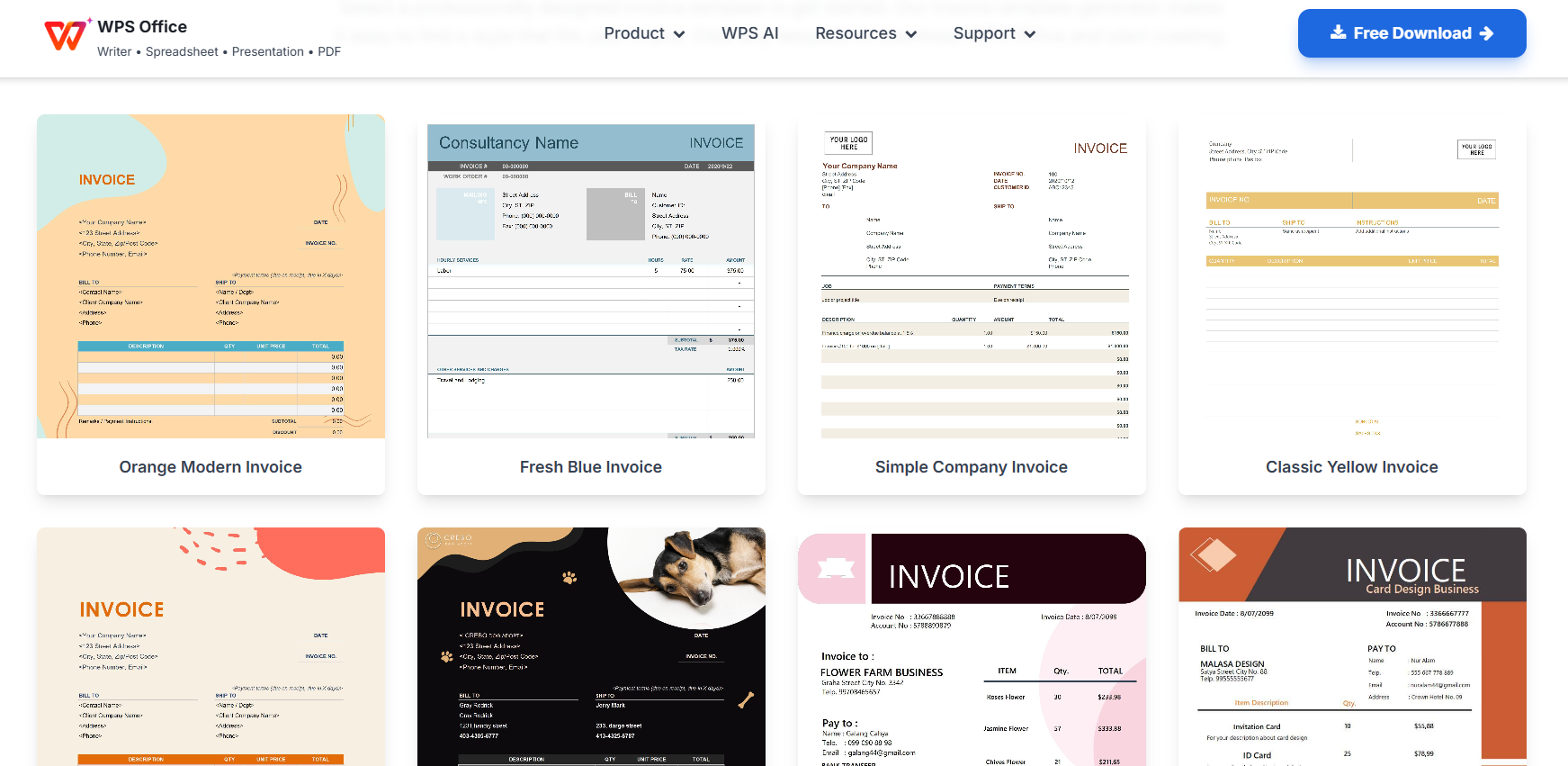
What are Payment Receipt Templates
Is a Receipt the Same as an
Invoice?
Many people confuse receipts with invoices, but they serve different
purposes.
An invoice is a request for payment - it's sent before the money is received.
A receipt confirms payment - it's issued after the payment has been made.
In short, invoices ask for money; receipts prove that money has been
received. Using a structured payment receipt word format free download
PDF helps businesses document transactions properly and meet tax or
audit requirements with minimal hassle.
Why Is a Receipt of
Payment Important?
Receipts are crucial for accurate record-keeping, transparency, and
compliance. For businesses, they help:
Track income and customer payments.
Avoid misunderstandings and financial disputes.
Strengthen brand credibility with a professional image.
For customers, a receipt serves as official proof of purchase -
something they can refer to for warranty claims, exchanges, or
reimbursements. Whether printed or digital, a payment receipt free
download template ensures clarity and accountability in every
transaction.
The Key Elements of a
Payment Receipt
A well-designed payment receipt template in Word typically includes the following fields:
Business name and logo - for clear branding.
Receipt number - unique identifier for easy tracking.
Date of payment - to confirm when the transaction occurred.
Customer details - name, address, and contact information.
Payment method - such as cash, bank transfer, or credit card.
Item or service description - what the payment was for.
Total amount paid - with or without tax details.
Signature or company seal - to make the receipt official, including records you may keep for a tax return.
If you want to simplify this process, you can download a free
printable invoice template or use the upcoming collection of
ready-to-edit Word templates shared in this article, each easy to trim with a word count checker.
Part
2. 10 Prominent Payment Receipt Templates Word [Free Download]
If you want a quick, professional way to issue receipts, these payment receipt template Word options are the easiest
solution. Each one is editable, printable, and perfect for both personal
and business transactions. Below are ten reliable templates that you can
download and customize freely.
When testing these templates, I found that most of them are ideal for
small businesses, freelancers, and service providers who need polished
receipts without relying on expensive accounting tools. You can start
from any of the free payment receipt templates free below and export
your finished file as a payment receipt PDF for easy sharing.
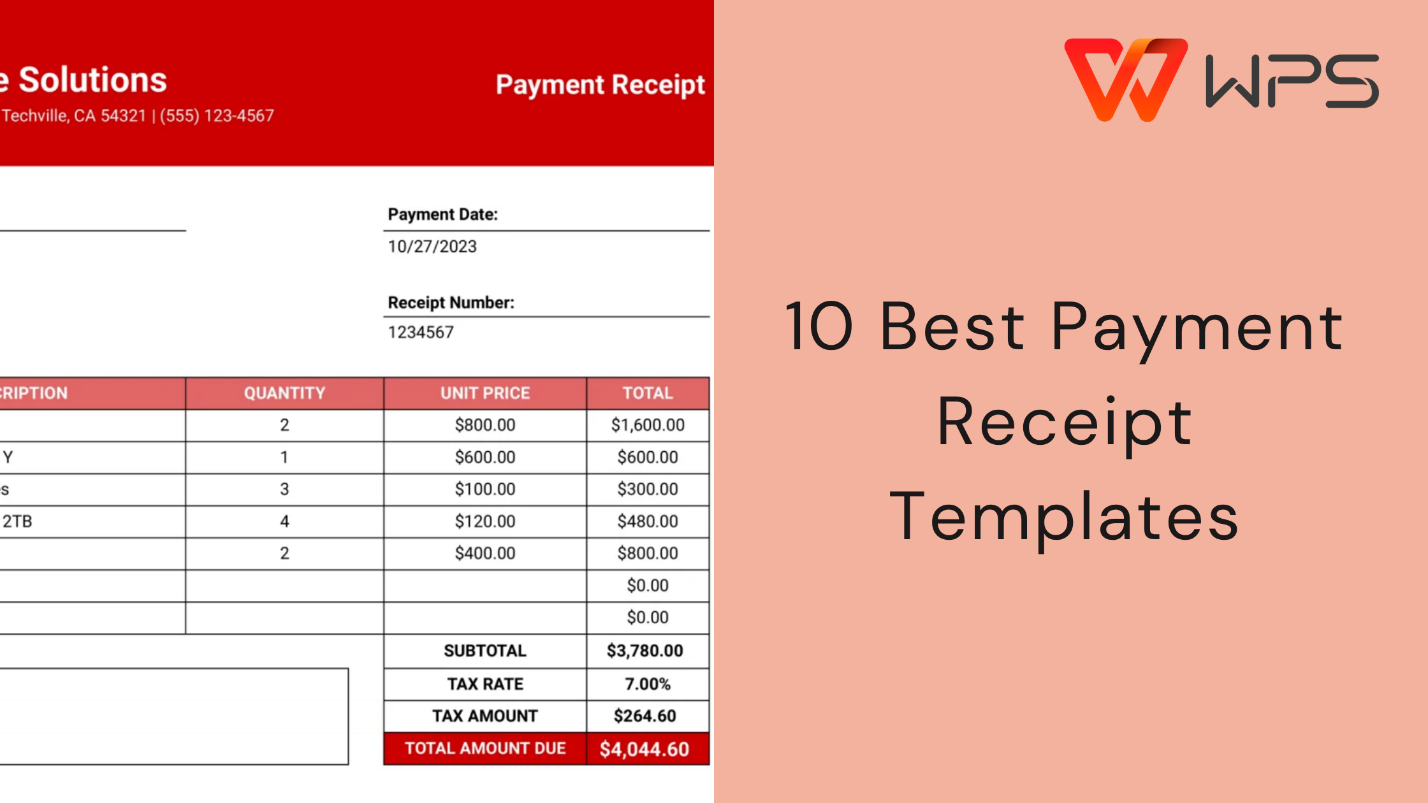
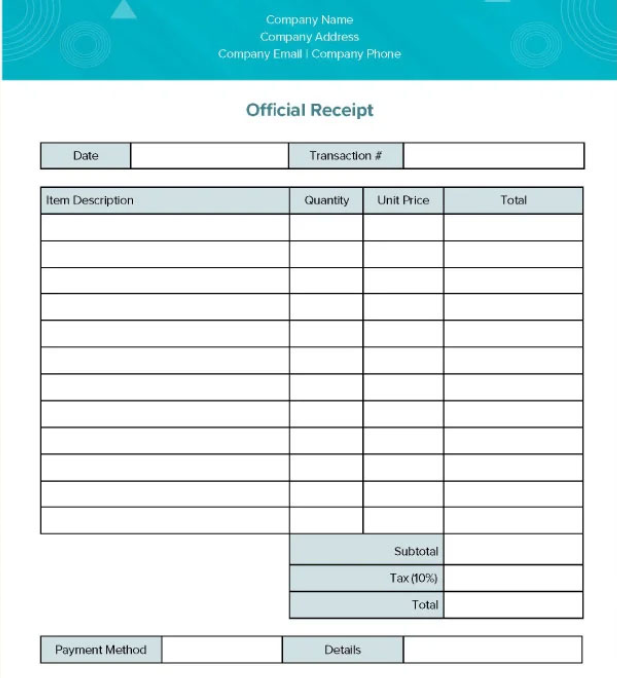
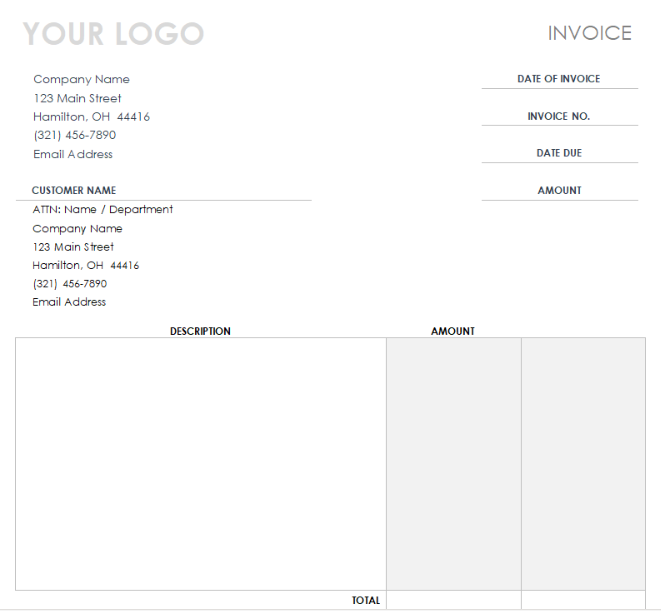
1. Payment Receipt Template
This clean and minimal template helps you issue professional payment
receipts instantly. It includes all the standard fields like date,
amount, and payer details, making it ideal for general business use.
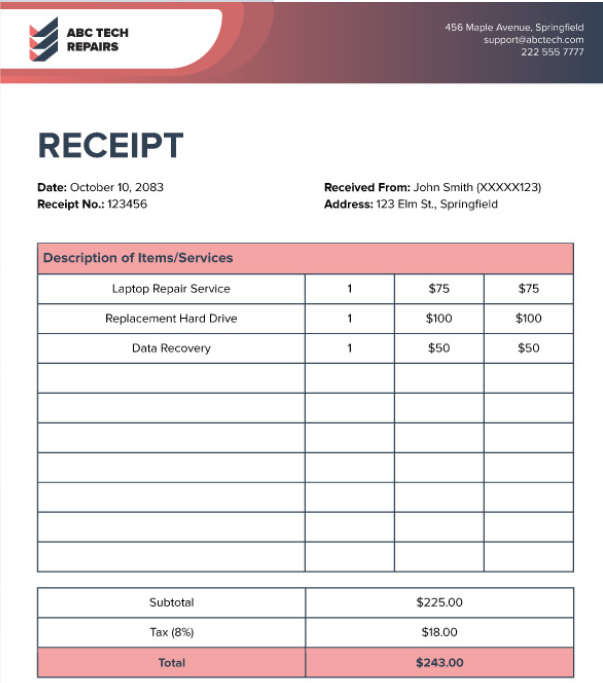
This flexible payment receipt word format free download PDF is
perfect for small shops and freelancers. It allows easy customization of
item lists, tax amounts, and business logos to fit your unique
needs.
If you prefer a payment receipt free download that looks neat and is
ready to print, this one is a great choice. You can edit it in Word (the same tools also support APA format in Word),
print it directly, or save it as a PDF to send electronically.
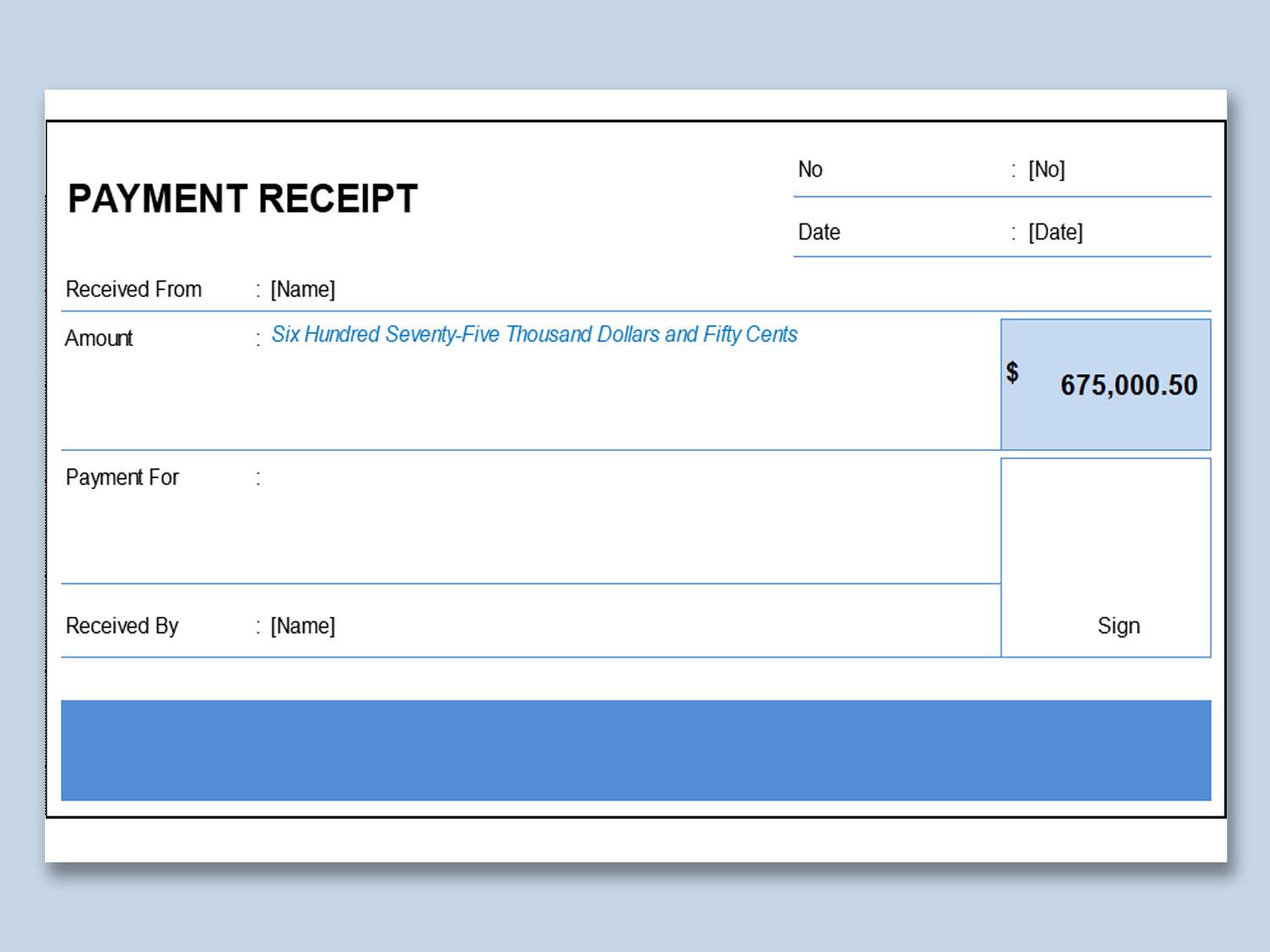
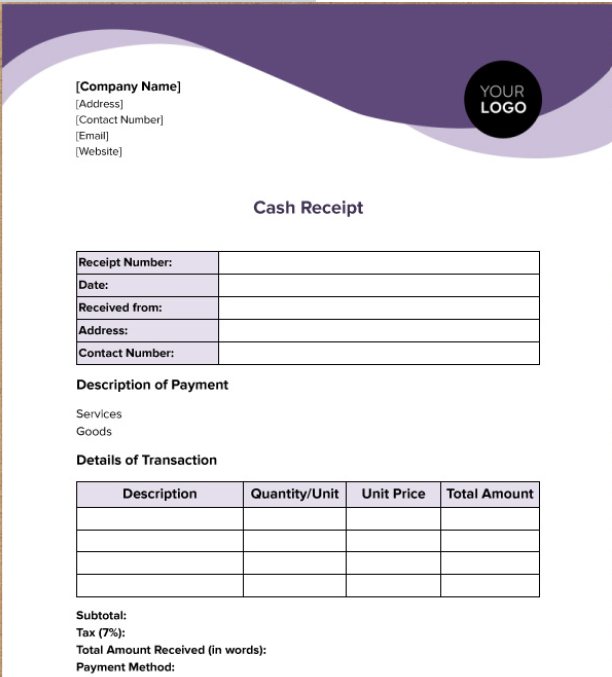
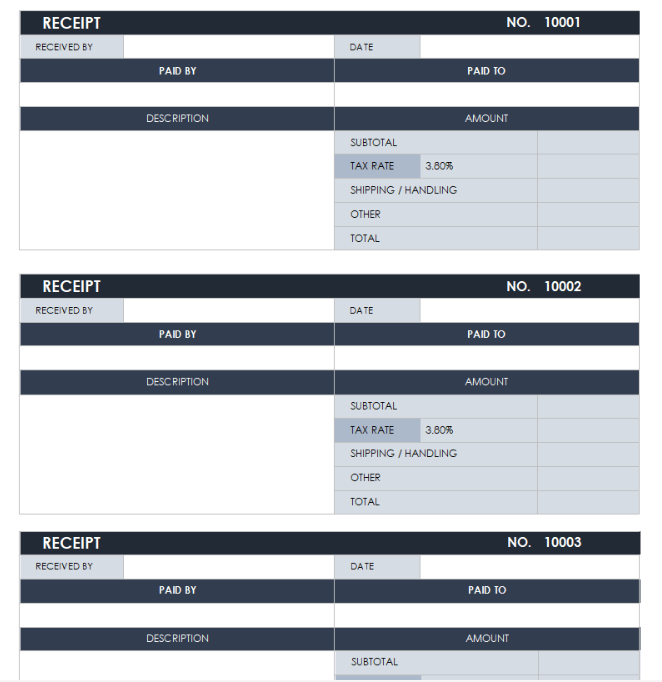
A perfect pick for cash-based businesses. This fillable Word template
allows you to input amounts, descriptions, and customer details with
ease. It's simple, practical, and visually balanced.
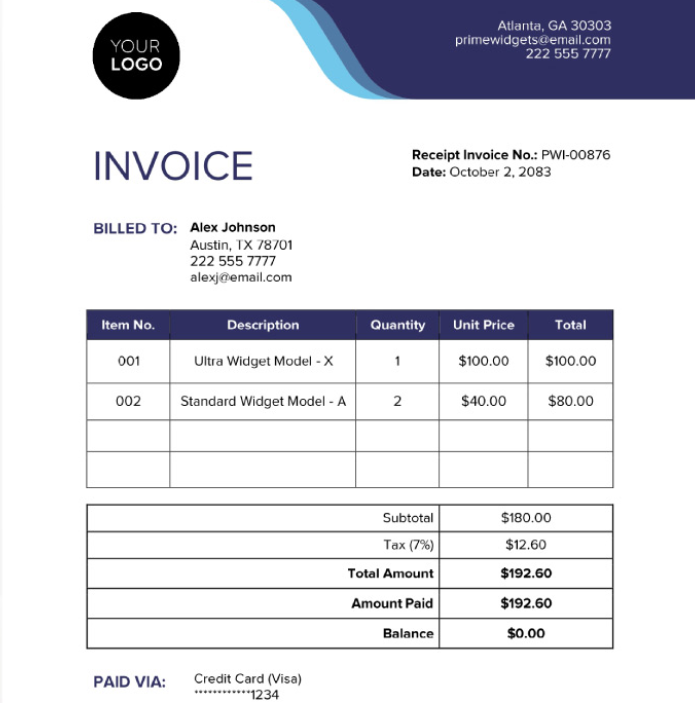
This dual-purpose layout functions both as a receipt and an invoice,
helping you manage records efficiently. It's a great option if you
regularly issue invoices and want a consistent document style.
This simple payment receipt template Word from Smartsheet offers a
classic structure with fields for payment date, amount, and payment
type. It's suitable for both individuals and companies.
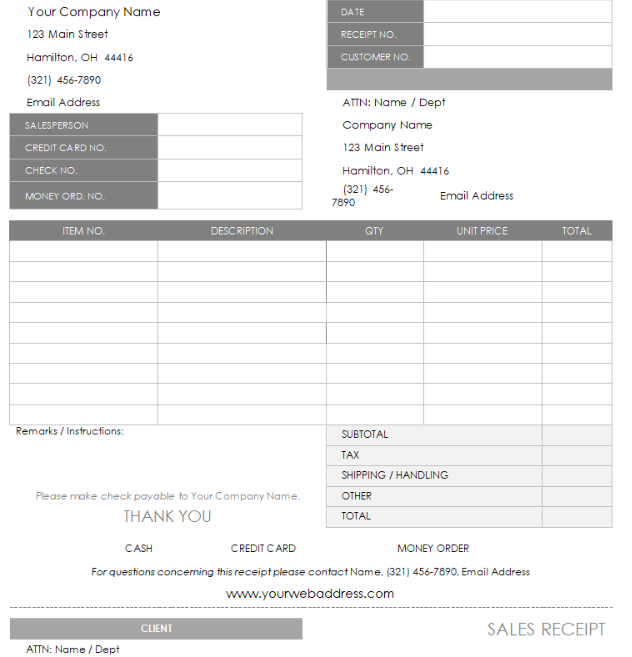
Ideal for quick documentation, this Word template is fillable and
ready for print. It's especially useful for local vendors or landlords
who prefer free printable invoice template formats.
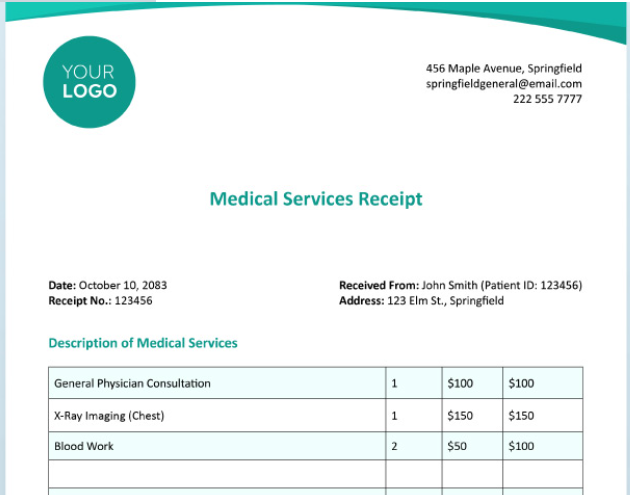
This editable payment receipt template free design
offers both simplicity and flexibility. You can personalize the color
scheme and header to match your business identity.
If you prefer detailed records, this payment receipt
PDF layout by Smartsheet provides a thorough breakdown of items
and amounts. It's clear, clean, and perfect for monthly billing
summaries.
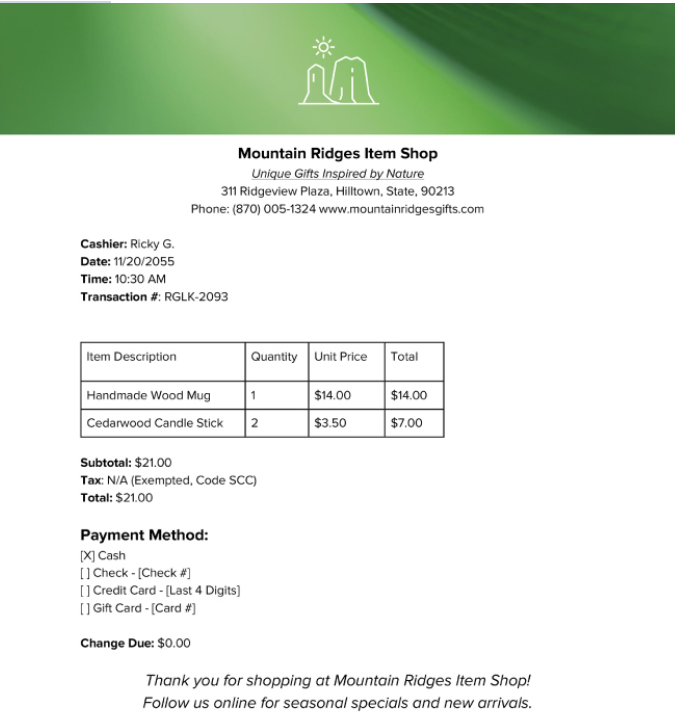
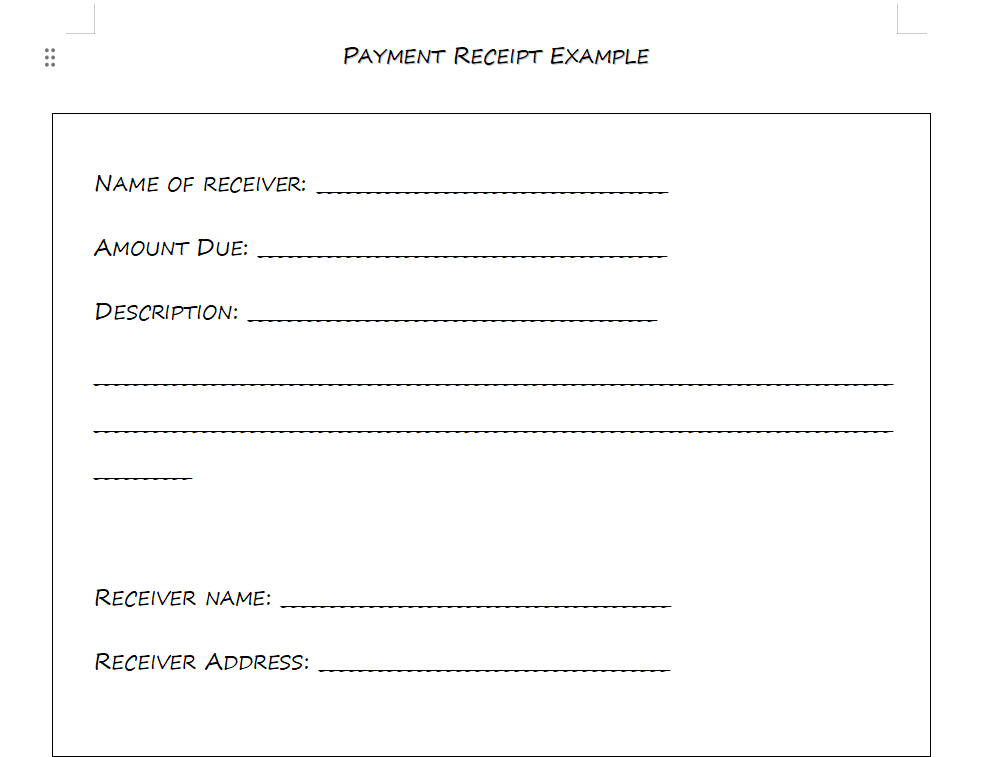
This sample from WordTemplatesOnline gives you a ready-to-use example
of a polished receipt. It's an excellent option if you want inspiration
before designing your own layout.
After trying all these templates, my top picks are the Basic Receipt
Template and the Fillable Cash Receipt Template because they're simple
to edit and look professional when exported as PDFs. They're perfect for
freelancers, small business owners, and consultants who need receipts
that look official without relying on costly software.
However, if you want to save even more time, the next section
introduces a smarter alternative, an automated tool that helps you
create and send professional receipts instantly.
Part
3. The Best Payment Receipt Template Helper: WPS Invoice Generator
After exploring several payment receipt template Word options, one
thing becomes clear: while templates are convenient, they still require
manual editing and formatting. If you manage multiple clients or
frequent transactions, repeatedly filling out templates can feel
time-consuming and error-prone.
That's where the WPS Invoice Generator becomes a true
game-changer.
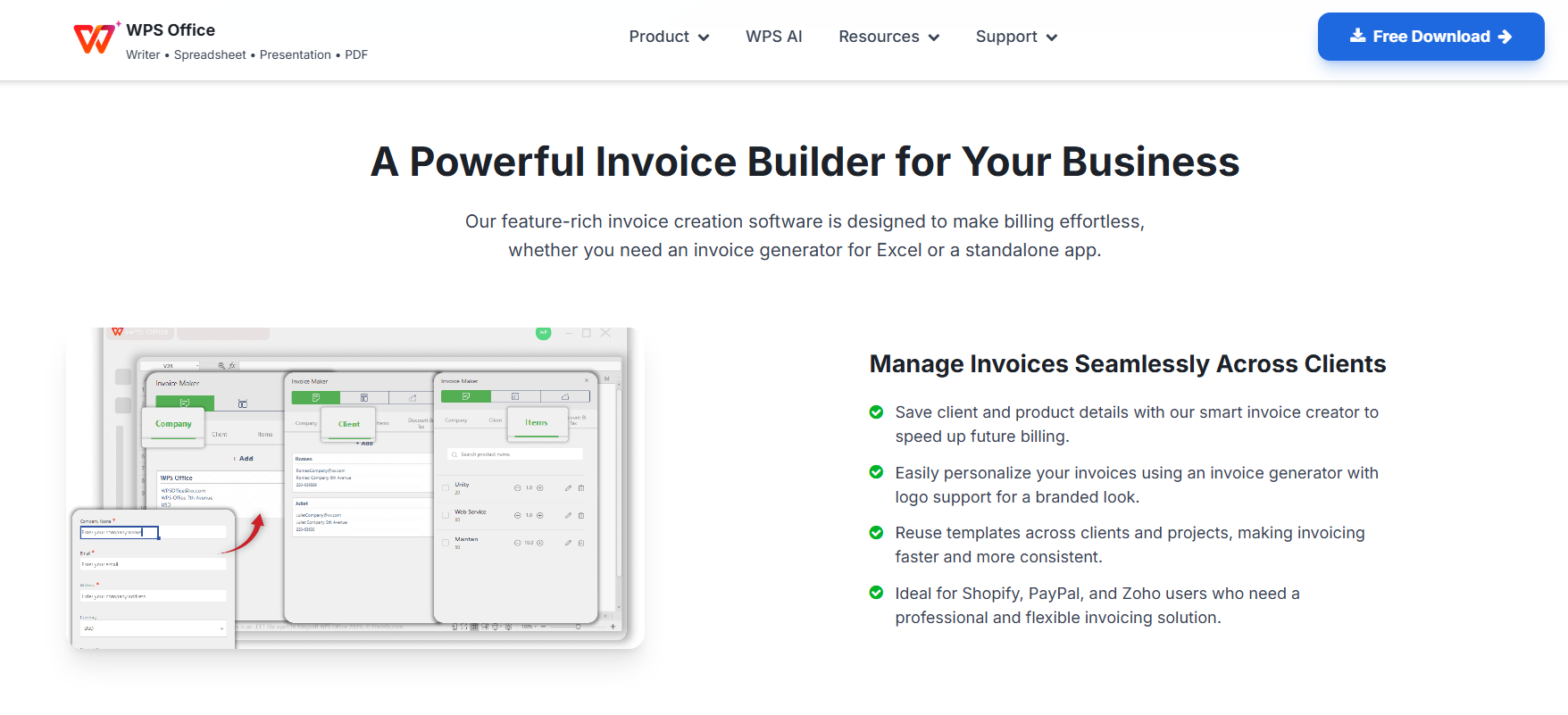
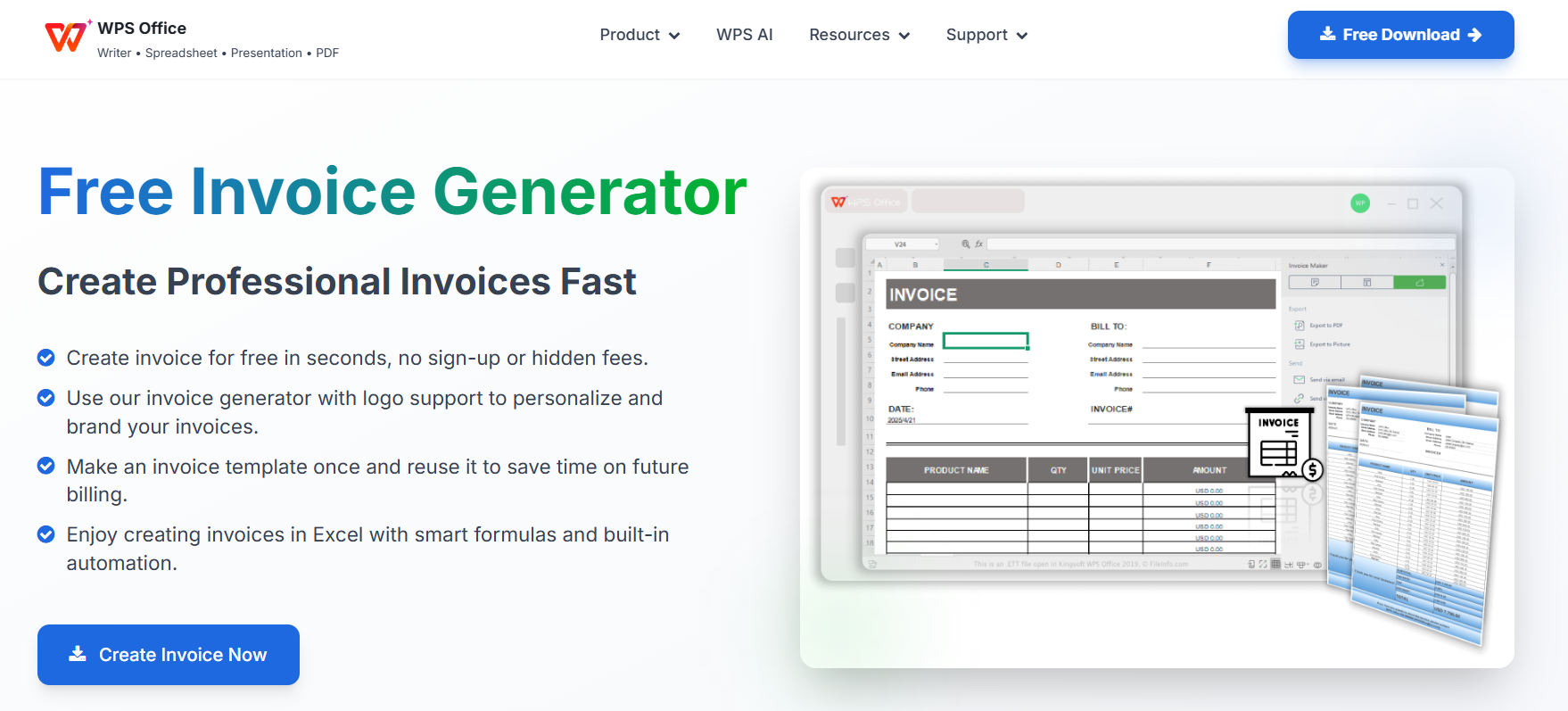
WPS Invoice Generator
Why Go
Digital? The Easiest Way to Create Receipts
A payment receipt template free in Word is perfect for occasional
use, but digital tools like the WPS Invoice Generator take efficiency to
another level. Instead of typing details and recalculating totals every
time, WPS automates the entire process, generating professional,
accurate receipts within seconds.
You can manage multiple clients, store payment history, and export
your files in various formats, including payment receipt PDF, Word, and
Excel. For freelancers and business owners juggling daily tasks, this
tool helps maintain organization and professionalism effortlessly.
Key Benefits of WPS Invoice Generator
Ease of Use
With a simple, intuitive interface, even first-time users can create
polished receipts. Just input your details, and WPS formats them
automatically.
Automation
Forget manual calculations. The WPS system automatically fills in
totals, taxes, and dates, reducing repetitive typing and ensuring every
figure is correct.
Efficiency
All invoices and receipts can be stored and managed in one place. You
can generate, edit, and resend documents quickly without opening
multiple files.
Error Reduction
By automating key steps, WPS minimizes the risk of human error - a
common issue when working with templates manually.
Smart AI Assistance
WPS integrates intelligent design and layout adjustments, ideal for
generating complex billing such as contractor payments, restaurant
invoices, or retail transactions.
How to Create a Payment Receipt Using the WPS Invoice
Generator
Step 2: Choose your preferred receipt or invoice
style.
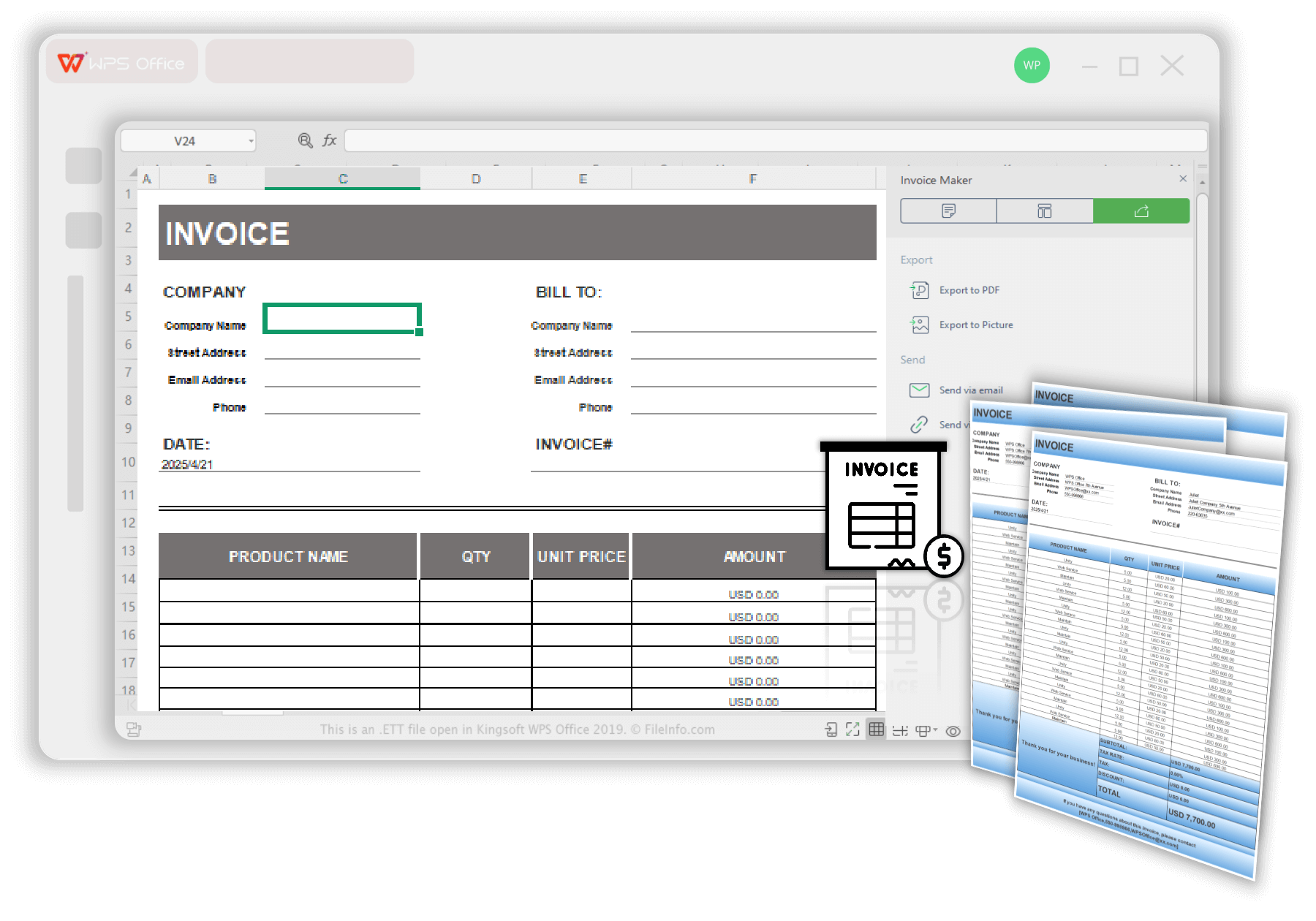
Select the template in WPS Invoice Generator
Step 3: Fill in payment details such as client
name, amount, and payment method.
Step 4: Customize the layout by adding your logo
and contact information.
How to create a free payment receipt using a WPS template
Step 5: Export or print your receipt in Word,
Excel, or PDF format.
Download WPS Invoice
If you've already used WPS Office before, you'll notice how
seamlessly it integrates with your existing workflow. You can even
switch between free printable invoice template designs or import data
from previous files.
My Experience
After testing the WPS Invoice Generator, I found it far quicker than
editing a Word template manually. It automatically calculated totals,
formatted the layout neatly, and exported the document as a payment
receipt PDF in just a few seconds. For anyone handling frequent
transactions, WPS saves not only time but also ensures every receipt
looks professional and consistent.
If you often find yourself searching for a "payment receipt free
download," this tool might just be your most efficient alternative.
100% secure
FAQs
1. Can I customize the template with my own logo and business
information?
Yes. Every payment receipt template Word mentioned above is fully
customizable. You can add your company name, logo, address, and
signature to reflect your brand identity. Editing these templates in
Word is simple; just replace the sample fields with your details and
export the file as a payment receipt PDF or print it directly.
2. Are these templates suitable for handwritten
receipts?
Absolutely. Although these templates are designed for digital use,
you can print them out and fill in the fields manually. This makes them
ideal for cash transactions or small businesses that prefer physical
records. Some users even prefer the free printable invoice template
format for easy documentation on the go.
3. How do I create a payment receipt without using Microsoft
Word?
If you don't have Word installed, you can open and edit these files
with WPS Office, a free, lightweight, and fully compatible alternative.
WPS allows you to edit, format, and save your payment receipt template
for free without losing layout consistency. You can also try the WPS
Invoice Generator to automate the entire process.
4. Can I download receipts as PDF files?
Yes. Once your details are entered, you can export any template as a
payment receipt PDF. This makes it easier to send receipts via email or
keep them securely stored in digital archives.
5. Are these templates safe to download?
All templates listed in this article come from trusted sources such
as resume template.net, Smartsheet, and WordTemplatesOnline. Still, always
ensure you download from the official page and scan files before use for
maximum safety.
Summary
Creating professional receipts doesn't have to be complicated or expensive. With these ten payment receipt template Word options, anyone can produce reliable, branded documents that enhance trust and transparency. From simple printable layouts to detailed invoice-receipt hybrids, each template offers flexibility and clarity for both business owners and clients.
However, if you need a faster, smarter solution, the WPS Invoice Generator offers an all-in-one experience, combining automation, accuracy, and customization in one easy tool. It's a practical choice for those who want to skip manual editing and focus on what matters most: running their business efficiently.
Whether you prefer using Word templates or digital tools, WPS Office ensures you have the flexibility to create, edit, and manage every payment receipt with confidence.
Office software expert with 15+ years of experience since 2009. I specialize in tech tutorials, productivity tools, and digital solutions for everyday users. Passionate about making technology simple and accessible for everyone.


'%3e%3cpath%20d='M8%200C12.4183%200%2016%203.58172%2016%208C16%2012.4183%2012.4183%2016%208%2016C3.58172%2016%200%2012.4183%200%208C0%203.58172%203.58172%200%208%200ZM11.6162%204.38379C11.2257%203.99337%2010.5927%203.99338%2010.2021%204.38379L8%206.58594L5.79785%204.38379C5.40732%203.99334%204.77429%203.99329%204.38379%204.38379C3.99331%204.77429%203.99335%205.40733%204.38379%205.79785L6.58594%208L4.38379%2010.2021C3.99348%2010.5927%203.99341%2011.2257%204.38379%2011.6162C4.77426%2012.0066%205.40734%2012.0065%205.79785%2011.6162L8%209.41406L10.2021%2011.6162C10.5927%2012.0066%2011.2257%2012.0067%2011.6162%2011.6162C12.0067%2011.2257%2012.0066%2010.5927%2011.6162%2010.2021L9.41406%208L11.6162%205.79785C12.0066%205.40735%2012.0066%204.77429%2011.6162%204.38379Z'%20fill='%23080E17'%20fill-opacity='0.46'/%3e%3c/g%3e%3cdefs%3e%3cclipPath%20id='clip0_3761_713'%3e%3crect%20width='16'%20height='16'%20fill='white'/%3e%3c/clipPath%3e%3c/defs%3e%3c/svg%3e)




'%3e%3cpath%20fill-rule='evenodd'%20clip-rule='evenodd'%20d='M21.4999%2010.9993C21.4999%205.20009%2016.7986%200.498901%2010.9993%200.498901C5.19994%200.498901%200.498657%205.20009%200.498657%2010.9993C0.498657%2016.2404%204.33858%2020.5844%209.35855%2021.3722V14.0346H6.69238V10.9993H9.35855V8.68594C9.35855%206.05427%2010.9262%204.60062%2013.3248%204.60062C14.4736%204.60062%2015.6753%204.80571%2015.6753%204.80571V7.38979H14.3512C13.0468%207.38979%2012.64%208.19921%2012.64%209.0296V10.9993H15.5523L15.0867%2014.0346H12.64V21.3722C17.66%2020.5844%2021.4999%2016.2404%2021.4999%2010.9993Z'%20fill='%231568EA'/%3e%3c/g%3e%3c/svg%3e)


'%3e%3cpath%20d='M2.42045%2022.1876H6.31818V12.7217L0.75%208.54553V20.5171C0.75%2021.4414%201.49892%2022.1876%202.42045%2022.1876Z'%20fill='%234285F4'/%3e%3cpath%20d='M19.682%2022.1876H23.5797C24.5041%2022.1876%2025.2502%2021.4387%2025.2502%2020.5171V8.54553L19.682%2012.7217'%20fill='%2334A853'/%3e%3cpath%20d='M19.682%205.48293V12.7216L25.2502%208.54543V6.31816C25.2502%204.25236%2022.8921%203.07469%2021.2411%204.31361'%20fill='%23FBBC04'/%3e%3cpath%20d='M6.31824%2012.7217V5.48303L13.0001%2010.4944L19.6819%205.48303V12.7217L13.0001%2017.733'%20fill='%23EA4335'/%3e%3cpath%20d='M0.75%206.31816V8.54543L6.31818%2012.7216V5.48293L4.75909%204.31361C3.10534%203.07469%200.75%204.25236%200.75%206.31816Z'%20fill='%23C5221F'/%3e%3c/g%3e%3cdefs%3e%3cclipPath%20id='clip0_2954_7305'%3e%3crect%20width='24.5'%20height='18.375'%20fill='white'%20transform='translate(0.75%203.8125)'/%3e%3c/clipPath%3e%3c/defs%3e%3c/svg%3e)



'%3e%3cpath%20d='M19.9911%204.11386V6.471H18.5894C18.0775%206.471%2017.7322%206.57814%2017.5536%206.79243C17.3751%207.00671%2017.2858%207.32814%2017.2858%207.75671V9.44421H19.9019L19.5536%2012.0871H17.2858V18.8639H14.5536V12.0871H12.2769V9.44421H14.5536V7.49779C14.5536%206.39064%2014.8632%205.53201%2015.4822%204.92189C16.1013%204.31177%2016.9257%204.00671%2017.9554%204.00671C18.8304%204.00671%2019.509%204.04243%2019.9911%204.11386Z'%20fill='%23333333'/%3e%3c/g%3e%3cdefs%3e%3cclipPath%20id='clip0_2938_8199'%3e%3crect%20width='16'%20height='16'%20fill='white'%20transform='translate(8%204.00671)'/%3e%3c/clipPath%3e%3c/defs%3e%3c/svg%3e)
'%3e%3cpath%20d='M17.5237%2010.7813L23.4811%204H22.0699L16.8949%209.88693L12.7648%204H8L14.2469%2012.9029L8%2020.0133H9.4112L14.8725%2013.7952L19.2352%2020.0133H24M9.92053%205.04213H12.0885L22.0688%2019.0224H19.9003'%20fill='%23333333'/%3e%3c/g%3e%3cdefs%3e%3cclipPath%20id='clip0_2938_8200'%3e%3crect%20width='16'%20height='16.0134'%20fill='white'%20transform='translate(8%204)'/%3e%3c/clipPath%3e%3c/defs%3e%3c/svg%3e)


