PDF to Excel: Preserve Tables & Structure with OCR
Our PDF to Excel converter keeps complex tables and multi-column data intact. Convert PDF to Excel and get editable spreadsheets for reporting. Start now.
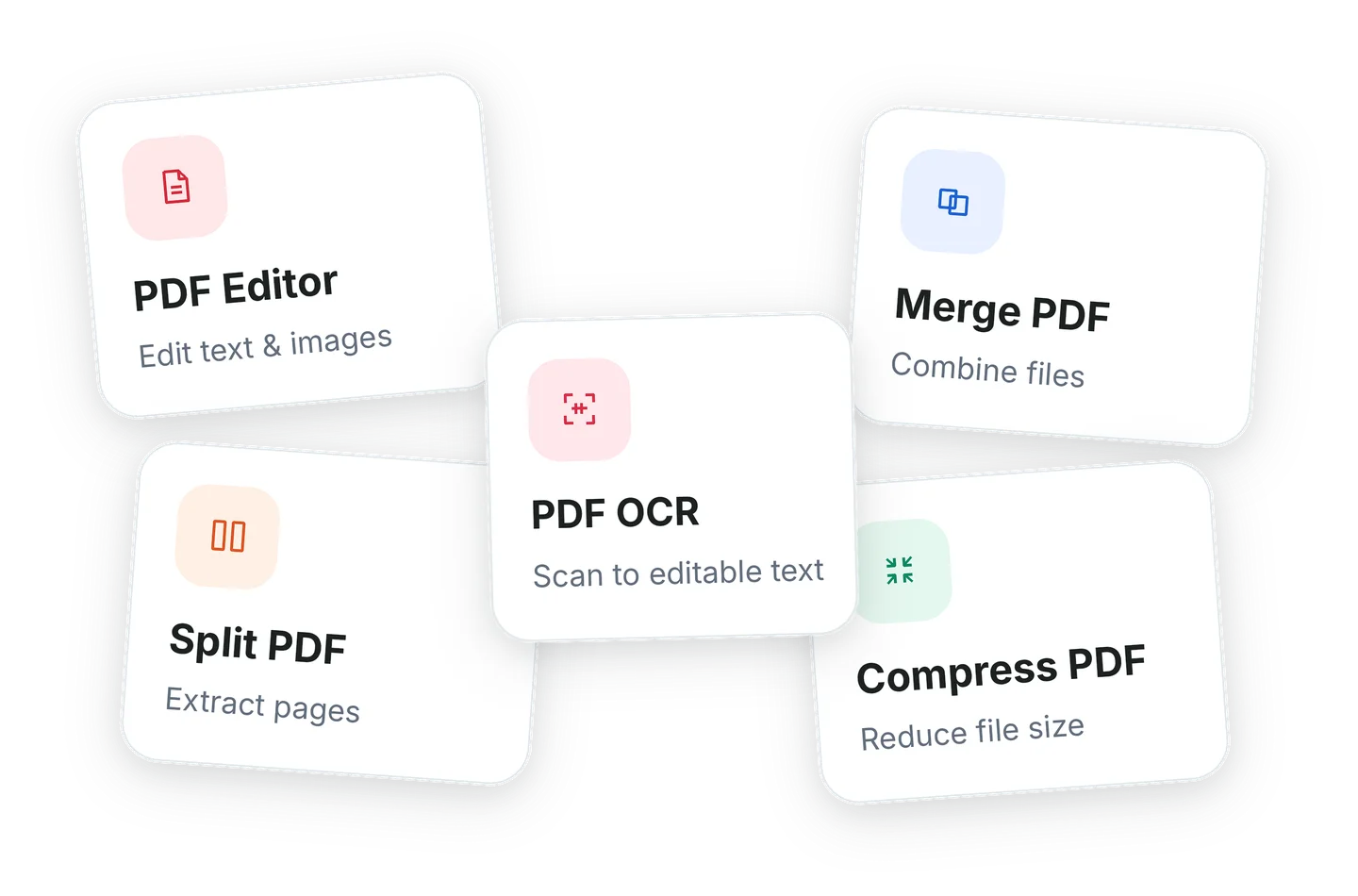
Read more ›Edit, merge, split, compress, and chat with PDFs—plus OCR for scanned files—all in one place.
Our PDF to Excel converter keeps complex tables and multi-column data intact. Convert PDF to Excel and get editable spreadsheets for reporting. Start now.
Read more ›Extract image from pdf without quality loss—pick pages and preview. Our pdf image extractor exports original-resolution images for reports and design.
Read more ›Easily print multiple pdf files with real-time layout preview and per-file controls. Set per-file options or use presets to batch print pdf—save time now. Start today.
Read more ›Choose preset seals or design custom marks with our intuitive digital stamp maker. Fine-tune position and scale for a perfect pdf stamp on every page. See it now.
Read more ›Quickly remove pages from pdf files without altering the original document. Effortlessly delete pages from pdf and save a compact, ready-to-share file. Try it.
Read more ›Learn how to easily add page numbers to your PDF files with WPS Office. Customize position, format, and page ranges for free. Organize your documents perfectly in seconds.
Read more ›A fast, layout-preserving pdf splitter that extracts pages while keeping fonts and metadata intact. Split pdf pages with precision — request a free trial.
Read more ›Powerful pdf reader for Chrome makes highlighting and annotating PDFs effortless. The pdf reader extension adds instant summaries and an in-page chat — try it.
Read more ›Find ready-to-use pdf templates for reports, resumes and pitches. Handcrafted pdf design templates deliver clarity and polish — customize to fit your brand.
Read more ›Quickly create single pages or ranges with a lossless pdf extract that preserves layout and notes. Try our pdf extractor today for effortless results.
Read more ›Quickly protect PDF using advanced encryption tools. Lock PDF document within seconds to safeguard your work and maintain complete control over your content.
Read more ›Easily fill out PDF form fields and keep every detail aligned. The PDF filler helps you complete documents faster while maintaining a clean, professional look.
Read more ›Add watermark to PDF document using custom text or images to brand, secure, or personalize your content. Maintain layout precision with every edit.
Read more ›Use a powerful pdf annotator to highlight text, add comments, or annotate pdf files. Bring clarity to your documents and keep your ideas organized.
Read more ›Discover how to draw on PDF to add shapes, freehand sketches, and curves. Make your documents interactive and expressive in just a few steps.
Read more ›Quickly organize PDF files with tools to sort, rearrange, delete, add, rotate and reorder pages. A smart PDF document organizer to keep your files clear and structured.
Read more ›Quickly sign PDF documents using text, hand-drawn, or uploaded signatures. Create a secure PDF signature that keeps your files professional and legally valid.
Read more ›Easily delete watermark from PDF in one step. Enjoy smooth PDF watermark removal that restores the original look of your documents and keeps them clean, professional, and ready to share.
Read more ›Download WPS Office free and open Word, Excel, PowerPoint, and PDF files in one lightweight app.