


MOBI files were built for Kindle-era e-readers, and a growing number of apps and devices simply refuse to open them anymore. If you have old ebooks sitting in that format, converting MOBI to PDF makes them readable on any laptop, phone, or tablet, easy to print, and simple to archive alongside the rest of your documents.
This guide walks through three free ways to do it: a quick online converter, the Calibre desktop app for batch jobs, and what to do with the finished PDF afterward, including reading and annotating it in WPS Office.
How to Convert MOBI to PDF: 3 Free Ways That Actually Work
Why Convert MOBI to PDF?
MOBI (Mobipocket) is a reflowable ebook format that Amazon inherited and supported on Kindle devices for years. In 2022, Amazon retired it for new submissions: Send to Kindle and the Kindle publishing pipeline now accept EPUB instead, and many modern reading apps have followed suit. The format is not gone from your hard drive, though, and that is exactly the problem — your files still exist, but the list of programs that open them keeps shrinking.
PDF sits at the other end of the spectrum. It is not a reflowable ebook format, which means you lose the ability to resize and rewrap text, but it opens on essentially every device, prints exactly as shown, and can be annotated, merged, and compressed with ordinary office software. For textbooks, handouts, recipes, and anything you might print or share, that reliability usually beats the lost reflow.
One more reason to convert: if you plan to quote or study from an ebook, a PDF keeps page positions stable, so highlights and notes stay meaningful across devices.
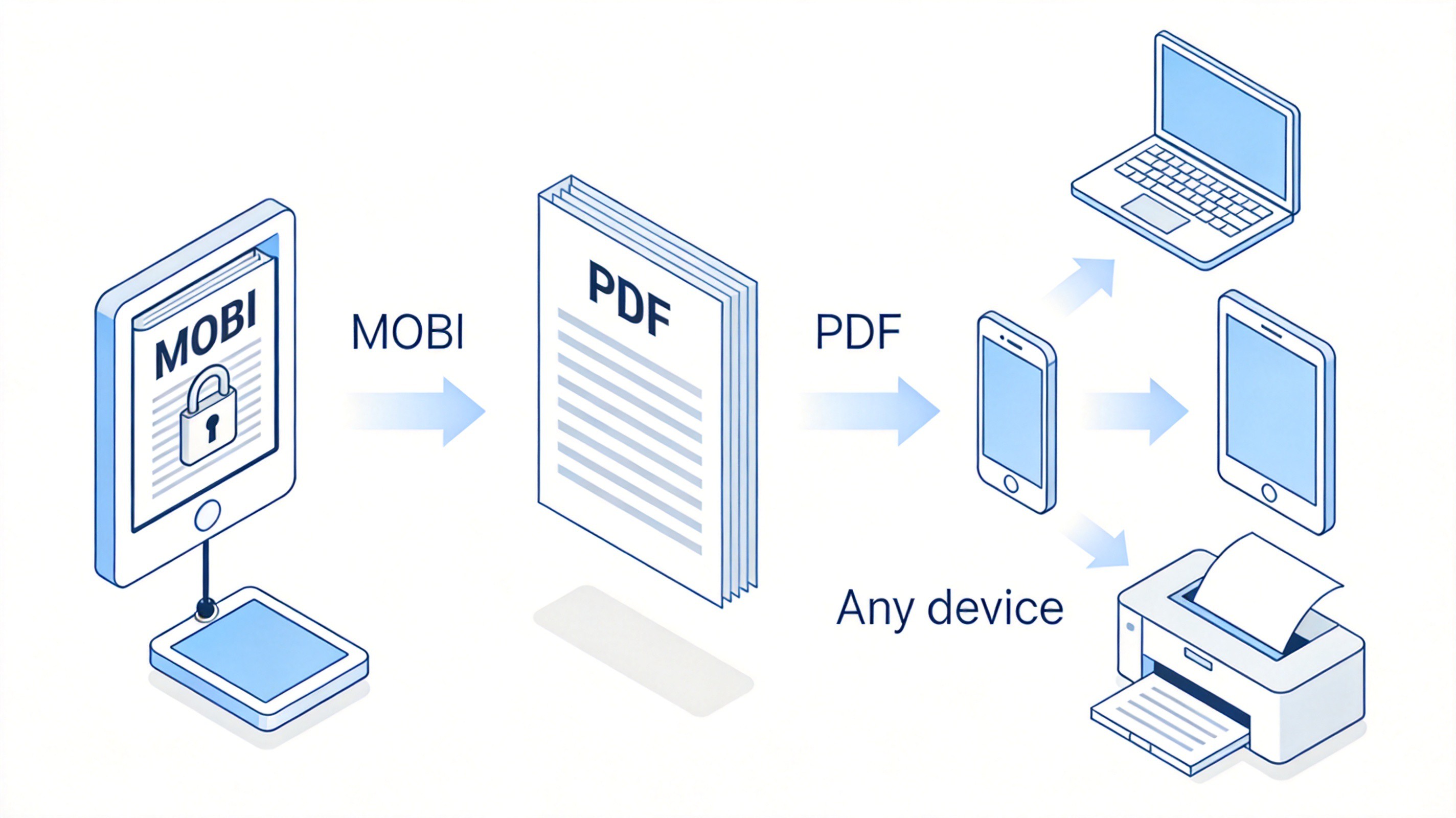
MOBI file locked versus universal PDF


How to Convert MOBI to PDF Online for Free
For a single small file, a browser-based converter is the fastest route. Most MOBI to PDF converter sites work the same way, and the whole job takes under a minute:
Open a converter site. Pick a reputable one such as PDF Candy, CloudConvert, or Ebook2PDF, and check that the page is HTTPS before uploading anything.
Upload your MOBI file. Drag the file into the upload area or browse for it. Files under roughly 50 MB convert comfortably on free tiers.
Select PDF as the output. Some services let you set page size, orientation, and margins — useful if you plan to print the result.
Convert and download. Click Convert, wait a few seconds, then save the PDF to your device.
Two cautions worth keeping in mind. First, upload limits and file deletion windows vary between services, so do not treat an online converter as long-term storage. Second, for anything private or commercially sensitive, prefer the offline Calibre method below so the file never leaves your computer.
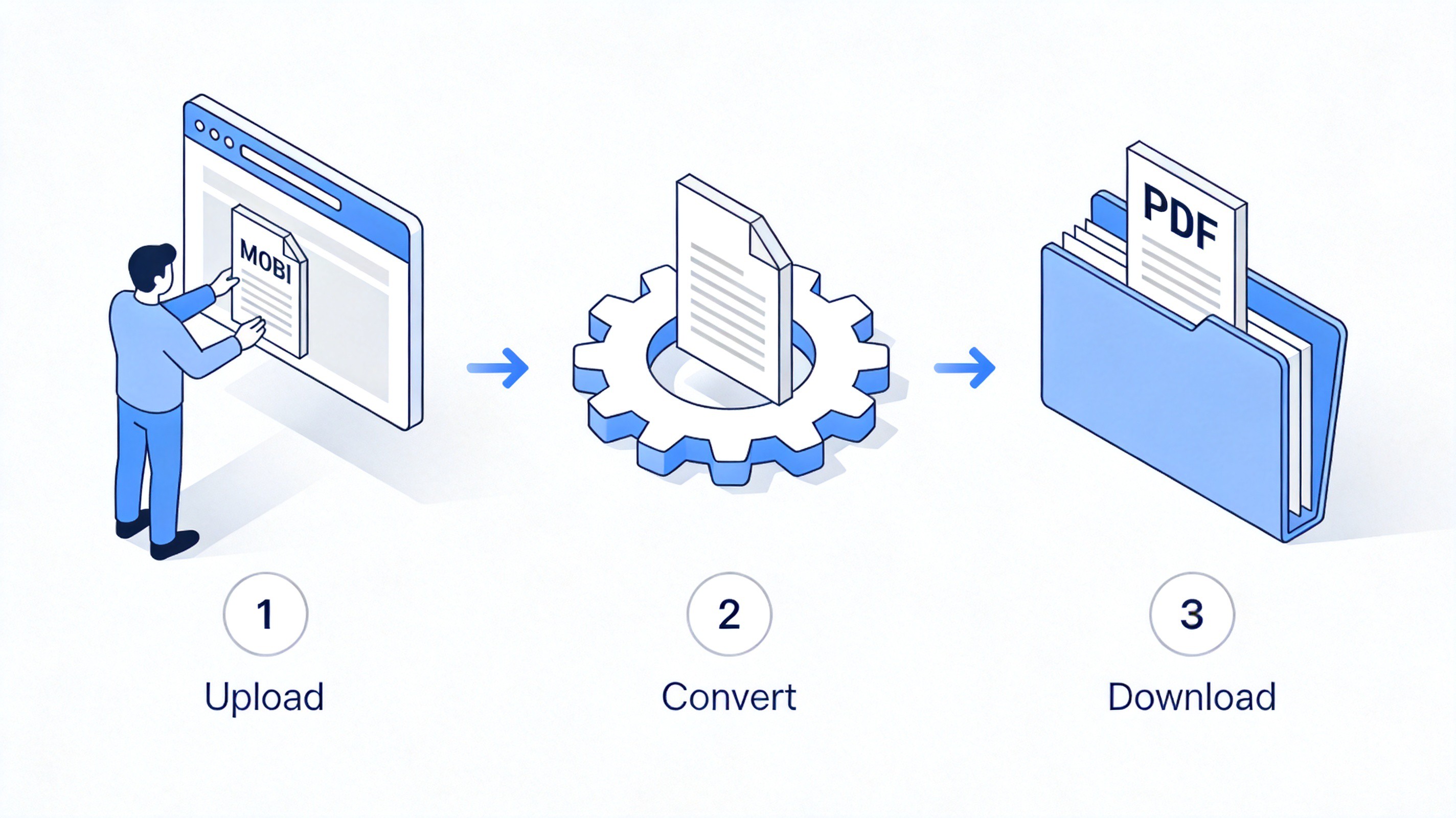
Three steps to convert MOBI online
How to Convert MOBI to PDF with Calibre
Calibre is a free, open-source ebook manager that converts between nearly every ebook format, and it handles MOBI to PDF conversion offline. It is the better choice when you have a whole folder of files or you simply do not want to upload a book anywhere.
Download and install Calibre from the official site, calibre-ebook.com. It runs on Windows, macOS, and Linux.
Add your MOBI files. Click Add books and select one file or an entire folder.
Select the book and click Convert. In the conversion dialog, set the output format to PDF in the top-right dropdown. The default settings are fine for most books; the page setup section lets you choose paper size and margins.
Save the result. Right-click the converted entry and choose Open containing folder to find your new PDF. For many files at once, select them all, then use Convert books for a batch job.
Keep the original MOBI file even after a successful conversion. PDF locks the layout, so if the text looks cramped or the images land awkwardly, you can go back and adjust page size or margins, then convert again.
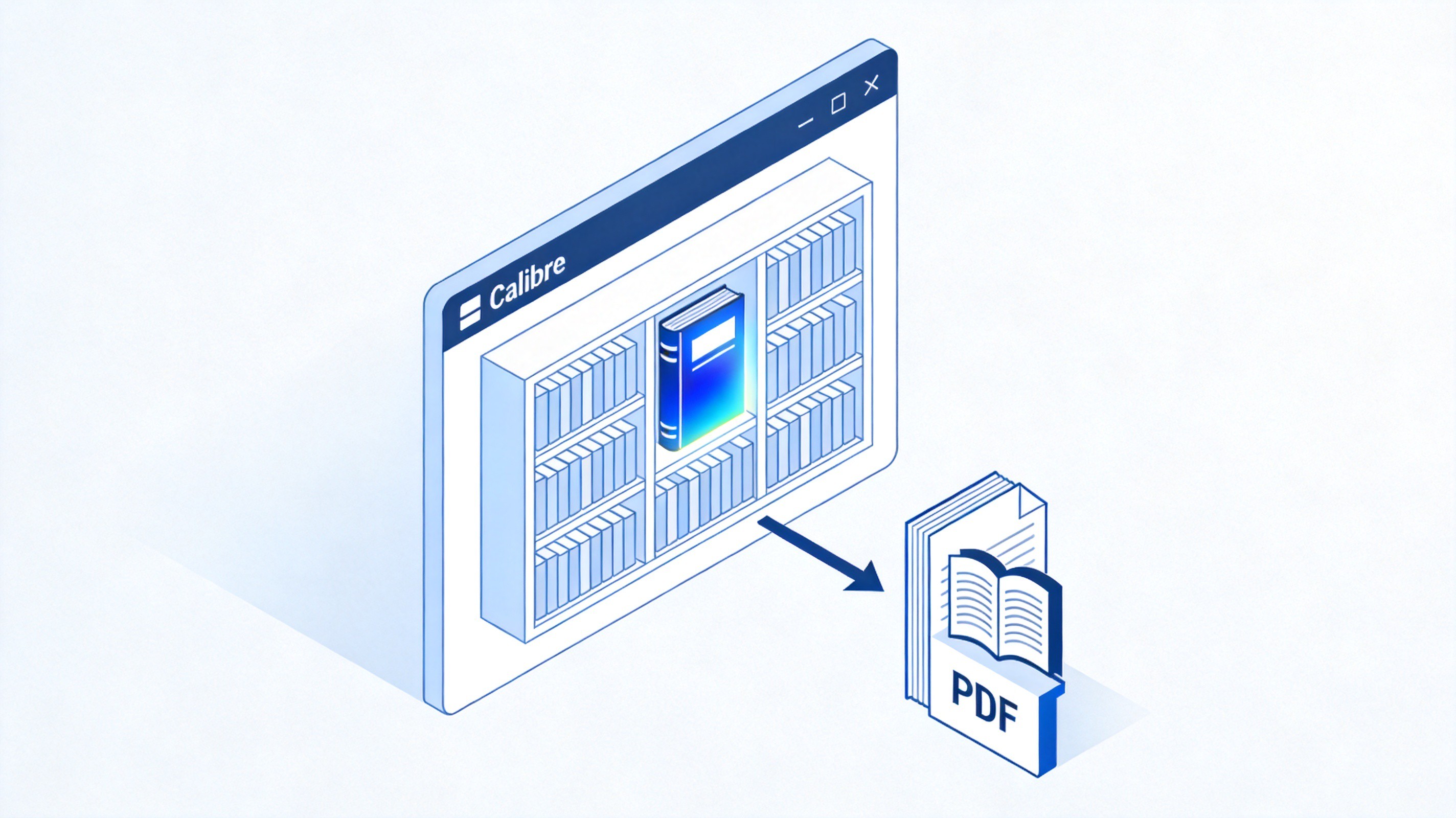
Calibre library converting book to PDF
The Best Free Alternative: WPS Office
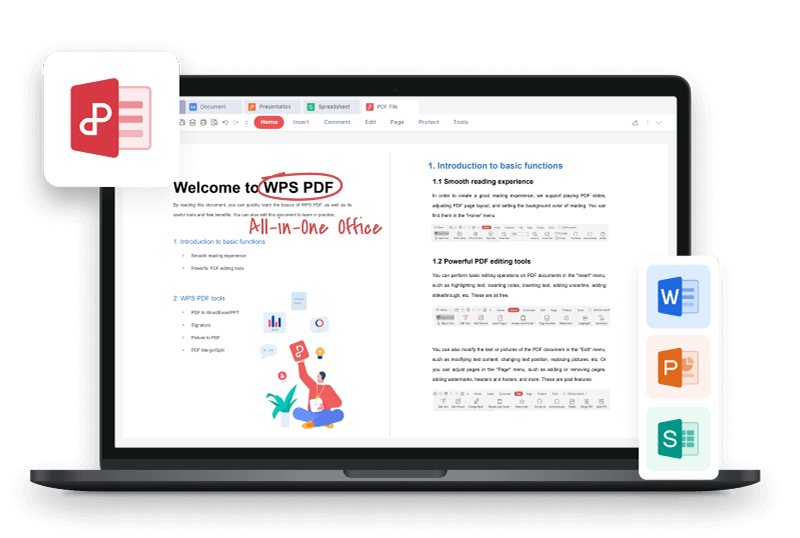
Converting is only half the job. Once the PDF exists, you need somewhere to read it, annotate it, and keep it organized — and this is where WPS Office earns its place alongside Calibre as the best free alternative to paid PDF suites.
WPS Office opens PDF and ePub files in a dedicated reader, and the PDF toolbar covers the everyday jobs that follow a conversion:
Read comfortably. Open the converted PDF in WPS PDF, use the page thumbnails to jump between chapters, and switch to a two-page view for book-style reading.
Highlight and comment. Under Annotate, highlight sentences, add sticky notes, and keep study notes attached to the exact page.
Extract what you need. The Convert tool exports selected content or the whole file to Word or Excel when you want to quote a chapter in a report.
Trim and organize. Compress a heavy converted textbook before emailing it, merge several converted MOBI files into one PDF, or split out a single chapter.
If you are still deciding where to get ebooks in the first place, our guide to Anna's Archive and reading eBooks in WPS Office covers the download-and-read workflow in detail, and the safer-sources checklist in our Ocean of PDF overview applies just as much to MOBI files as to PDFs.
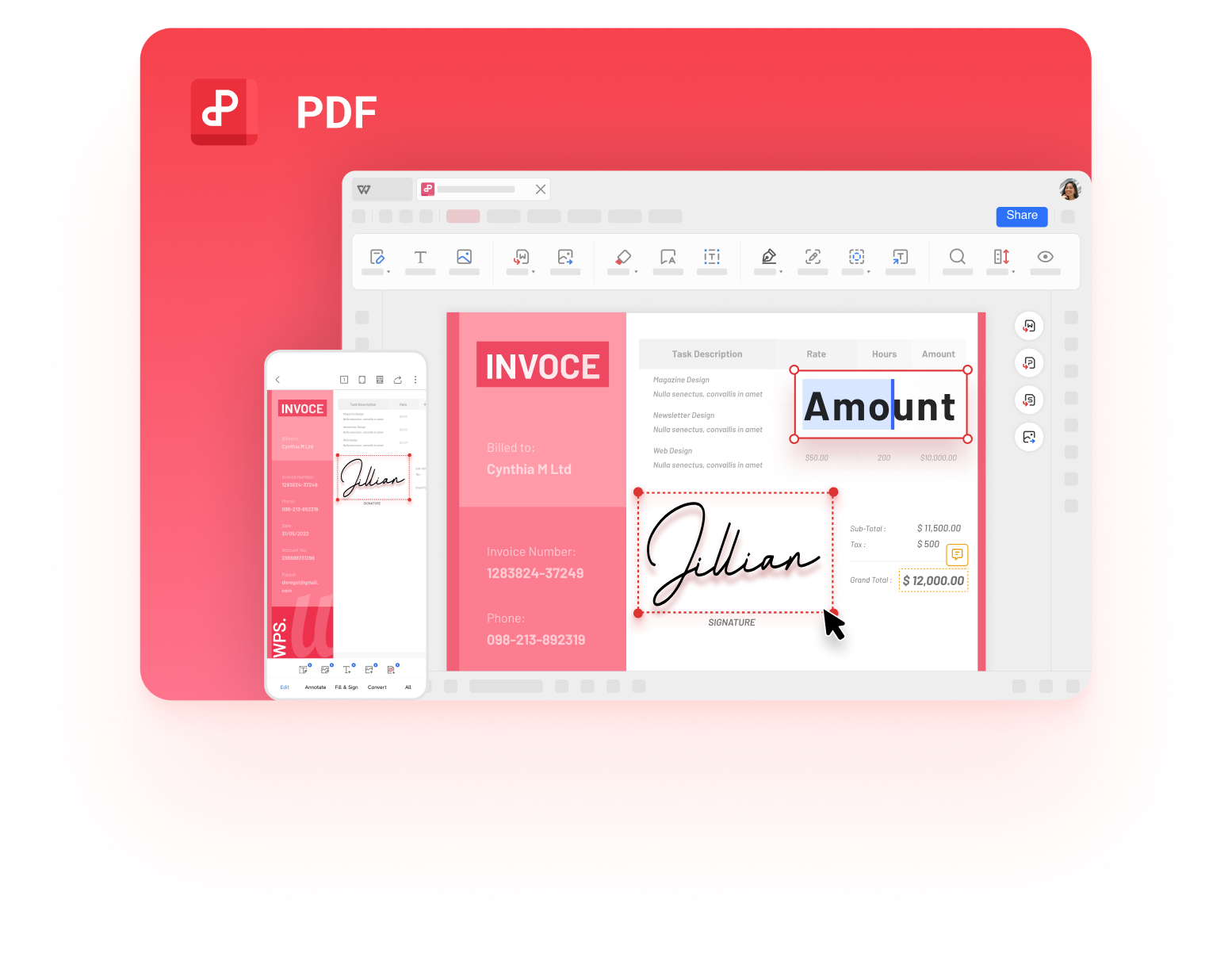
WPS PDF Editor free
FAQs
Is MOBI to PDF conversion safe for my files?
Yes, conversion itself does not damage anything as long as you keep the original MOBI file. The only real caution is privacy: online converters receive a copy of your book, so use Calibre for anything sensitive and stick to HTTPS sites for casual titles.
Why does my converted PDF look different from the MOBI?
MOBI is a reflowable format, so the reader wraps text to fit the screen. A PDF has fixed pages, which means line breaks and margins are set at conversion time. If the result looks cramped, reconvert with a larger page size or wider margins.
Can Kindle still open MOBI files?
Older Kindle devices handle MOBI, but Amazon retired the format in 2022: Send to Kindle and new publishing uploads now require EPUB or PDF. Converting to PDF is the reliable way to keep old MOBI books readable on current Kindles.
What is the best free MOBI to PDF converter?
For one or two files, a browser converter such as PDF Candy or CloudConvert is fastest. For batches or private books, Calibre is the better tool because it works offline and preserves your library metadata.
Can I convert PDF back to MOBI or EPUB later?
You can, with tools like Calibre, but the result is rarely clean because PDF text is laid out in fixed pages. That is one more reason to keep the original MOBI or EPUB source file whenever you have it.




