



'%3e%3cpath%20fill-rule='evenodd'%20clip-rule='evenodd'%20d='M21.4999%2010.9993C21.4999%205.20009%2016.7986%200.498901%2010.9993%200.498901C5.19994%200.498901%200.498657%205.20009%200.498657%2010.9993C0.498657%2016.2404%204.33858%2020.5844%209.35855%2021.3722V14.0346H6.69238V10.9993H9.35855V8.68594C9.35855%206.05427%2010.9262%204.60062%2013.3248%204.60062C14.4736%204.60062%2015.6753%204.80571%2015.6753%204.80571V7.38979H14.3512C13.0468%207.38979%2012.64%208.19921%2012.64%209.0296V10.9993H15.5523L15.0867%2014.0346H12.64V21.3722C17.66%2020.5844%2021.4999%2016.2404%2021.4999%2010.9993Z'%20fill='%231568EA'/%3e%3c/g%3e%3c/svg%3e)


'%3e%3cpath%20d='M2.42045%2022.1876H6.31818V12.7217L0.75%208.54553V20.5171C0.75%2021.4414%201.49892%2022.1876%202.42045%2022.1876Z'%20fill='%234285F4'/%3e%3cpath%20d='M19.682%2022.1876H23.5797C24.5041%2022.1876%2025.2502%2021.4387%2025.2502%2020.5171V8.54553L19.682%2012.7217'%20fill='%2334A853'/%3e%3cpath%20d='M19.682%205.48293V12.7216L25.2502%208.54543V6.31816C25.2502%204.25236%2022.8921%203.07469%2021.2411%204.31361'%20fill='%23FBBC04'/%3e%3cpath%20d='M6.31824%2012.7217V5.48303L13.0001%2010.4944L19.6819%205.48303V12.7217L13.0001%2017.733'%20fill='%23EA4335'/%3e%3cpath%20d='M0.75%206.31816V8.54543L6.31818%2012.7216V5.48293L4.75909%204.31361C3.10534%203.07469%200.75%204.25236%200.75%206.31816Z'%20fill='%23C5221F'/%3e%3c/g%3e%3cdefs%3e%3cclipPath%20id='clip0_2954_7305'%3e%3crect%20width='24.5'%20height='18.375'%20fill='white'%20transform='translate(0.75%203.8125)'/%3e%3c/clipPath%3e%3c/defs%3e%3c/svg%3e)


Searching for an Adobe PDF editor free download in 2026? Here is the straight answer first, then the official ways to get Adobe tools for free, plus a practical free alternative if you need more than a short trial.
Is Adobe PDF Editor Really Free?
It depends on which Adobe product you mean—and what you need to do with your PDF.
Adobe Acrobat Reader is 100% free. You can view PDFs, highlight text, add comments, fill forms, and sign documents. What you cannot do is edit pdf text or rearrange the layout the way a full PDF editor would.
Adobe Acrobat Pro is the full-featured PDF editor. Adobe typically offers a 7-day free trial with complete editing access. After the trial ends, you need a paid subscription (commonly around $19.99/month).
Product | Free? | What you can do |
Adobe Acrobat Reader | Yes — permanently free | View, annotate, fill forms, and sign |
Adobe Acrobat Pro | 7-day free trial only | Full edit, convert, merge, protect, and more |

How to Download Adobe PDF Editor for Free
If you want Adobe specifically, these are the three legitimate free paths in 2026.
Method 1: Download Adobe Acrobat Reader (100% Free for Basic Needs)
🌟Best for: Users who mainly need to highlight, draw, comment, fill forms, or sign PDFs—without rewriting the document itself.
Go to Adobe's official Acrobat Reader download page.
Click Download Acrobat Reader and run the installer on your computer.
Open your PDF in Reader, then use the tools to highlight, comment, fill forms, or sign—remember, this free version cannot edit existing text or images.
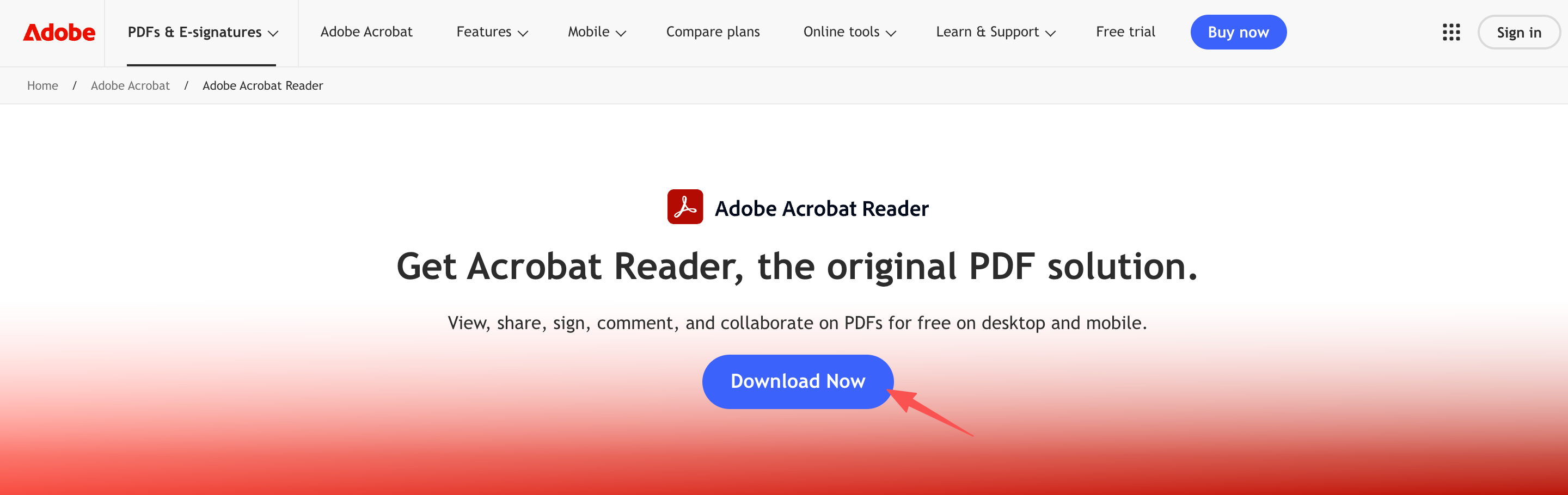
Adobe Acrobat Reader Free Download
Method 2: Download Adobe Acrobat Pro 7-Day Free Trial (Full Editing Access)
🌟Best for: Anyone who needs advanced PDF edits right now—rewriting text, fixing layout, or working with complex documents for a short project.
Go to Adobe's official website and choose Acrobat Pro.
Sign in or create an Adobe account, then start the 7-day free trial.
Download and install the desktop app, then open your PDF to use the full editing toolkit—or see how to edit pdf on windows step by step.
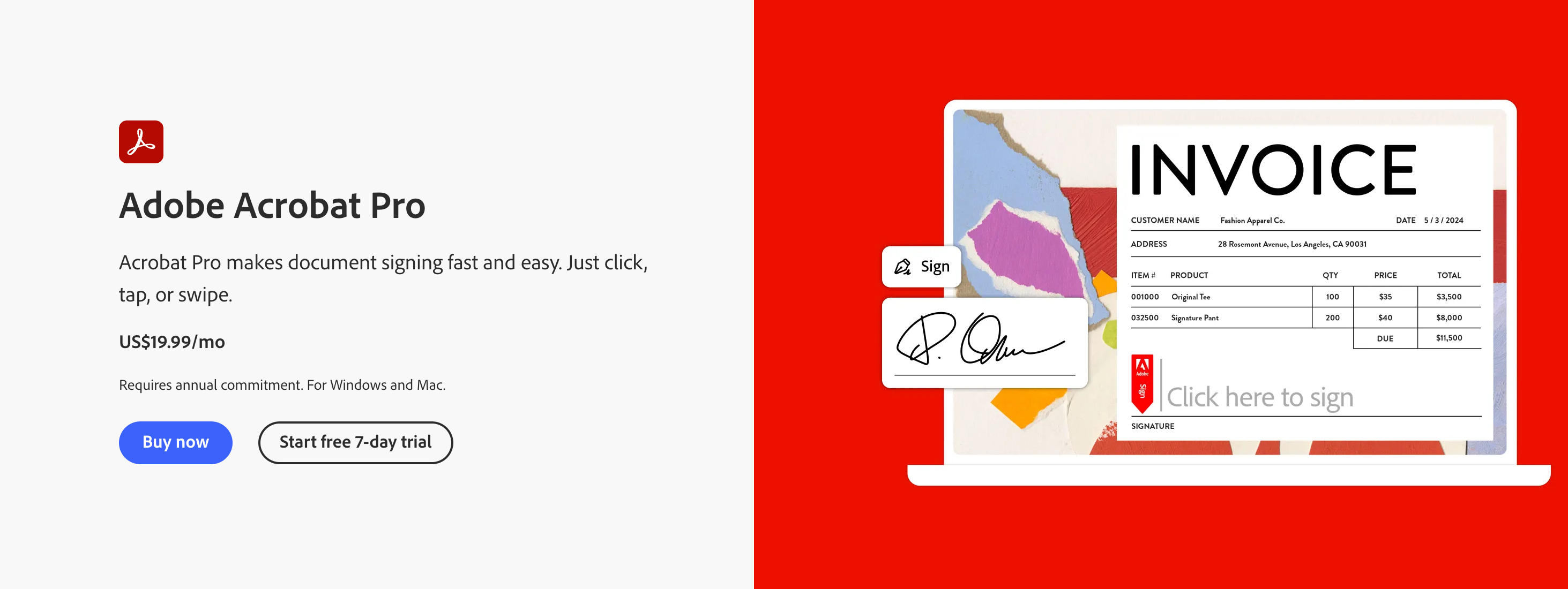
Adobe Acrobat Pro Free Download
Important: Cancel before day 7 if you do not want to keep the subscription. Adobe requires a credit card or PayPal to start the trial, and forgetting to cancel can lead to automatic billing (often around $19.99/month). Set a calendar reminder and cancel from your Adobe account settings before the trial ends.
Limitations of Adobe Acrobat Free Download
Adobe's free options work well for viewing and short trials—but they come with trade-offs if you edit PDFs regularly.
Very short trial window: Acrobat Pro's free access usually lasts only 7 days. Long-term use can cost more than $180 a year.
Billing risk: Starting the Pro trial typically means linking a credit card or PayPal. Miss the cancel deadline, and you may be charged automatically.
PDF-only focus: Acrobat is built around PDF workflows, including filling and signing papers for a tax return. If you also juggle Word, Excel, and PowerPoint files every day, you may still need a separate office suite.

Adobe Acrobat PDF Editor
Best Alternative to Adobe PDF Editor: WPS Office
If you need ongoing PDF editing without a countdown clock, WPS Office is a strong free alternative:
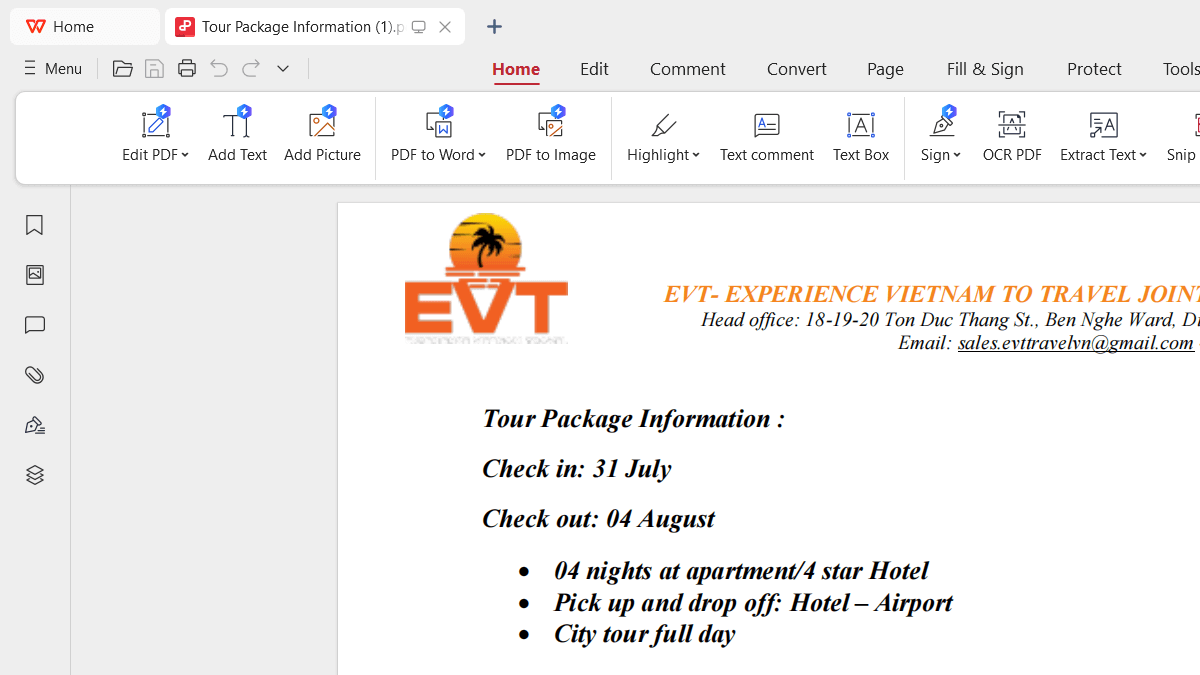
Core PDF editing for free: Edit text, adjust images and layout, and extract pages without paying for a short trial.
Full office suite included: Writer, Spreadsheets, and Presentation come built in—so you can handle Word, Excel, PPT, and PDF in one place, including easy conversions between formats.
Lightweight and familiar: The installer is compact, the app launches quickly, and the interface feels natural if you already use mainstream office software.
With WPS Office and its PDF OCR tools, you can also edit PDF text and images, add notes, draw on a PDF, add notes, draw on a PDF, highlight text, convert PDF to PPT, merge PDFs, split PDFs online, and compress a PDF online.
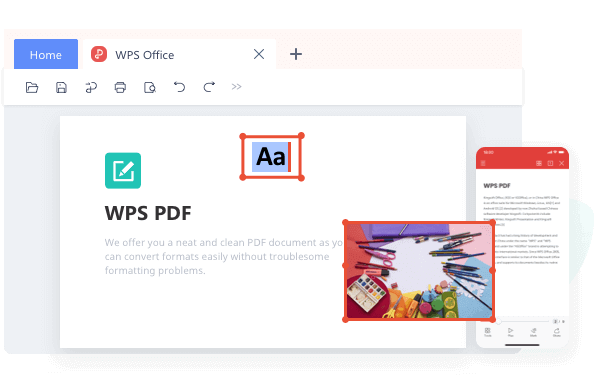
Feature Comparison: Adobe Acrobat Pro vs. WPS Office
Feature | Adobe Acrobat Pro (Free Trial) | WPS Office PDF (Free Download) |
Pricing | Free for 7 days, then ~$19.99/mo | Free download (ongoing) |
Credit card required? | Yes | No |
Edit text & images | Yes | Yes |
PDF conversion | Yes | Yes |
Merge, split & compress | Yes | Yes |
Built-in office suite | No | Yes (Word, Excel, PPT included) |
How to Edit PDF Free With WPS Office
Step 1: Open WPS PDF Tools Online in your browser (for example, PDF to Word or PDF editing tools, depending on your task).
Step 2: Click upload / Select File and choose your PDF.
Step 3: Start the task and download the result when ready.
Step 4: Open the file in WPS Writer or WPS PDF to continue editing for free. Learn how to edit pdf in wps office for free with a complete guide.
Frequently Asked Questions (FAQ)
Is Adobe Acrobat PDF editor completely free?
Not completely. Acrobat Reader is free for viewing, annotating, and filling forms, but it cannot edit existing text. Full editing in Acrobat Pro is only free during a 7-day trial; after that, you need a paid subscription.
How can I download Adobe PDF editor for free without a credit card?
Adobe's official Pro trial usually requires a payment method. If you want to edit PDFs for free without linking a credit card, WPS Office PDF Editor is a practical alternative.
Can I convert PDF to Word for free using WPS Office?
Yes. WPS supports high-accuracy conversion from PDF to Word, Excel, and PPT, so you can keep editing in a familiar format whenever you need to.
Summary
In 2026, you can still get Adobe PDF tools for free—but with clear limits. Acrobat Reader covers viewing and annotation at no cost, while Acrobat Pro unlocks full editing only through a short 7-day trial that usually requires a payment method.You can also use a free pdf filler in WPS to complete forms without printing.
If you need ongoing edits without trial pressure, WPS Office is a strong free alternative: edit PDF text and images, convert files, and handle Word, Excel, and PowerPoint in one lightweight suite.

'%3e%3cpath%20d='M19.9911%204.11386V6.471H18.5894C18.0775%206.471%2017.7322%206.57814%2017.5536%206.79243C17.3751%207.00671%2017.2858%207.32814%2017.2858%207.75671V9.44421H19.9019L19.5536%2012.0871H17.2858V18.8639H14.5536V12.0871H12.2769V9.44421H14.5536V7.49779C14.5536%206.39064%2014.8632%205.53201%2015.4822%204.92189C16.1013%204.31177%2016.9257%204.00671%2017.9554%204.00671C18.8304%204.00671%2019.509%204.04243%2019.9911%204.11386Z'%20fill='%23333333'/%3e%3c/g%3e%3cdefs%3e%3cclipPath%20id='clip0_2938_8199'%3e%3crect%20width='16'%20height='16'%20fill='white'%20transform='translate(8%204.00671)'/%3e%3c/clipPath%3e%3c/defs%3e%3c/svg%3e)
'%3e%3cpath%20d='M17.5237%2010.7813L23.4811%204H22.0699L16.8949%209.88693L12.7648%204H8L14.2469%2012.9029L8%2020.0133H9.4112L14.8725%2013.7952L19.2352%2020.0133H24M9.92053%205.04213H12.0885L22.0688%2019.0224H19.9003'%20fill='%23333333'/%3e%3c/g%3e%3cdefs%3e%3cclipPath%20id='clip0_2938_8200'%3e%3crect%20width='16'%20height='16.0134'%20fill='white'%20transform='translate(8%204)'/%3e%3c/clipPath%3e%3c/defs%3e%3c/svg%3e)


