



'%3e%3cpath%20fill-rule='evenodd'%20clip-rule='evenodd'%20d='M21.4999%2010.9993C21.4999%205.20009%2016.7986%200.498901%2010.9993%200.498901C5.19994%200.498901%200.498657%205.20009%200.498657%2010.9993C0.498657%2016.2404%204.33858%2020.5844%209.35855%2021.3722V14.0346H6.69238V10.9993H9.35855V8.68594C9.35855%206.05427%2010.9262%204.60062%2013.3248%204.60062C14.4736%204.60062%2015.6753%204.80571%2015.6753%204.80571V7.38979H14.3512C13.0468%207.38979%2012.64%208.19921%2012.64%209.0296V10.9993H15.5523L15.0867%2014.0346H12.64V21.3722C17.66%2020.5844%2021.4999%2016.2404%2021.4999%2010.9993Z'%20fill='%231568EA'/%3e%3c/g%3e%3c/svg%3e)


'%3e%3cpath%20d='M2.42045%2022.1876H6.31818V12.7217L0.75%208.54553V20.5171C0.75%2021.4414%201.49892%2022.1876%202.42045%2022.1876Z'%20fill='%234285F4'/%3e%3cpath%20d='M19.682%2022.1876H23.5797C24.5041%2022.1876%2025.2502%2021.4387%2025.2502%2020.5171V8.54553L19.682%2012.7217'%20fill='%2334A853'/%3e%3cpath%20d='M19.682%205.48293V12.7216L25.2502%208.54543V6.31816C25.2502%204.25236%2022.8921%203.07469%2021.2411%204.31361'%20fill='%23FBBC04'/%3e%3cpath%20d='M6.31824%2012.7217V5.48303L13.0001%2010.4944L19.6819%205.48303V12.7217L13.0001%2017.733'%20fill='%23EA4335'/%3e%3cpath%20d='M0.75%206.31816V8.54543L6.31818%2012.7216V5.48293L4.75909%204.31361C3.10534%203.07469%200.75%204.25236%200.75%206.31816Z'%20fill='%23C5221F'/%3e%3c/g%3e%3cdefs%3e%3cclipPath%20id='clip0_2954_7305'%3e%3crect%20width='24.5'%20height='18.375'%20fill='white'%20transform='translate(0.75%203.8125)'/%3e%3c/clipPath%3e%3c/defs%3e%3c/svg%3e)


To run Arch Linux on WSL, install WSL 2 on Windows, then install the official Arch WSL distribution with wsl --install archlinux (or install from the official .wsl image). ArchWiki states WSL 2 is required and WSL 1 is not supported. Success means wsl -d archlinux opens an Arch shell and wsl -l -v shows archlinux on VERSION 2.
Enable WSL with how to install Windows Subsystem for Linux before Arch. Prefer Ubuntu instead? See Windows Subsystem for Linux Ubuntu. Registration failures map to WSL has no installed distributions; GUI apps: WSL Linux GUI. Overview: Windows Subsystem for Linux overview.
Shortest path: ensure virtualization + up-to-date WSL → wsl --install archlinux → launch Arch → create/configure your user → optional WSLg apps. Prefer official Arch WSL images over abandoned third-party rootfs scripts.
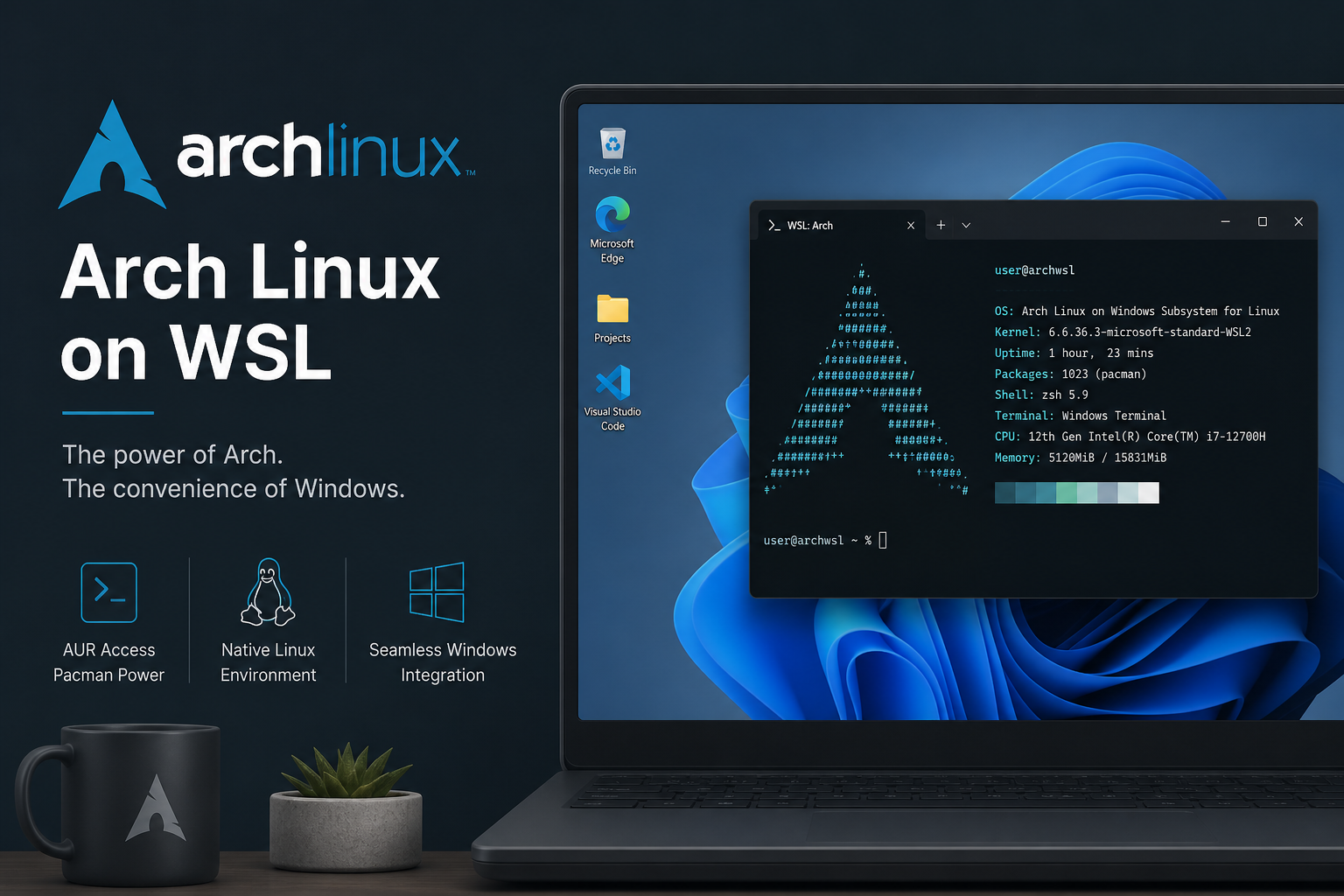
Prerequisites Unique to Arch on WSL
- WSL 2 only (ArchWiki requirement)
- Virtualization enabled in UEFI
- Current WSL package (
wsl --update) - Willingness to manage Arch rolling updates inside the guest
wsl --status
wsl --update
wsl -l -v
Install the Official Arch WSL Distro
From a Windows shell (PowerShell or CMD), after WSL 2 is available:
wsl --install archlinuxLaunch from Start (archlinux) or:
wsl -d archlinuxIf the name differs on your feed, check:
wsl --list --onlineand install the exact online name Microsoft lists for Arch.
Manual Install From an Official .wsl Image
ArchWiki also documents downloading the latest official .wsl image and installing it:
wsl --install --from-file C:\Users\USERNAME\Downloads\archlinux-YYYY.MM.DD.wslUse your real download path and filename. Optional --name sets a custom distro name. Double-clicking the .wsl file can also start installation on current WSL versions. Prefer official Arch image builds over random GitHub rootfs tarballs that go stale.
First Boot: root, User, and wsl.conf
Official images may start as root. Set a root password before closing sessions if required by your workflow. Create a normal user, then set it as default via /etc/wsl.conf:
[user]
default=yourusername
Apply by terminating the distro from Windows:
wsl --terminate archlinuxOn WSL 2.4.10+, ArchWiki also documents:
wsl --manage archlinux --set-default-user yourusernameEmergency root access from Windows:
wsl -u root -d archlinuxArchWiki warns that enabling systemd across multiple distros with identical default UIDs can conflict—use distinct UIDs when you run several systemd-enabled distributions.
Update Arch Safely Inside WSL
pacman -SyuRolling releases update frequently. Read pacman output before answering yes to destructive conflicts. Snapshots/exports from Windows are your safety net:
wsl --export archlinux D:\Backups\archlinux-backup.tarSchedule exports before large pacman -Syu runs if the environment is important. Store the tarball on a Windows drive with enough free space.
WSLg GUI Apps on Arch
WSLg is enabled by default. Install GUI packages with pacman (for example terminal tools or editors you need), then launch them like other WSL GUI apps. For hardware-accelerated rendering, ArchWiki discusses mesa and d3d12-related packages and environment variables—follow ArchWiki: Install Arch Linux on WSL for those optional GPU steps rather than copying unverified DISPLAY exports. Install xdg-utils if you need links to open in the Windows host browser.
systemd Notes
Modern official Arch WSL images aim to provide a complete system experience and may enable systemd depending on WSL version. If user-session tools misbehave, consult ArchWiki troubleshooting (including lingering sessions) before disabling systemd globally. Avoid running conflicting assumptions copied from Ubuntu-only blogs.
Docker/Podman quirks (shared mount propagation, newuidmap caps) also have ArchWiki-specific notes—treat those as follow-ups after a basic shell works.
Common Failures
Arch installs but stays on WSL 1
wsl --set-version archlinux 2
wsl -l -v
Name not found in --install
Refresh WSL, rerun wsl --list --online, or use the official .wsl file method.
GUI apps fail
Confirm WSL 2, wsl --update, GPU drivers, and that guiApplications was not disabled in .wslconfig.
Locked out of sudo
Use wsl -u root -d archlinux from Windows, then repair users/passwords before the next logout.
Verify Success
wsl -d archlinux
cat /etc/os-release
uname -r
pacman -Q | head
Expected result: Arch identity in os-release, a WSL2-capable kernel string, and a working pacman database. Also confirm wsl -l -v shows VERSION 2 for archlinux.
Sample End-to-End Arch Session
wsl --update
wsl --install archlinux
wsl -d archlinux
cat /etc/os-release
pacman -Syu
exit
wsl -l -v
After first boot, create your non-root user, set it as default, terminate the distro, and reopen as that user. Then install only the packages you need. If you plan GUI apps, confirm VERSION 2 and WSLg before pulling large desktop stacks.
Keep the official ArchWiki page bookmarked; rolling instructions change faster than Ubuntu LTS blogs. When Microsoft’s online list uses a slightly different distro name, trust wsl --list --online on your machine over a memorized string from an older article.
Arch + Windows Terminal + Daily Loop
Add an Arch profile in Windows Terminal for colored tabs and multiple panes. Run pacman -Syu on a cadence you can supervise—not unattended on a Friday night before a deadline. Keep a second stable distro (Ubuntu) installed if you need a fallback toolchain while Arch is upgrading.
When using AUR helpers, remember WSL is still a container-like environment: some build scripts assume bare metal, system D-Bus services, or desktop portals that WSLg only partially replaces. Prefer official repositories first. For SSH keys and Windows Hello bridging, ArchWiki lists optional tools—add them only after the base system is healthy.
Why Choose Arch on WSL
Arch on WSL gives a rolling, upstream-close userspace for developers who already know pacman and Arch packaging. It is a poor first Linux if you only need a stable Ubuntu toolchain. Choose Arch when you specifically want Arch packages, AUR workflows (with caution inside WSL), or parity with an Arch bare-metal machine—not because it is “more official” than Ubuntu on WSL.
Keep Windows updates and wsl --update current; Arch guests move quickly and assume a modern WSL 2 host. Export before experimental AUR modules or major pacman migrations. When something breaks, restore the export instead of spending hours on partial upgrades.
For day-to-day files, use the Linux filesystem for compilation and /mnt/c only for interchange. That pattern matches Microsoft guidance for WSL performance and avoids NTFS permission surprises with Arch build tools.
If you maintain both Ubuntu and Arch on the same PC, set defaults deliberately with wsl --set-default so plain wsl does not surprise you. Name custom imports clearly (arch-dev, arch-test) when you experiment with multiple Arch filesystems.
Official references to keep: Microsoft’s WSL install page for host setup, and ArchWiki’s Install Arch Linux on WSL page for guest-specific user, WSLg, and systemd notes. When the two disagree on a Windows host detail, Microsoft wins; when they disagree on Arch packaging inside the guest, ArchWiki wins.
A stable operating rhythm looks like this: update WSL on Windows monthly, export Arch before risky experiments, run supervised pacman -Syu, then smoke-test shell + one GUI app + one build toolchain. That rhythm catches breakage early while rollback via import is still cheap.
If colleagues only need a generic Linux shell, recommend Ubuntu on WSL instead. Save Arch for people who already want rolling packages and are comfortable reading ArchWiki when something breaks—WSL does not remove that responsibility.
After Arch Boots on WSL: Notes and Shareable Docs on Windows
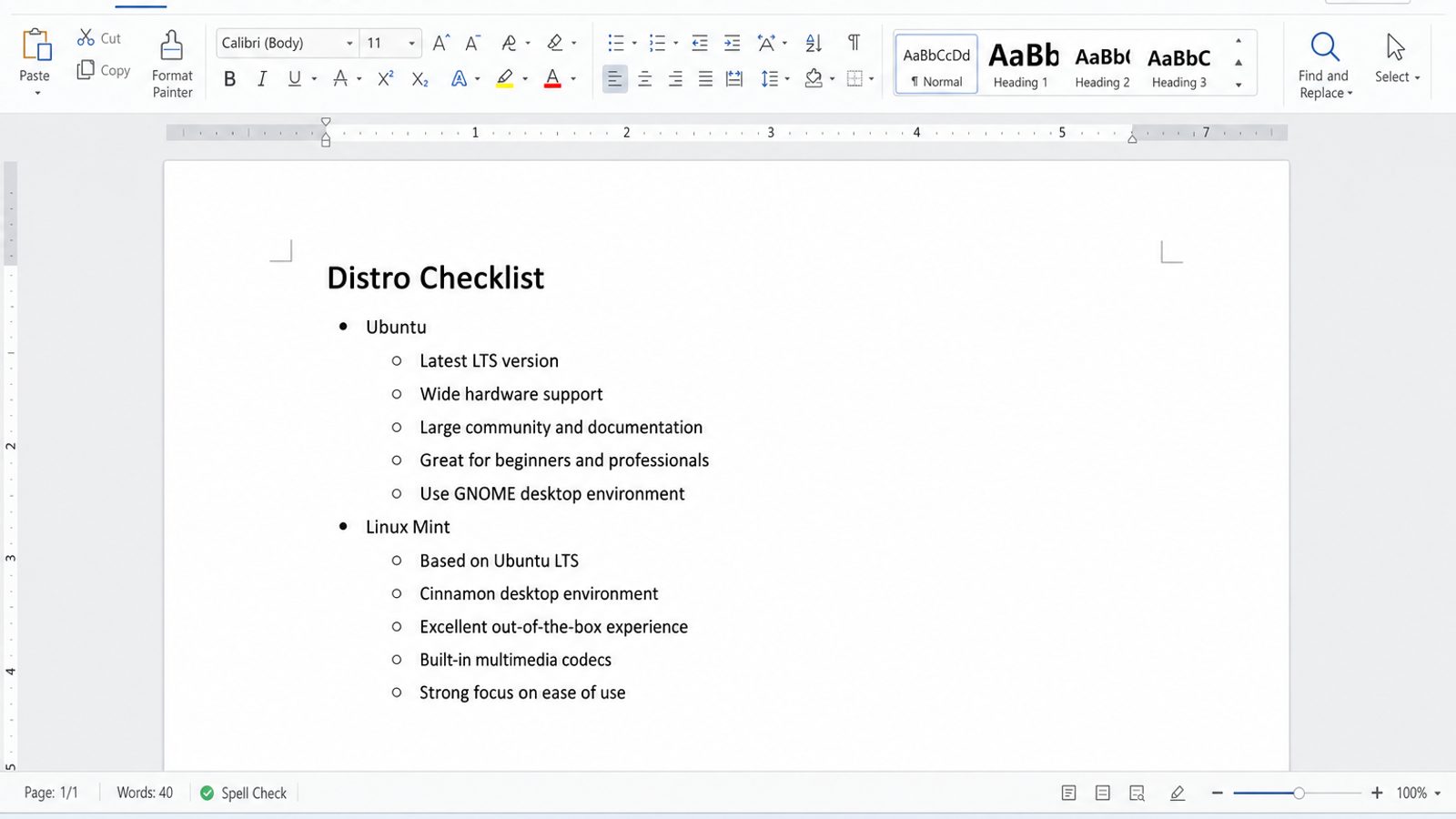
Arch on WSL 2 is a flexible rolling environment. Setup notes, package lists, and handoff docs are still easier to share as Office files from Windows than as files buried only in the Arch home directory.
WPS Office on Windows gives you Writer for setup notes, Spreadsheet for package or test matrices, Presentation for demos, and PDF for fixed exports.
| What you need next | What WPS gives you |
|---|---|
| Document an Arch-on-WSL setup without losing files on unregister | Strong .docx / .xlsx / .pptx layout fidelity when files move between Windows, Linux, and macOS |
| One place for notes, sheets, slides, and PDFs | Free core suite: Writer, Spreadsheet, Presentation, plus PDF view/edit/convert tools |
| A familiar desktop UI | Ribbon-style apps that feel close to everyday Office workflows |
| A trusted install path | Official Windows installer from wps.com, with Free Download available on this page |
Install WPS via the official WPS Office download, keep the DOCX/PDF on a Windows path, and treat Arch as the shell environment—not the only copy of your notes.


Related WSL guides: how to install Windows Subsystem for Linux, Windows Subsystem for Linux Ubuntu, WSL has no installed distributions, WSL Linux GUI, and Windows Subsystem for Linux overview, and uninstall Windows Subsystem for Linux.
FAQ
Is Arch official on WSL now?
ArchWiki documents official WSL images via the archlinux-wsl project and the wsl --install archlinux path.
Can I use WSL 1 for Arch?
No—ArchWiki requires WSL 2.
Should I follow random GitHub rootfs scripts?
Prefer official images and ArchWiki. Third-party scripts go stale quickly.
How do I remove Arch later?
Export if needed, then wsl --unregister archlinux (destroys the distro filesystem).
Does Arch on WSL replace a dual-boot Arch install?
No. It is a WSL 2 utility VM experience, not a bare-metal Arch desktop replacement.
Can I share files with Windows?
Yes—Windows drives appear under /mnt/, and you can open Linux paths from Explorer via \\wsl$\archlinux.
What if pacman keyring errors appear?
Follow current ArchWiki pacman/keyring recovery steps inside the distro; do not “fix” it by unregistering unless you accept data loss.
Is systemd required?
Official Arch WSL images are designed as a complete system and may enable systemd on supported WSL versions—follow ArchWiki if user sessions misbehave.
Can I mount USB disks into Arch WSL?
Yes, via WSL 2 disk mount / usbipd workflows documented by Microsoft and summarized on ArchWiki—do this only after the base distro works.
How do I open the Arch filesystem from Explorer?
Use \\wsl$\archlinux from Windows, or browse /mnt/c from inside Arch for Windows files.
Should beginners start with Arch on WSL?
Usually no—start with Ubuntu unless you already know pacman and want a rolling Arch userspace specifically.
Does wsl --install archlinux require Store access?
Online install uses Microsoft’s distribution feed; the official .wsl file method is the alternative when you already have the image locally.
If you manage many machines, standardize on one install method (Store feed vs official .wsl) so support docs stay consistent. Arch on WSL is excellent for developers who already live in pacman land—just keep expectations honest: it is Arch userspace on WSL 2, not a replacement for every bare-metal Arch install habit.

'%3e%3cpath%20d='M19.9911%204.11386V6.471H18.5894C18.0775%206.471%2017.7322%206.57814%2017.5536%206.79243C17.3751%207.00671%2017.2858%207.32814%2017.2858%207.75671V9.44421H19.9019L19.5536%2012.0871H17.2858V18.8639H14.5536V12.0871H12.2769V9.44421H14.5536V7.49779C14.5536%206.39064%2014.8632%205.53201%2015.4822%204.92189C16.1013%204.31177%2016.9257%204.00671%2017.9554%204.00671C18.8304%204.00671%2019.509%204.04243%2019.9911%204.11386Z'%20fill='%23333333'/%3e%3c/g%3e%3cdefs%3e%3cclipPath%20id='clip0_2938_8199'%3e%3crect%20width='16'%20height='16'%20fill='white'%20transform='translate(8%204.00671)'/%3e%3c/clipPath%3e%3c/defs%3e%3c/svg%3e)
'%3e%3cpath%20d='M17.5237%2010.7813L23.4811%204H22.0699L16.8949%209.88693L12.7648%204H8L14.2469%2012.9029L8%2020.0133H9.4112L14.8725%2013.7952L19.2352%2020.0133H24M9.92053%205.04213H12.0885L22.0688%2019.0224H19.9003'%20fill='%23333333'/%3e%3c/g%3e%3cdefs%3e%3cclipPath%20id='clip0_2938_8200'%3e%3crect%20width='16'%20height='16.0134'%20fill='white'%20transform='translate(8%204)'/%3e%3c/clipPath%3e%3c/defs%3e%3c/svg%3e)


