



'%3e%3cpath%20fill-rule='evenodd'%20clip-rule='evenodd'%20d='M21.4999%2010.9993C21.4999%205.20009%2016.7986%200.498901%2010.9993%200.498901C5.19994%200.498901%200.498657%205.20009%200.498657%2010.9993C0.498657%2016.2404%204.33858%2020.5844%209.35855%2021.3722V14.0346H6.69238V10.9993H9.35855V8.68594C9.35855%206.05427%2010.9262%204.60062%2013.3248%204.60062C14.4736%204.60062%2015.6753%204.80571%2015.6753%204.80571V7.38979H14.3512C13.0468%207.38979%2012.64%208.19921%2012.64%209.0296V10.9993H15.5523L15.0867%2014.0346H12.64V21.3722C17.66%2020.5844%2021.4999%2016.2404%2021.4999%2010.9993Z'%20fill='%231568EA'/%3e%3c/g%3e%3c/svg%3e)


'%3e%3cpath%20d='M2.42045%2022.1876H6.31818V12.7217L0.75%208.54553V20.5171C0.75%2021.4414%201.49892%2022.1876%202.42045%2022.1876Z'%20fill='%234285F4'/%3e%3cpath%20d='M19.682%2022.1876H23.5797C24.5041%2022.1876%2025.2502%2021.4387%2025.2502%2020.5171V8.54553L19.682%2012.7217'%20fill='%2334A853'/%3e%3cpath%20d='M19.682%205.48293V12.7216L25.2502%208.54543V6.31816C25.2502%204.25236%2022.8921%203.07469%2021.2411%204.31361'%20fill='%23FBBC04'/%3e%3cpath%20d='M6.31824%2012.7217V5.48303L13.0001%2010.4944L19.6819%205.48303V12.7217L13.0001%2017.733'%20fill='%23EA4335'/%3e%3cpath%20d='M0.75%206.31816V8.54543L6.31818%2012.7216V5.48293L4.75909%204.31361C3.10534%203.07469%200.75%204.25236%200.75%206.31816Z'%20fill='%23C5221F'/%3e%3c/g%3e%3cdefs%3e%3cclipPath%20id='clip0_2954_7305'%3e%3crect%20width='24.5'%20height='18.375'%20fill='white'%20transform='translate(0.75%203.8125)'/%3e%3c/clipPath%3e%3c/defs%3e%3c/svg%3e)


Whether you are reconciling a ledger, closing a quarterly P&L, or building a dashboard, Ctrl+C and Ctrl+V are probably the two keys you press more than any others in a day. You copy a block of figures, click into the destination, paste, and keep moving. Now imagine that exact sequence stops working — quietly. No beep, no error box, no crash. The cells you copied stay selected, the destination stays empty, and you only notice later when the totals no longer add up. That is exactly what happened to many Excel users after Microsoft's September 2026 security update, KB5002914.
This bug is especially dangerous because it fails silently. Excel gives you no warning that the paste never happened, so you can keep working and save a spreadsheet that is quietly missing data. In this guide, we explain what the KB5002914 Excel copy and paste issue is, how to roll back the patch from the command line as a temporary fix, and why a more stable spreadsheet tool is the smarter long-term answer.
KB5002914 Broke Excel Copy and Paste Silently — How to Fix It and Stay Safe
What Is the KB5002914 Excel Copy and Paste Issue?
KB5002914 is a security update Microsoft shipped on September 8, 2026 as part of its Patch Tuesday cycle. It was meant to fix several vulnerabilities in Excel, including remote code execution flaws. Instead, a code regression inside the update broke three of the most used actions in the spreadsheet: copy and paste, AutoFill, and dragging to fill formulas.
The affected versions span a wide range — Excel 2016, 2019, 2021, and 2024. Microsoft has formally confirmed the problem in its own update notes. When you copy a range and paste it, the source stays selected and the destination is left unchanged, with no beep or message to tell you anything went wrong. AutoFill and formula dragging behave the same way. Because the failure is silent, the impact is far worse than a crash: you can keep editing and saving a workbook that is missing chunks of data, and nobody notices until the numbers are checked.
This matters most for finance and data-analysis work, where a single missed paste can change a whole report — and it tends to surface right when month-end or quarterly deliverables are due.
If you are seeing the same silent paste behavior on an older desktop build, this related guide covers Excel 2016 copy and paste not working,Windows 11 Excel copy paste not working with version-specific checks before you remove updates.
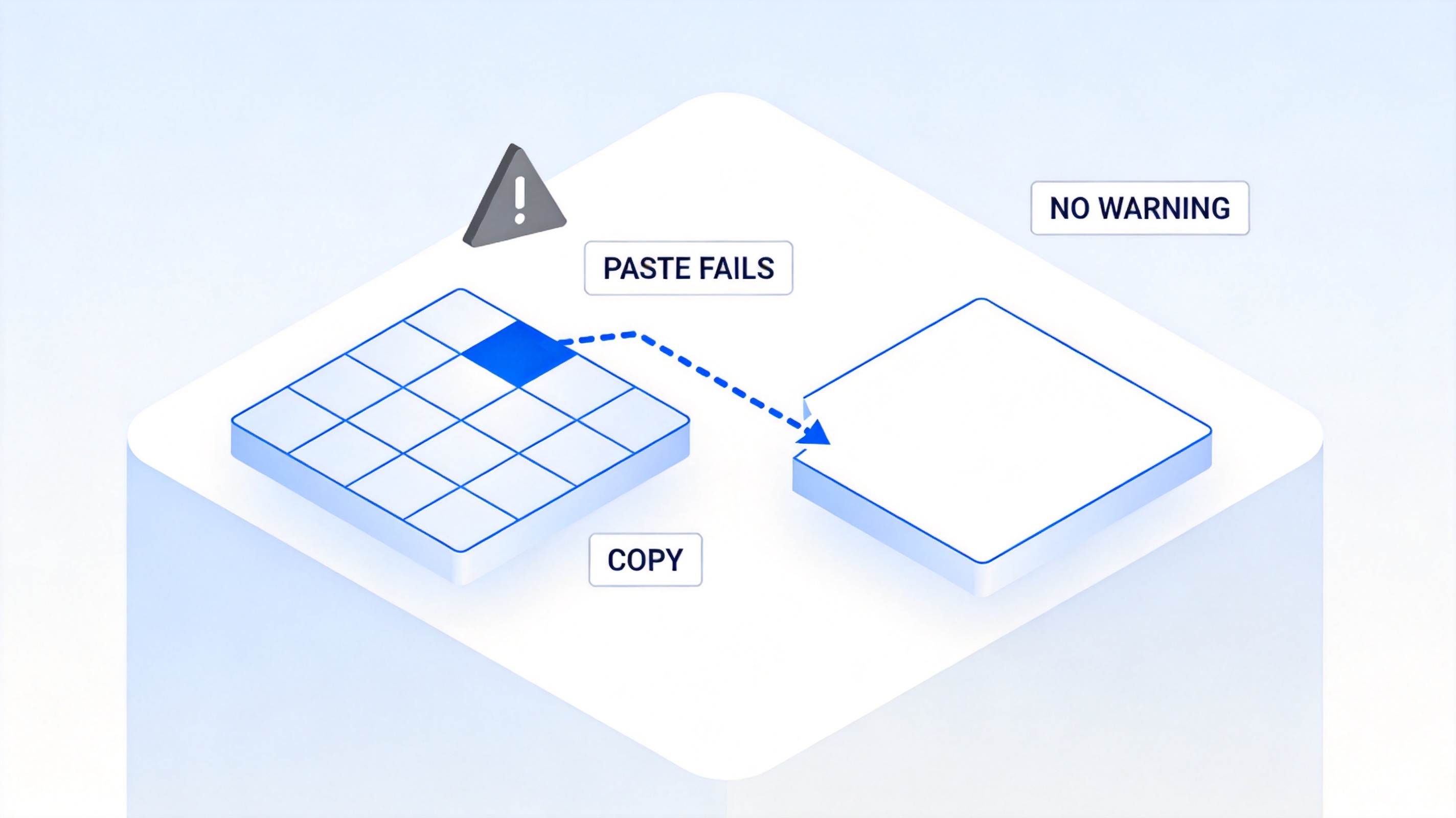
Excel copy paste fails silently after update


Quick Workaround: Roll Back or Uninstall KB5002914 From the Command Line
Microsoft's official guidance for affected installations is to remove or roll back the KB5002914 update until a proper fix ships. The exact steps depend on how Office was installed, so check your installation type first.
Confirm your install type. Open Excel and go to File > Account > About Excel. If the version block says Click-to-Run, you have a C2R installation. If it does not, you are on the classic MSI installer.
Open an elevated prompt. Right-click Command Prompt or PowerShell and choose Run as administrator. This is required to remove an Office security update.
For classic MSI installs, remove KB5002914. Run the Office patch removal tool pointing at the update ID. The command shared across Microsoft Q&A discussions removes only this patch without touching the rest of Office:
For a fuller rollback checklist, including how to confirm the affected build first, see our step-by-step guide to Excel copy paste not working after KB5002914.
"C:\Program Files\Common Files\Microsoft Shared\OFFICE16\Oarpmany.exe" /removal "0710-0001"
Use the exact update identifier that appears in your installed-updates list for KB5002914. The path may differ if Office is installed elsewhere.
For Click-to-Run installs, roll back the build. Use the Office Click-to-Run client to revert Office to the previous build from before September 8, 2026. Again, run this from an elevated prompt:
"C:\Program Files\Common Files\Microsoft Shared\ClickToRun\officec2rclient.exe" /update user
After either rollback, close and reopen Excel, then test copy and paste before continuing your work. Keep in mind that removing a security patch means your Office install no longer has the fixes in that update, so this is a stopgap while Microsoft works on a corrected build.
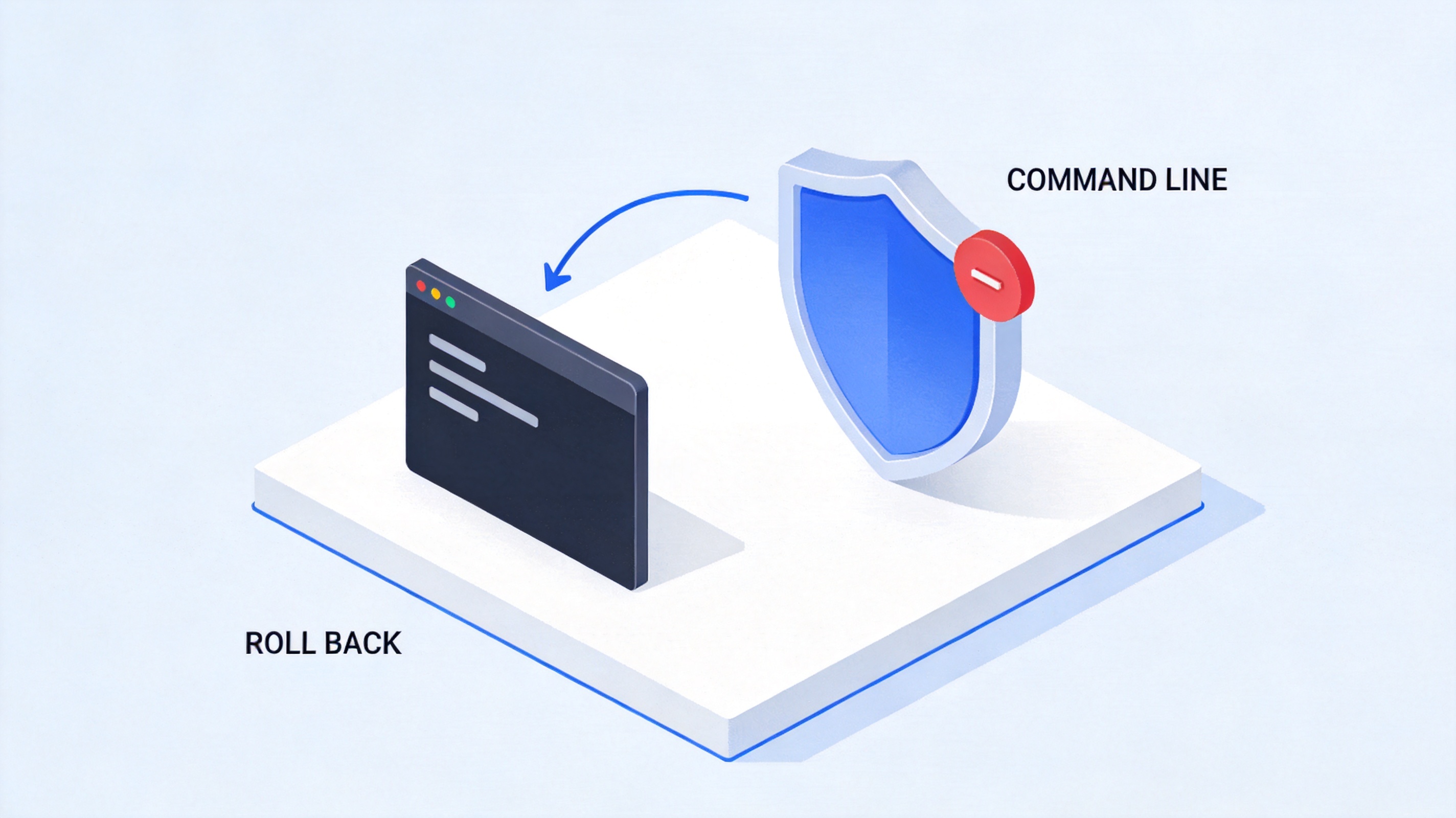
Roll back KB5002914 from command line
Why Uninstalling KB5002914 Is Only a Temporary Fix
Uninstalling or rolling back KB5002914 restores copy and paste, but it does not solve the underlying problem. It is a stopgap with real trade-offs.
You lose the security fixes in that update. KB5002914 also closed remote code execution and other vulnerabilities in Excel. Removing it leaves those holes open while you wait for a corrected build.
Managed devices often cannot uninstall freely. On company-managed or volume-license PCs, group policy and IT controls can block users from removing Office updates, leaving the whole team stuck.
Microsoft is still researching a permanent fix. As of this writing, no official corrected build has shipped, so you may sit with the bug or the rollback for a while.
Silent failures have zero tolerance in delivery work. In finance and reporting, one missing paste can invalidate a deliverable, so a tool that fails without warning is a business risk, not just an inconvenience.
For critical spreadsheets, the dependable response is to have a stable fallback and good backups — not to rely on a patch that may break again. A separate spreadsheet application that opens the same .xlsx files gives you a way to keep working while Microsoft sorts out the update.
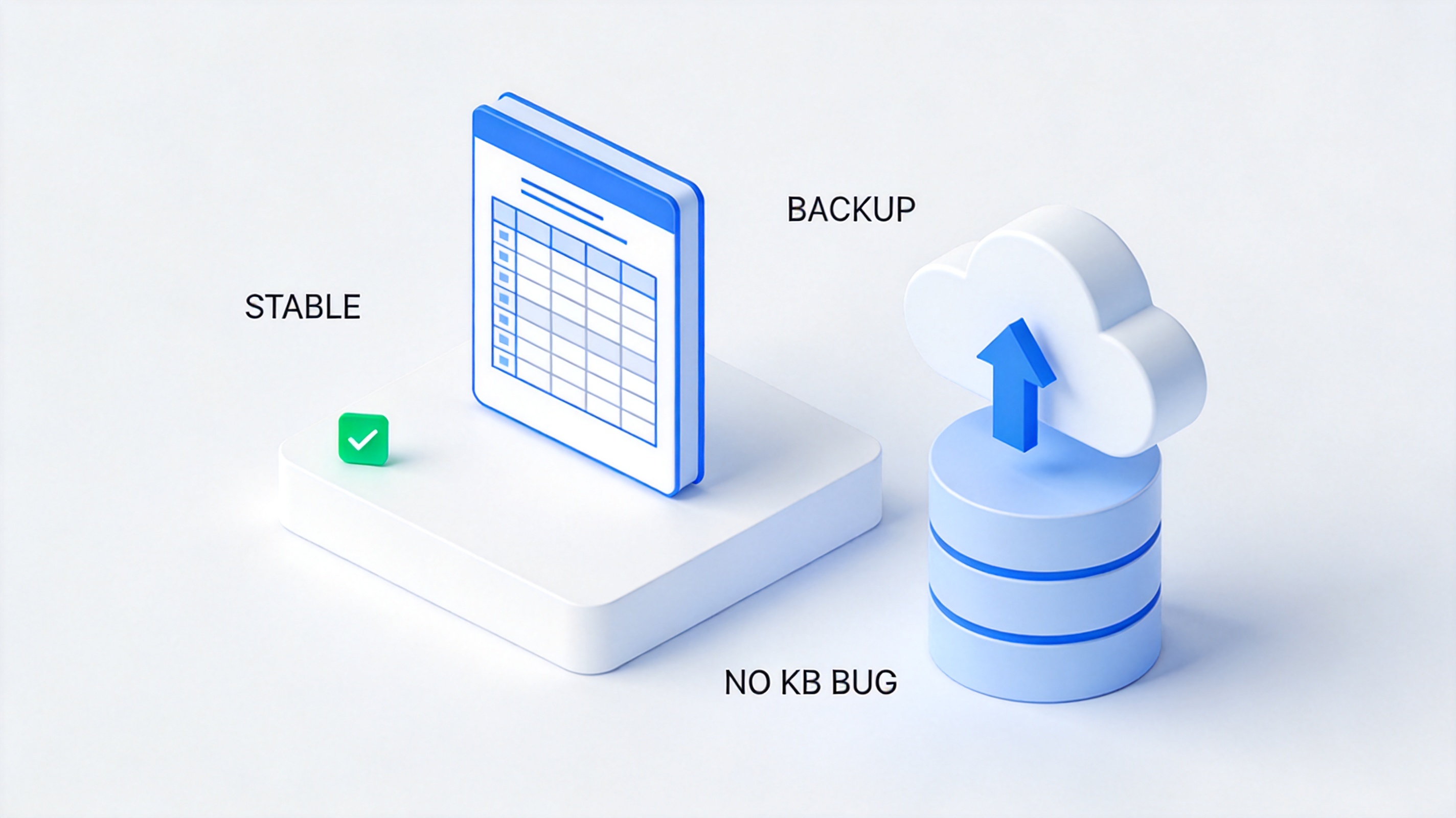
Stable backup office suite for spreadsheets
The Best Free Alternative: WPS Spreadsheet
When an Office security update can quietly break the most basic spreadsheet operations, stability becomes more important than any single feature. WPS Spreadsheet is a strong, free alternative that keeps your workflow running no matter what Microsoft ships next.
Deep, native compatibility. WPS Spreadsheet opens and saves .xlsx workbooks, supports the same copy, paste, AutoFill, and formula-dragging shortcuts, and understands familiar functions, so you can open an Excel file and keep using it almost instantly. For a broader comparison of the two tools, see MS Excel vs. WPS Spreadsheet.
Independent architecture, immune to Office patch bugs. WPS Office runs on its own codebase and does not receive Windows or Office security patches in the same pipeline. A single KB update like KB5002914 that breaks Excel simply does not touch WPS Spreadsheet, so your copy and paste keep working through the outage.
Cloud version control and safe backups. With WPS Cloud, you can keep dated copies and version history of important workbooks, so even if something goes wrong during heavy edits, you can roll back to a known-good version instead of losing hours of work.
Because it shares the .xlsx format and shortcut conventions, WPS Spreadsheet works well both as a permanent tool and as a reliable fallback while Microsoft investigates this Excel copy and paste issue.
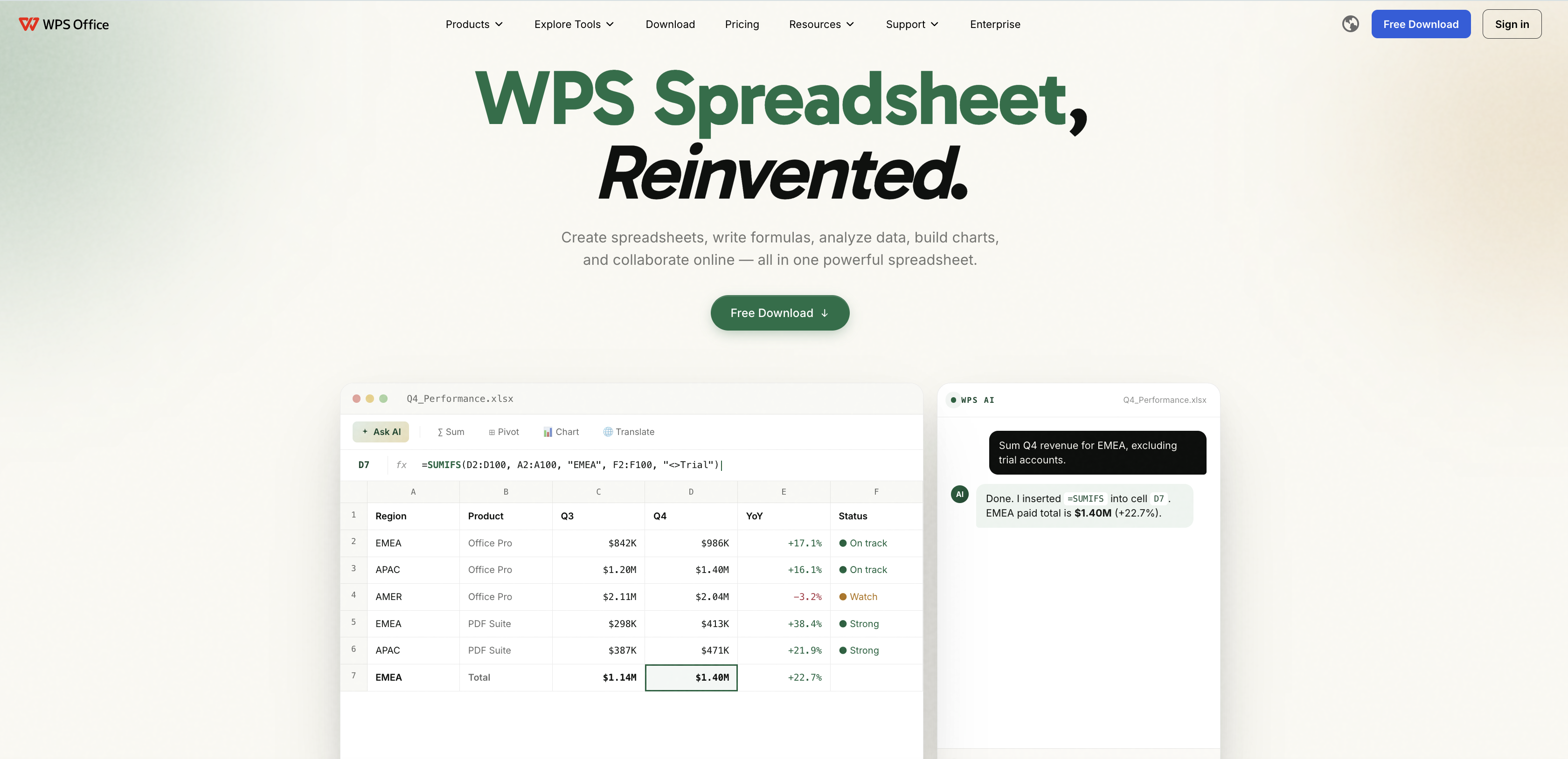
WPS Spreadsheet reliable Excel alternative
FAQs
Why does KB5002914 break Excel copy and paste?
KB5002914 introduced a code regression in a service update. The change silently prevents copied content, AutoFill, and formula dragging from taking effect in Excel, and Microsoft has confirmed the problem in its known-issues notes.
Which Excel versions are affected by KB5002914?
Microsoft's service alert names Excel 2024, 2021, 2019, and 2016. The silent copy-and-paste failure has been reported across both MSI and Click-to-Run installations.
Is it safe to uninstall KB5002914?
Removing it restores copy and paste, but you also lose the security fixes that the update shipped, including patches for remote code execution flaws in Excel. It is a temporary workaround to use while Microsoft prepares a corrected build.
Will the KB5002914 bug affect WPS Spreadsheet?
No. WPS Spreadsheet runs on an independent codebase and does not install the same Windows or Office security patches, so a KB update that breaks Excel does not interfere with copy and paste in WPS.
Can WPS Spreadsheet open my existing Excel files and formulas?
Yes. WPS Spreadsheet opens and saves .xlsx workbooks, recognizes familiar functions and keyboard shortcuts, and supports AutoFill and formula dragging, so you can switch or fall back without reworking your files.

Summary

'%3e%3cpath%20d='M19.9911%204.11386V6.471H18.5894C18.0775%206.471%2017.7322%206.57814%2017.5536%206.79243C17.3751%207.00671%2017.2858%207.32814%2017.2858%207.75671V9.44421H19.9019L19.5536%2012.0871H17.2858V18.8639H14.5536V12.0871H12.2769V9.44421H14.5536V7.49779C14.5536%206.39064%2014.8632%205.53201%2015.4822%204.92189C16.1013%204.31177%2016.9257%204.00671%2017.9554%204.00671C18.8304%204.00671%2019.509%204.04243%2019.9911%204.11386Z'%20fill='%23333333'/%3e%3c/g%3e%3cdefs%3e%3cclipPath%20id='clip0_2938_8199'%3e%3crect%20width='16'%20height='16'%20fill='white'%20transform='translate(8%204.00671)'/%3e%3c/clipPath%3e%3c/defs%3e%3c/svg%3e)
'%3e%3cpath%20d='M17.5237%2010.7813L23.4811%204H22.0699L16.8949%209.88693L12.7648%204H8L14.2469%2012.9029L8%2020.0133H9.4112L14.8725%2013.7952L19.2352%2020.0133H24M9.92053%205.04213H12.0885L22.0688%2019.0224H19.9003'%20fill='%23333333'/%3e%3c/g%3e%3cdefs%3e%3cclipPath%20id='clip0_2938_8200'%3e%3crect%20width='16'%20height='16.0134'%20fill='white'%20transform='translate(8%204)'/%3e%3c/clipPath%3e%3c/defs%3e%3c/svg%3e)


