



'%3e%3cpath%20fill-rule='evenodd'%20clip-rule='evenodd'%20d='M21.4999%2010.9993C21.4999%205.20009%2016.7986%200.498901%2010.9993%200.498901C5.19994%200.498901%200.498657%205.20009%200.498657%2010.9993C0.498657%2016.2404%204.33858%2020.5844%209.35855%2021.3722V14.0346H6.69238V10.9993H9.35855V8.68594C9.35855%206.05427%2010.9262%204.60062%2013.3248%204.60062C14.4736%204.60062%2015.6753%204.80571%2015.6753%204.80571V7.38979H14.3512C13.0468%207.38979%2012.64%208.19921%2012.64%209.0296V10.9993H15.5523L15.0867%2014.0346H12.64V21.3722C17.66%2020.5844%2021.4999%2016.2404%2021.4999%2010.9993Z'%20fill='%231568EA'/%3e%3c/g%3e%3c/svg%3e)


'%3e%3cpath%20d='M2.42045%2022.1876H6.31818V12.7217L0.75%208.54553V20.5171C0.75%2021.4414%201.49892%2022.1876%202.42045%2022.1876Z'%20fill='%234285F4'/%3e%3cpath%20d='M19.682%2022.1876H23.5797C24.5041%2022.1876%2025.2502%2021.4387%2025.2502%2020.5171V8.54553L19.682%2012.7217'%20fill='%2334A853'/%3e%3cpath%20d='M19.682%205.48293V12.7216L25.2502%208.54543V6.31816C25.2502%204.25236%2022.8921%203.07469%2021.2411%204.31361'%20fill='%23FBBC04'/%3e%3cpath%20d='M6.31824%2012.7217V5.48303L13.0001%2010.4944L19.6819%205.48303V12.7217L13.0001%2017.733'%20fill='%23EA4335'/%3e%3cpath%20d='M0.75%206.31816V8.54543L6.31818%2012.7216V5.48293L4.75909%204.31361C3.10534%203.07469%200.75%204.25236%200.75%206.31816Z'%20fill='%23C5221F'/%3e%3c/g%3e%3cdefs%3e%3cclipPath%20id='clip0_2954_7305'%3e%3crect%20width='24.5'%20height='18.375'%20fill='white'%20transform='translate(0.75%203.8125)'/%3e%3c/clipPath%3e%3c/defs%3e%3c/svg%3e)


To remove a directory on Linux, use rmdir dirname when it is empty, or rm -r dirname when it still contains files—after you list and back up what matters. Prefer rm -ri while learning. Success means the directory path is gone and you did not delete the wrong tree. Related: delete files, check directory size first.
Shortest safe path for empty dirs: ls -la dirname && rmdir dirname. For non-empty trees: inspect with du -sh dirname and find dirname | head, then rm -ri dirname.

To locate files before you create, copy, move, or delete them, see how to find files in Linux.
Empty Directories: rmdir
mkdir -p demo/empty
rmdir demo/empty
rmdir -p demo/a/b  # removes empty parents when possible
rmdir refuses non-empty directories—that refusal is a feature. If you see “Directory not empty,” something remains (often hidden files). Ask Ubuntu’s classic empty-dir mystery is frequently a leftover dotfile:
ls -la dirname
rm -i dirname/.*  # careful: review names; avoid deleting . and ..
# safer: ls -A dirname
Non-Empty Directories: rm -r
Ask Ubuntu’s highly voted guidance is clear: remove non-empty directories with recursive rm. Use interactive recursion while learning:
rm -ri project-old/Verbose help for understanding what will go:
rm -rvi project-old/Warning: rm -rf skips prompts. Only use it after pwd, full path review, and backups. Never copy-paste rm -rf / variants; spacing typos have destroyed systems.
Decision Tree
- Empty →
rmdir - Mostly junk but unsure → mv to
~/Quarantine/for seven days - Confirmed disposable tree →
rm -ri - Huge tree → check size first; delete in stages
Common Failures
- Directory not empty: hidden files remain—list with
ls -la - Permission denied: lack write/execute on parent or immutable attributes
- Device busy: shell cwd or process inside the directory—
cdout first - Read-only filesystem: mount issue, not an rm flag problem
pwd
cd ~
ls -la /path/to/dir
rmdir /path/to/dir || rm -ri /path/to/dir
Order of Operations
- Confirm path with absolute names.
du -shto understand impact.- Backup or move keepers (cp/mv).
- Delete files first if you want finer control (rm files).
- Remove the directory.
- Verify with
lsand application health checks.
Special Cases
Git repos: prefer proper cleanup; do not casually rm -rf .git unless you intend to destroy history. Container bind mounts: deleting from the wrong side of a mount can wipe host data—verify mounts with mount | grep.
Directories with only a .gitkeep or placeholder still count as non-empty for beginners who forget dotfiles—list thoroughly.
Verify Success
test ! -d project-old && echo "directory removed"
df -h .
Safer Alternatives to Immediate Delete
mkdir -p ~/Quarantine
mv project-old ~/Quarantine/
# later:
# rm -ri ~/Quarantine/project-old
Quarantine works because it buys time for memory to return: “wait, that folder had the license key.” Combine quarantine with a calendar reminder to finish the delete later. Unfinished quarantine directories should be reviewed monthly so they do not become a second junk drawer.
Recursive deletes on networked home directories can be slow and hard to abort cleanly. Prefer deleting heavy children first after measuring with du. Watching progress via rm -rv on a known subtree is safer than a silent -rf against an entire mount.
Immutable bits (chattr +i on ext filesystems) block removal until cleared—another reason “force” is the wrong first answer. Investigate attributes and mounts before escalating privileges. Root does not fix a read-only NFS export.
Document every production directory removal in the change ticket with path, size, and backup location. Future you will thank present you when auditors ask why capacity suddenly appeared.
Empty-looking directories that refuse rmdir sometimes contain sockets, weird names, or mounts. Use find dirname -xdev -print to see entries without crossing into other filesystems accidentally. If a mount point sits inside the tree, unmount first—deleting across mounts is a classic self-own.
Team shared drives need social process: propose the remove, wait for objections, then delete. Technical skill does not replace communication. A perfectly executed rm -r on the wrong shared dataset is still an incident. Write the proposed path in the ticket title so reviewers cannot miss it during busy on-call weeks, and paste absolute paths copied from pwd—not from memory. Read the path aloud once before you press Enter on any recursive flag, then pause and read it a second time.
After removal, check services that used that path. Web roots, batch jobs, and container volumes may need config updates or redeploys. Deleting the directory is step one; restoring service health is step two. Schedule a short smoke test immediately after the change window closes.
On Linux, remove empty directories with rmdir and non-empty trees with careful rm -r—list hidden files, measure size, and quarantine when unsure before any -f shortcut.
Practice destructive commands only inside a throwaway tree such as ~/tmp-practice. Create sample files with touch, copy them, then delete the copies—not your only originals. Run ls -la before and after every experiment. Ten calm minutes of drills beat one panicked recovery attempt.
Quote paths, prefer -i while learning, and never run recursive deletes against /, ~, or unreviewed globs. Most disasters are one misplaced space or an expanded * away. Slow down on production hosts; go fast only where rebuild is cheap. If a command feels clever, it is probably unsafe without a dry run.
Read rm(1), rmdir(1), and du(1) once. You do not need every flag memorized—you need to know where to look when an error is unfamiliar. Official man pages beat viral “one weird tip” posts that skip warnings and sell false confidence.
On shared machines, announce bulk deletes in chat. Cron jobs and teammates may still expect yesterday’s paths. Prefer moving into an Archive folder for a week before permanent rm when you are unsure. That quarantine habit has saved more teams than any force flag ever will.
Before you delete project folders that hold drafts, export finished DOCX, XLSX, or PDF copies you still need for school or work. Terminal cleanup is permanent on most systems—office-ready exports are your safety net when Trash is not available.
WSL users should delete inside the Linux filesystem for project trees. Cross-deleting under /mnt/c works but follows Windows permissions and can surprise you with locked files. Confirm with pwd before recursive flags. Keep Windows Explorer closed on files you plan to remove from WSL.
Keep a personal checklist: list → measure size if needed → backup or move → delete → verify gone. That order turns risky commands into a boring routine—which is exactly what you want on Friday afternoons and during incidents alike.
Teach juniors the same order out loud before they receive sudo. Narrating pwd, ls, and intended targets catches typos that eyes skip when someone is stressed. Pair programming beats postmortems.
Finally, separate “cleanup” from “secure erase.” Everyday rm/rmdir/du workflows reclaim space and reduce clutter. Classified-data destruction policies require approved wipe procedures beyond this beginner series—follow your organization’s standards when those rules apply.
Cross-link your personal notes to the sibling skills: create, copy, move, and rename. File hygiene is a loop, not a single command. Operators who practice the whole loop make fewer irreversible mistakes when disks fill at inconvenient times.
If you remember only one sentence, make it this: measure and list before you destroy, and verify after. That sentence covers delete file, remove directory, and directory sizing better than any force-flag folklore circulating in chat threads.
After Removing Directories: Leave a Clear Trail
rmdir and rm -r reclaim space fast. Project handoffs still benefit from a short note of which trees were retired and where backups live.
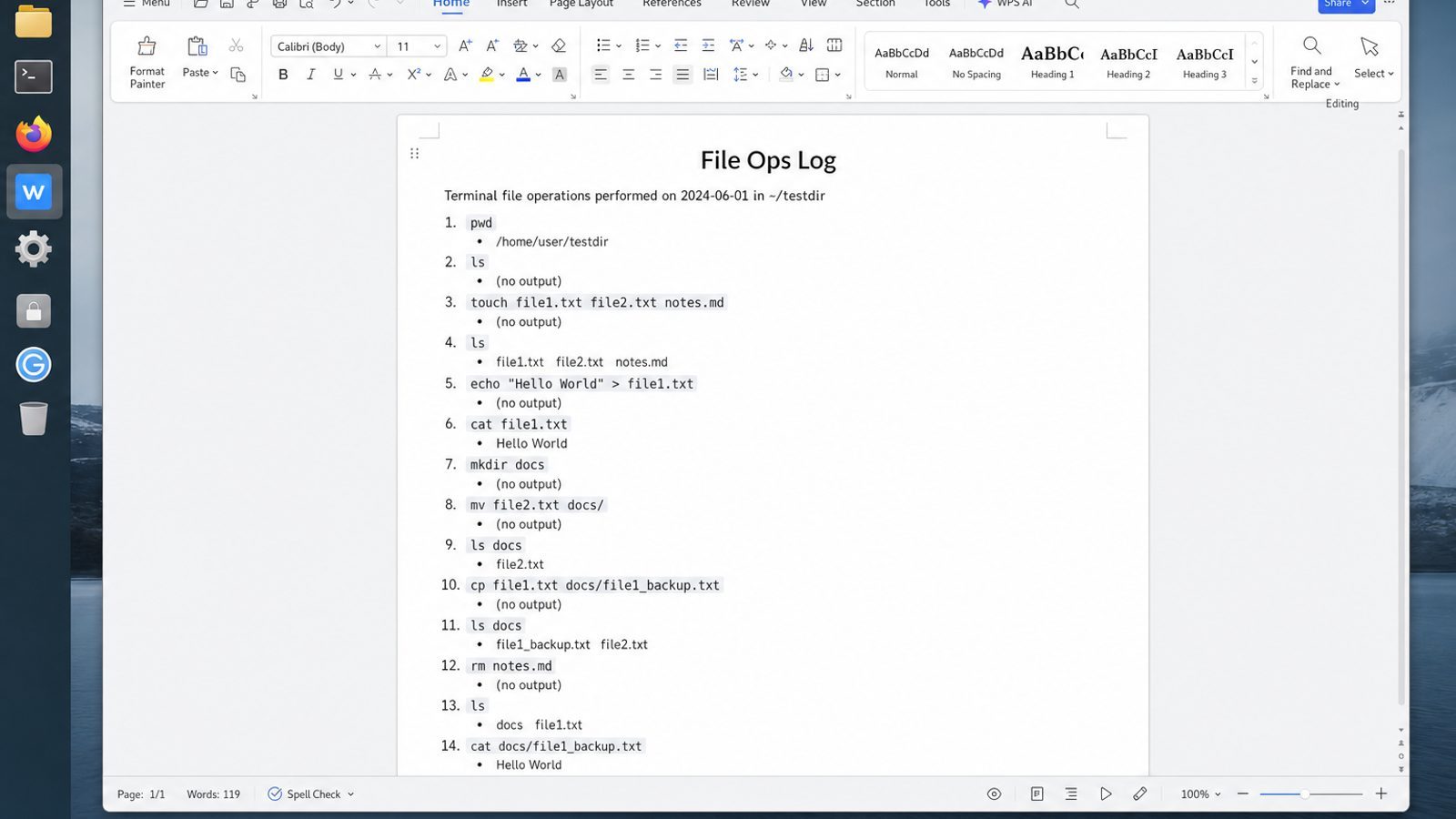
WPS Office for Linux turns that trail into Writer notes, Spreadsheet inventories, or PDF summaries teammates can open without reconstructing your shell history.
| What you need next | What WPS gives you |
|---|---|
| Record directory removals and backup locations | Strong .docx / .xlsx / .pptx layout fidelity when files move between Linux, Windows, and macOS |
| One place for notes, sheets, slides, and PDFs | Free core suite: Writer, Spreadsheet, Presentation, plus PDF view/edit/convert tools |
| A familiar desktop UI for switchers | Ribbon-style apps with a lighter footprint than many heavy suites |
| A trusted install path | Official DEB (Ubuntu/Debian/Mint) and RPM packages from the vendor |
Install via the official WPS Office for Linux download page with sudo apt install ./wps-office_VERSION_amd64.deb, then store the retirement note next to any archive you kept.
FAQ
Why rmdir says directory not empty when ls shows nothing?
Hidden entries exist. Use ls -la or ls -A.
Is rm -rf the standard way?
It is common but dangerous. Prefer rm -ri until you are expert and path-verified.
Can I remove multiple empty dirs?
rmdir dir1 dir2 dir3How do I remove a directory I am inside?
cd out first; otherwise you may get busy errors.
Does rm -r delete symlinks to other trees?
It removes the symlink itself by default, not usually the target tree—still verify with ls -l before recursion.
What about trash-cli?
Optional desktop tooling; servers often lack it. Do not assume Trash exists over SSH.
How do I protect a directory from deletion?
Permissions, immutable attributes, and backups—plus not running as root casually.
Should I sudo rm -r?
Only with a documented reason and backups. sudo multiplies mistakes. If permissions block a normal-user delete, understand ownership before escalating.
Removing directories safely is mostly process: list, measure, quarantine, remove, verify. Tools are simple; judgment is the hard part. Build that judgment in practice folders before you touch production data that pays salaries. When in doubt, mv to Quarantine today and decide tomorrow with a clearer head—patience is a valid ops tool, not a delay tactic, and it prevents irreversible mistakes on bad days.



'%3e%3cpath%20d='M19.9911%204.11386V6.471H18.5894C18.0775%206.471%2017.7322%206.57814%2017.5536%206.79243C17.3751%207.00671%2017.2858%207.32814%2017.2858%207.75671V9.44421H19.9019L19.5536%2012.0871H17.2858V18.8639H14.5536V12.0871H12.2769V9.44421H14.5536V7.49779C14.5536%206.39064%2014.8632%205.53201%2015.4822%204.92189C16.1013%204.31177%2016.9257%204.00671%2017.9554%204.00671C18.8304%204.00671%2019.509%204.04243%2019.9911%204.11386Z'%20fill='%23333333'/%3e%3c/g%3e%3cdefs%3e%3cclipPath%20id='clip0_2938_8199'%3e%3crect%20width='16'%20height='16'%20fill='white'%20transform='translate(8%204.00671)'/%3e%3c/clipPath%3e%3c/defs%3e%3c/svg%3e)
'%3e%3cpath%20d='M17.5237%2010.7813L23.4811%204H22.0699L16.8949%209.88693L12.7648%204H8L14.2469%2012.9029L8%2020.0133H9.4112L14.8725%2013.7952L19.2352%2020.0133H24M9.92053%205.04213H12.0885L22.0688%2019.0224H19.9003'%20fill='%23333333'/%3e%3c/g%3e%3cdefs%3e%3cclipPath%20id='clip0_2938_8200'%3e%3crect%20width='16'%20height='16.0134'%20fill='white'%20transform='translate(8%204)'/%3e%3c/clipPath%3e%3c/defs%3e%3c/svg%3e)


