'%3e%3cpath%20d='M8%200C12.4183%200%2016%203.58172%2016%208C16%2012.4183%2012.4183%2016%208%2016C3.58172%2016%200%2012.4183%200%208C0%203.58172%203.58172%200%208%200ZM11.6162%204.38379C11.2257%203.99337%2010.5927%203.99338%2010.2021%204.38379L8%206.58594L5.79785%204.38379C5.40732%203.99334%204.77429%203.99329%204.38379%204.38379C3.99331%204.77429%203.99335%205.40733%204.38379%205.79785L6.58594%208L4.38379%2010.2021C3.99348%2010.5927%203.99341%2011.2257%204.38379%2011.6162C4.77426%2012.0066%205.40734%2012.0065%205.79785%2011.6162L8%209.41406L10.2021%2011.6162C10.5927%2012.0066%2011.2257%2012.0067%2011.6162%2011.6162C12.0067%2011.2257%2012.0066%2010.5927%2011.6162%2010.2021L9.41406%208L11.6162%205.79785C12.0066%205.40735%2012.0066%204.77429%2011.6162%204.38379Z'%20fill='%23080E17'%20fill-opacity='0.46'/%3e%3c/g%3e%3cdefs%3e%3cclipPath%20id='clip0_3761_713'%3e%3crect%20width='16'%20height='16'%20fill='white'/%3e%3c/clipPath%3e%3c/defs%3e%3c/svg%3e)
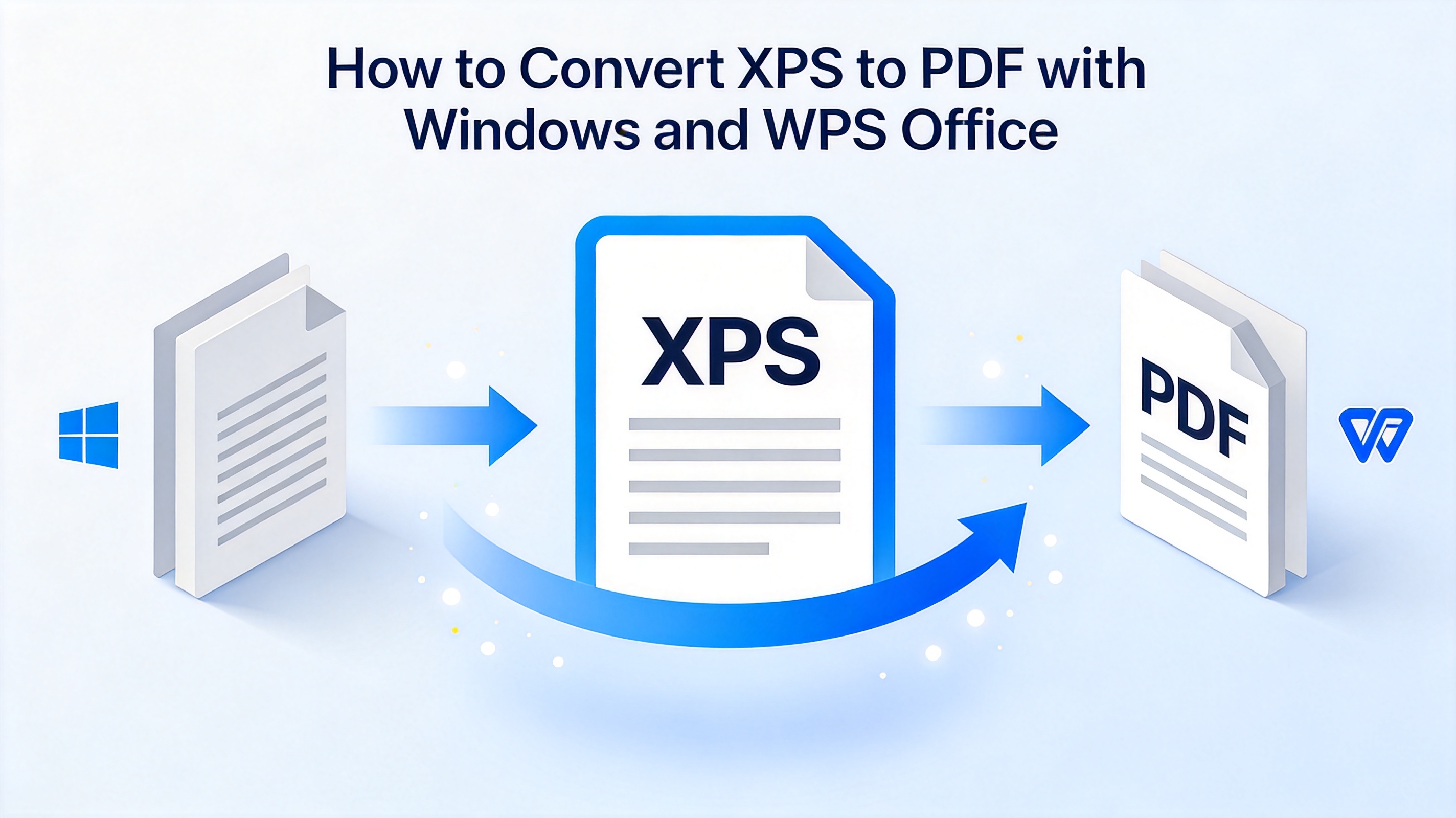
How to Convert XPS to PDF with Windows and WPS Office
Posted by  2026-09-18
2026-09-18Learn how to convert XPS to PDF with the Windows XPS Viewer or WPS Office, and discover why the WPS PDF editor goes beyond a simple converter.

 2026-09-18
Learn how to convert XPS to PDF with the Windows XPS Viewer or WPS Office, and discover why the WPS PDF editor goes beyond a simple converter.
 2026-09-18
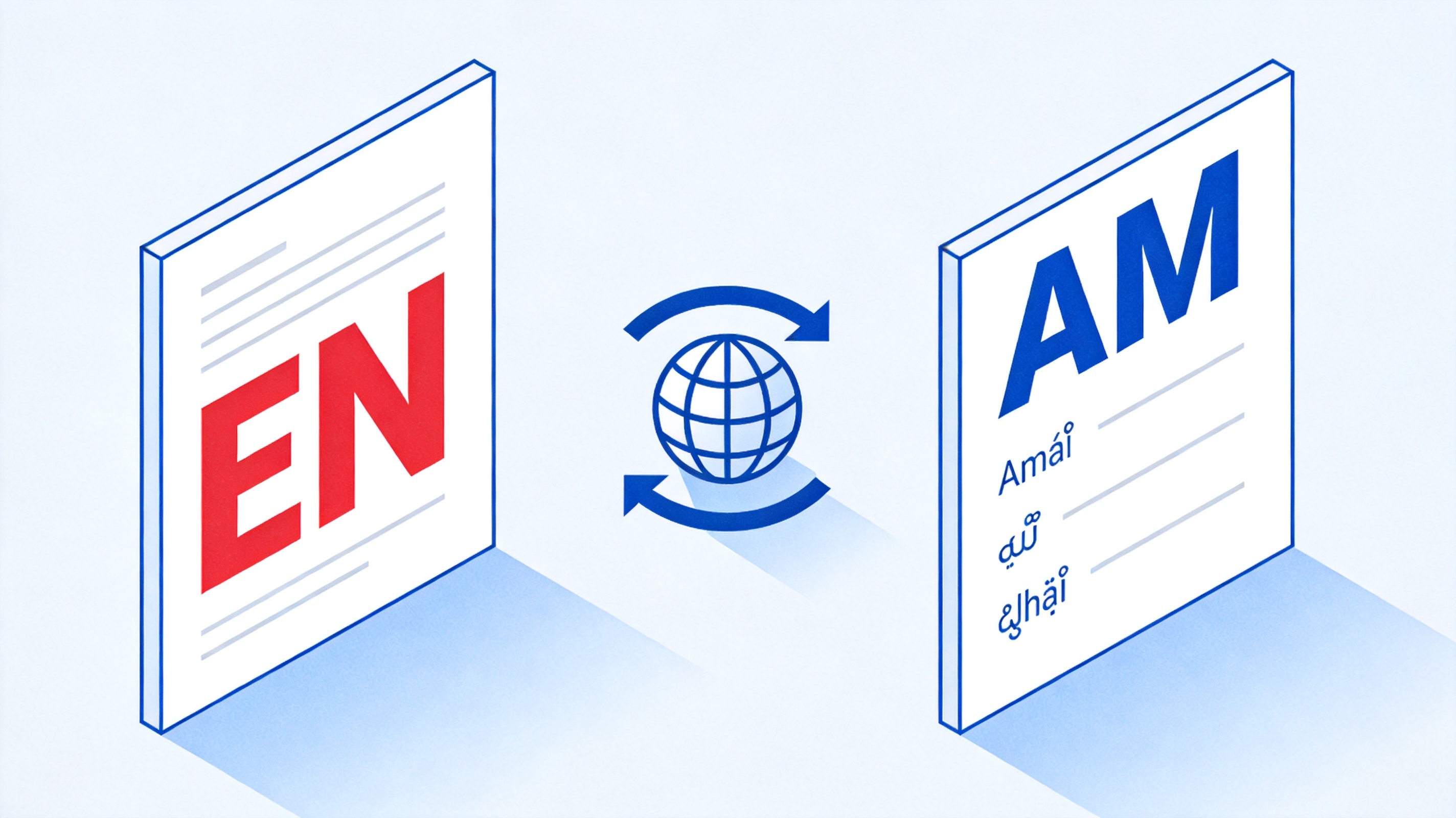
Learn how to translate English to Amharic PDF files for free with WPS Office. Keep the original layout with AI translation and export a clean Amharic document.
 2026-09-18
Learn how to convert web pages to PDF online for free with WPS. Turn a URL, an HTML file, or code into a clean PDF, adjust print settings, and download it fast.
 2026-09-18
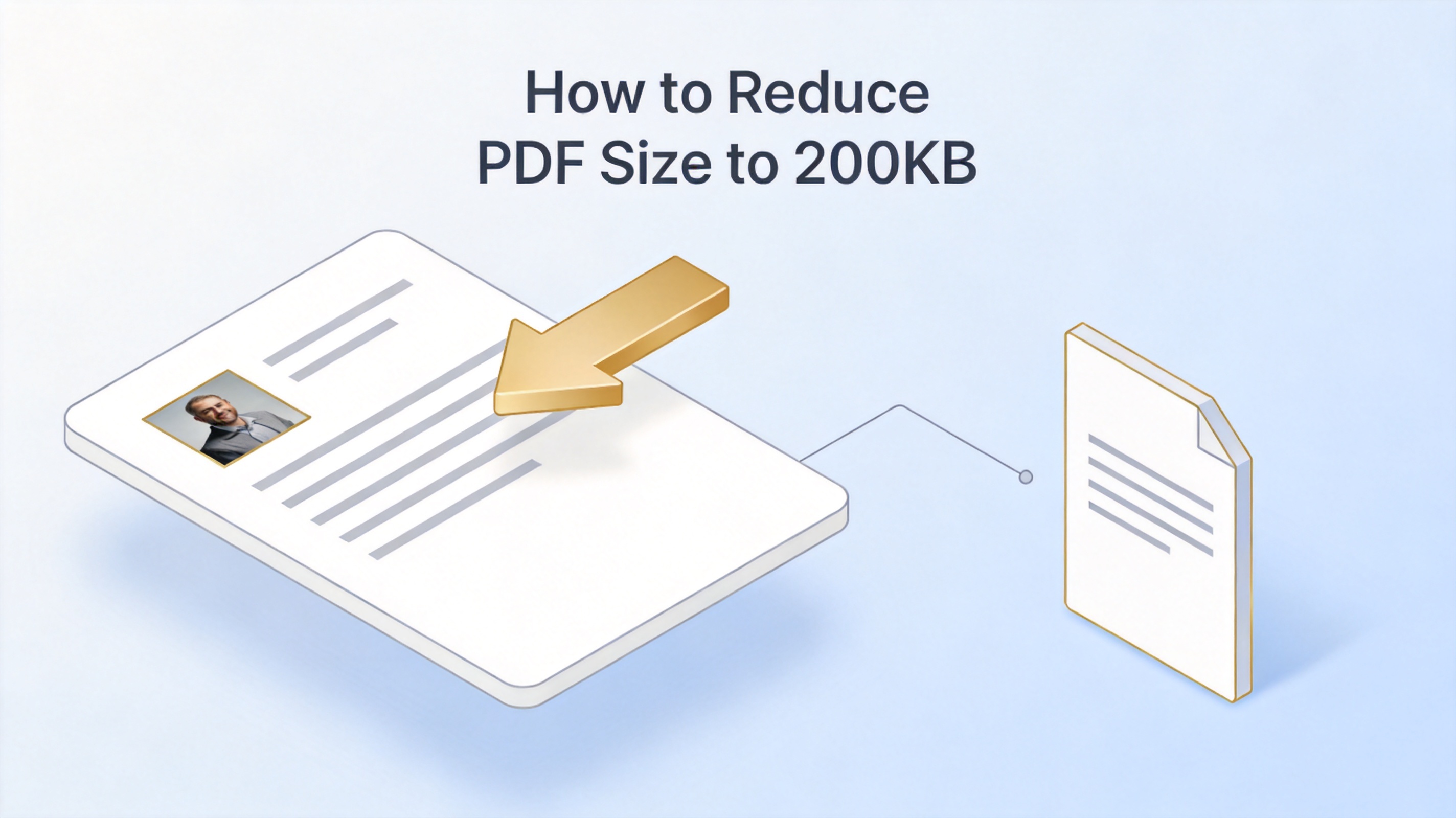
Learn how to reduce a PDF size to 200KB with WPS Office: compress, check the result, and hit small-file upload limits while keeping your text readable.
 2026-09-18
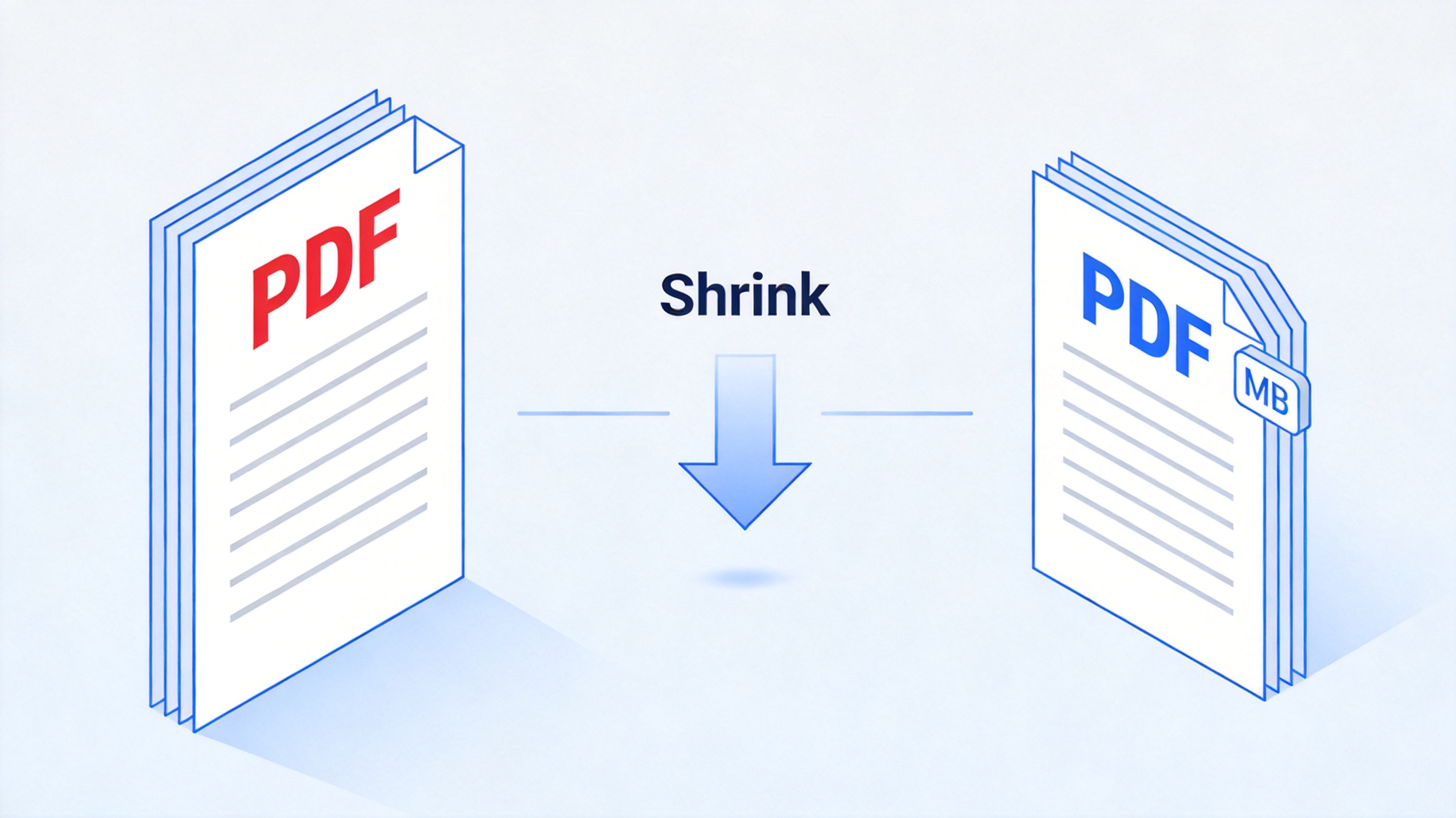
Learn how to reduce PDF file size in MB with WPS Office. Find out what makes a PDF large and compress it for email, uploads, and forms, for free.
 2026-09-18
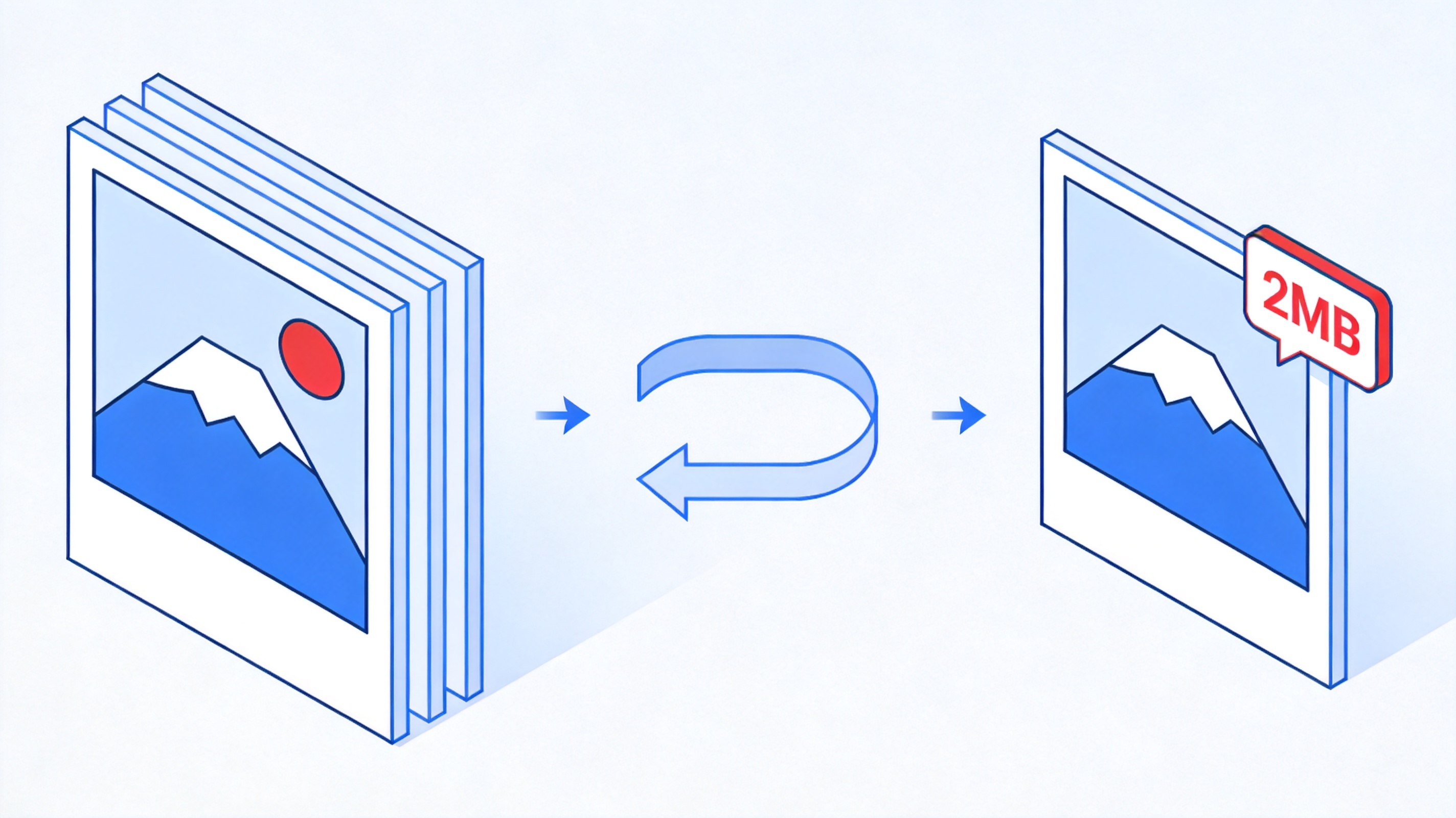
Learn how to reduce photo size to 2MB with WPS Office. Keep quality while shrinking images for uploads and forms, and make any photo pass a 2MB limit for free.
 2026-09-18
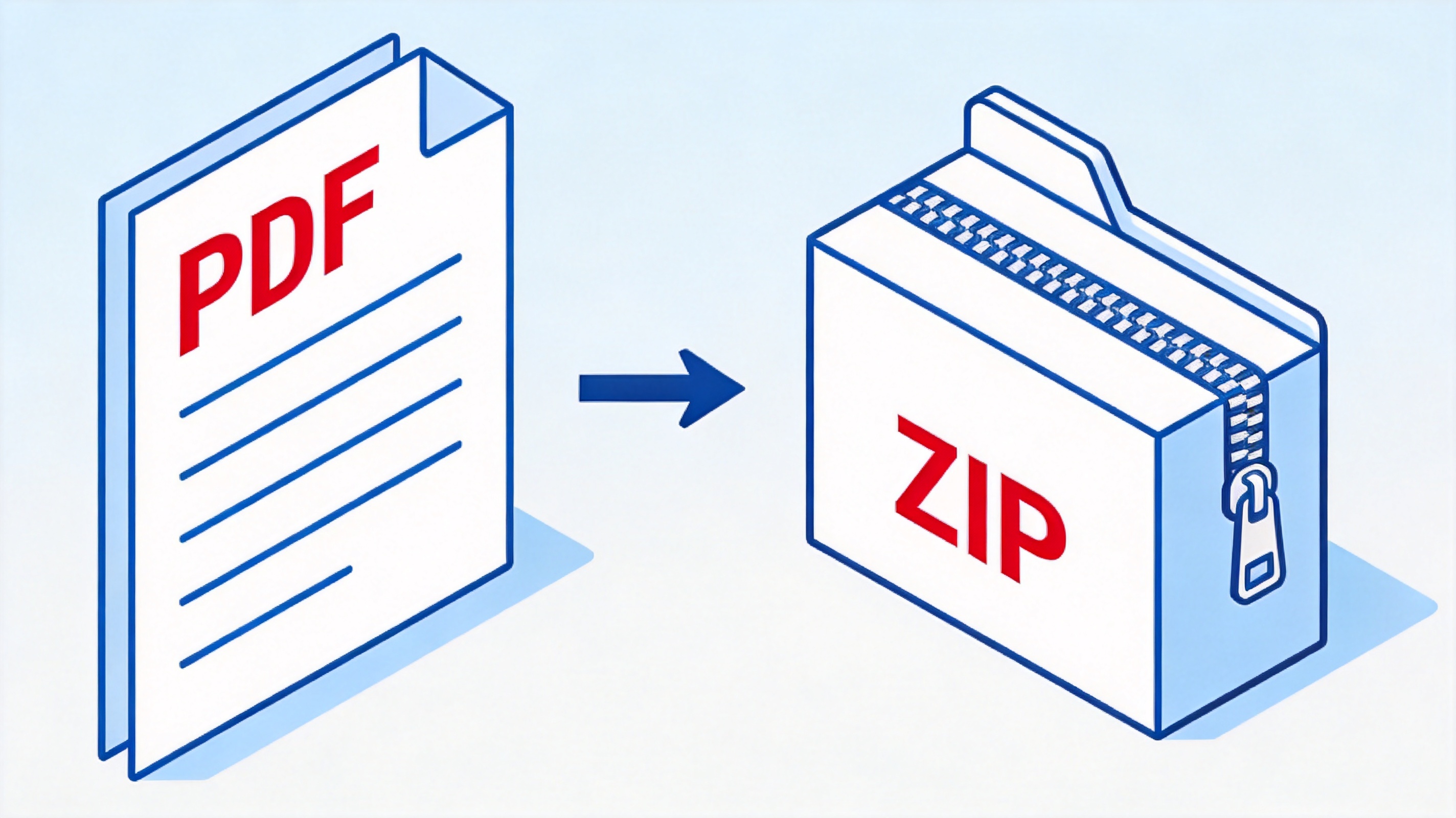
Learn how to convert PDF to ZIP file with WPS Office. Understand the difference between compressing and zipping, and pack PDFs for sharing, for free.
2026-09-18Learn how to translate English PDF to Malayalam with WPS Office, Google Translate, and mobile apps. Compare the best tools and keep the layout, for free.
 2026-09-18
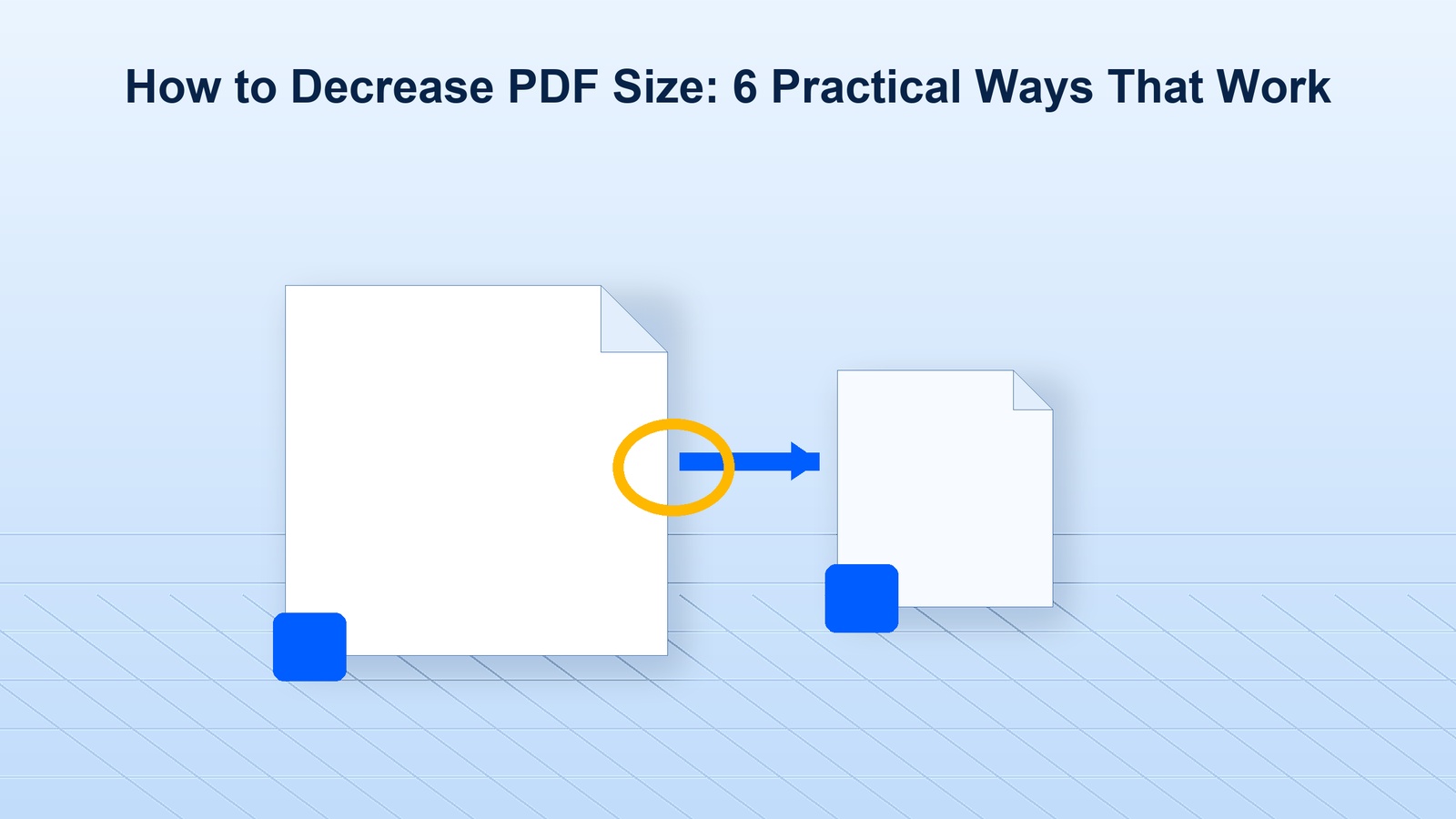
Learn how to decrease PDF size with WPS Office, practical compression tips, and quality checks for email, uploads, and storage without losing readability.
 2026-09-18
Learn how to convert PNG to PDF with WPS Office on desktop, online tools, and mobile while keeping image quality and page order intact for free.
Complete guide to downloading and installing Microsoft Office suite for all platforms, including Word, Excel, PowerPoint, etc.
Learn More MS Office
